

Trend roundups get longer and less useful every year. This one is for founders, marketers and designers who need to pick an art style for a website or brand, not admire forty of them. We pulled the 2026 reports from Behance, Figma and Adobe, kept the art styles that survive contact with a real Webflow build, and cut the rest. For each of the 12: what it looks like, why it is trending, where it works, where it fails, and how it translates to CSS. The table is the short version.
Twelve art styles at a glance
| Art style | Best for | Avoid when |
|---|---|---|
| Neo-brutalism | Dev tools, indie SaaS, studios | Finance, healthcare, older audiences |
| Glassmorphism | Fintech dashboards, product UI | Text-heavy pages, low-end mobile |
| Soft 3D (claymorphism) | Consumer apps, edtech, kids | Enterprise B2B, legal |
| Bento grids | SaaS feature pages, portfolios | Long-form editorial |
| Retro-futurism | Gaming, music, crypto, events | Trust-led services |
| Frutiger Aero and Y2K | Gen Z consumer, fashion, drinks | B2B, professional services |
| Grainy gradients | Startups, AI products, agencies | Brands that already look like everyone else |
| Maximalism | Fashion, culture, F&B, campaigns | Conversion-critical pages |
| Hand-drawn illustration | D2C, wellness, community brands | Precision or security products |
| Collage and mixed media | Editorial, fashion, nonprofits | Dense product catalogs |
| Kinetic typography | Agencies, launches, hero sections | Accessibility-first, content sites |
| Dark mode luxe | Premium, automotive, AI, developer | Reading-heavy, low-contrast risk |
Is your site using a style that works against you?
Send us your URL and your main buyer. We will check your site against the avoid column above and send a free note on what to change.
The 12 design styles shaping web and brand work in 2026
Ordered roughly from most structural to most decorative. Most real brands mix two, rarely three.
1. Neo-brutalism
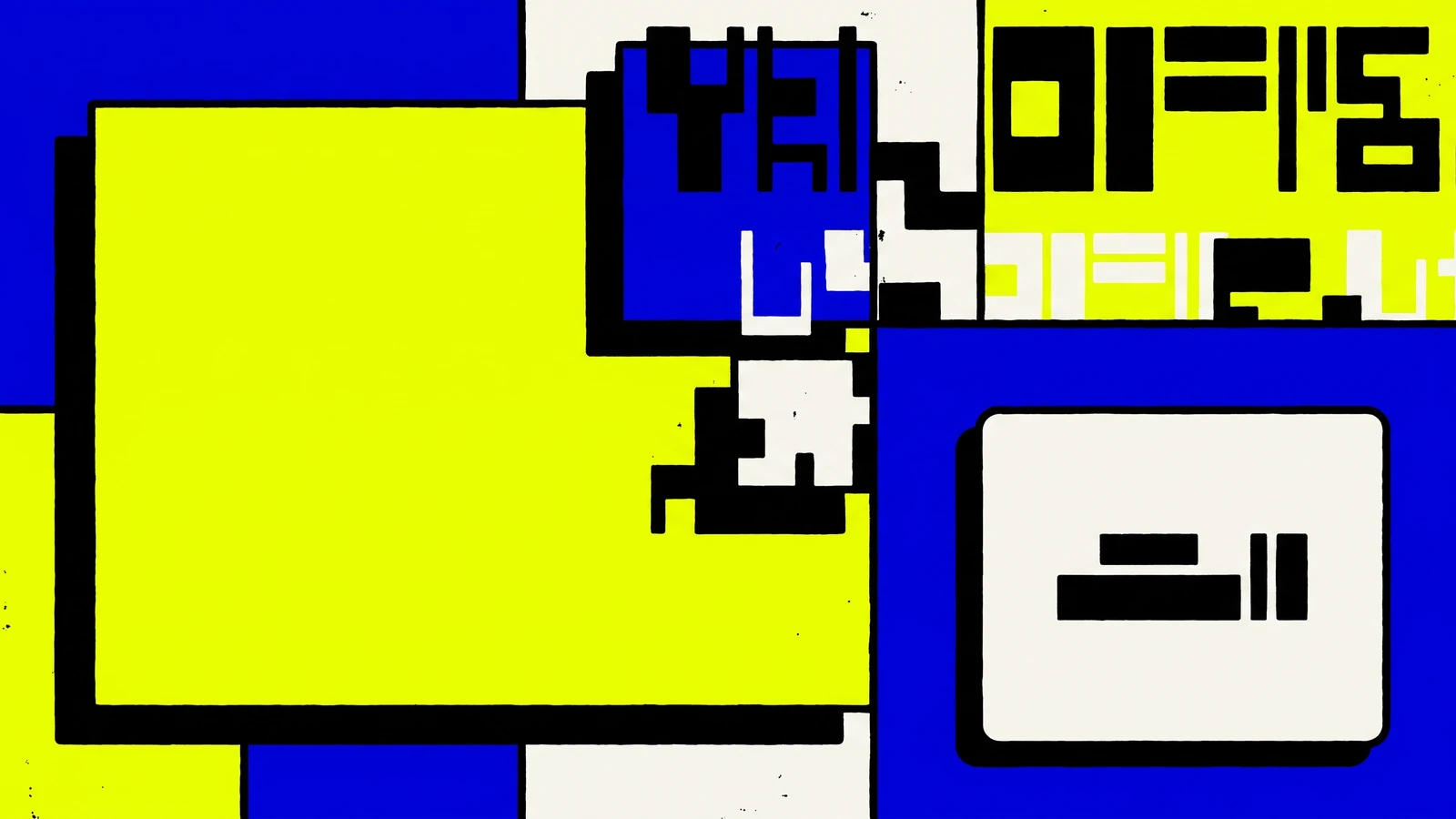
Thick black borders, hard offset shadows, unstyled system type, and colors that argue with each other. Figma's 2026 list files it under anti-design: visuals that refuse to be polished. It is trending because AI-generated sites all look smooth, and a brutalist page reads as human on sight. It works for developer tools, indie SaaS, design studios and anything selling to people who distrust marketing. It fails for finance, healthcare and any audience over 45 that reads roughness as cheapness. In Webflow, the whole look is two properties: a 3px solid border and a box-shadow with zero blur (6px 6px 0 #000). Turn border-radius off site-wide, keep one accent color, and never add a gradient. The moment you soften it, it becomes something else.
2. Glassmorphism

Frosted, translucent panels floating over a colorful blur, with a thin light border to sell the edge. Apple's translucent OS layers plus the Frutiger Aero revival pushed it back up in 2026. It works for fintech dashboards and SaaS hero cards where depth signals "software". It fails on text-heavy pages (contrast collapses over busy backgrounds) and on cheap Android phones where backdrop blur tanks scroll performance. In Webflow, set the panel background to white at 10 to 20 percent opacity, add a backdrop filter blur of 12 to 20px under Effects, and a 1px border at 30 percent white. The style only works if something colorful sits behind it; glass over a flat grey background is just a grey card.
3. Soft 3D and claymorphism
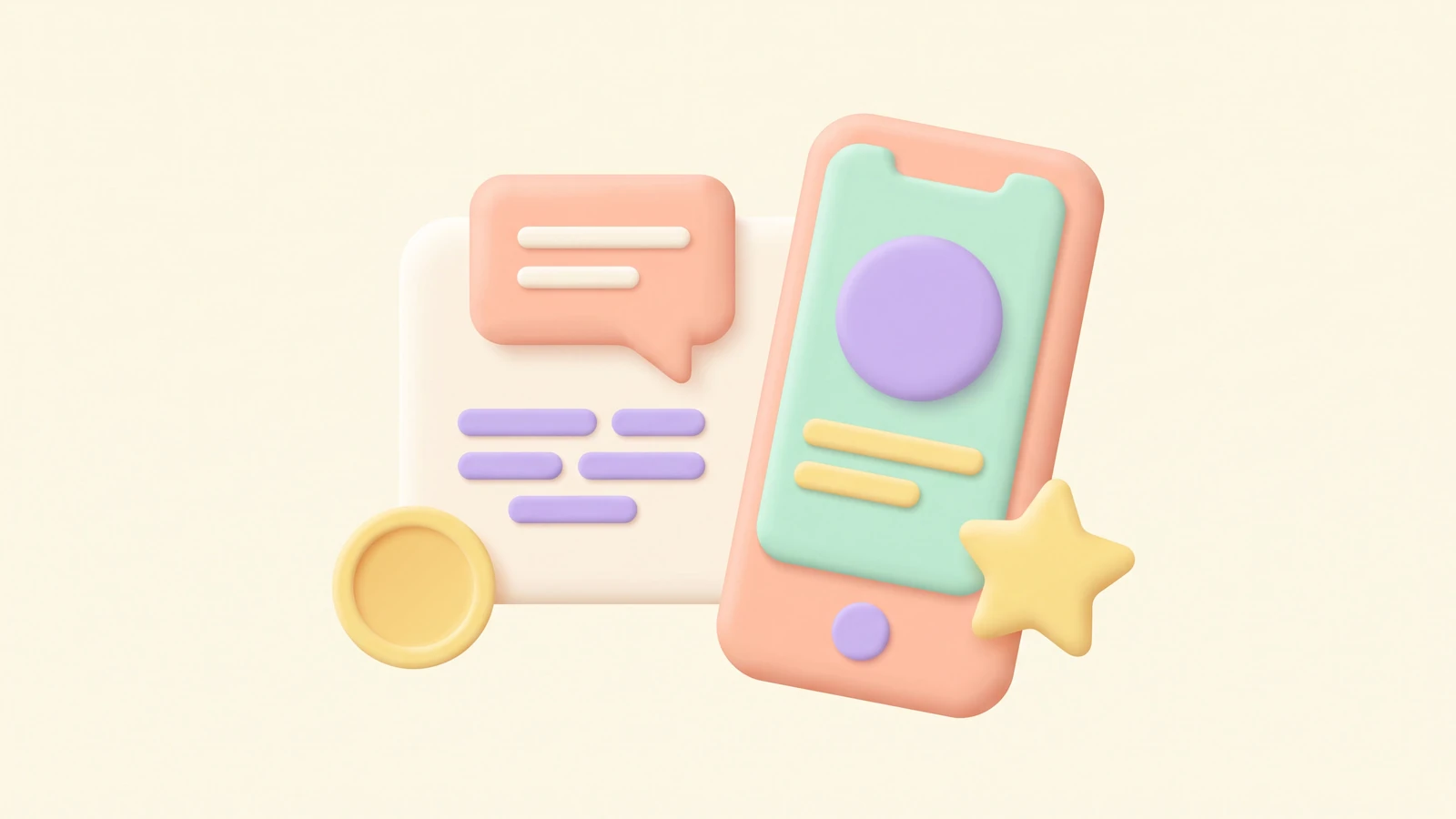
Rounded, matte objects that look like modelling clay: pastel colors, soft inner shadows, no hard edges. Behance and Figma both list immersive 3D as a 2026 driver, and claymorphism is the friendly, affordable end of that spectrum. It works for consumer apps, edtech, fintech aimed at first-time users, and kids' products. It fails for enterprise B2B, legal and anything where "playful" costs credibility. In Webflow, do not render 3D live. Export from Spline or Blender as WebP at two sizes, keep each under 150 KB, and animate position on scroll with a native interaction. A Spline embed is fine for one hero object; for eight icons, static images win on Core Web Vitals.
4. Bento grids
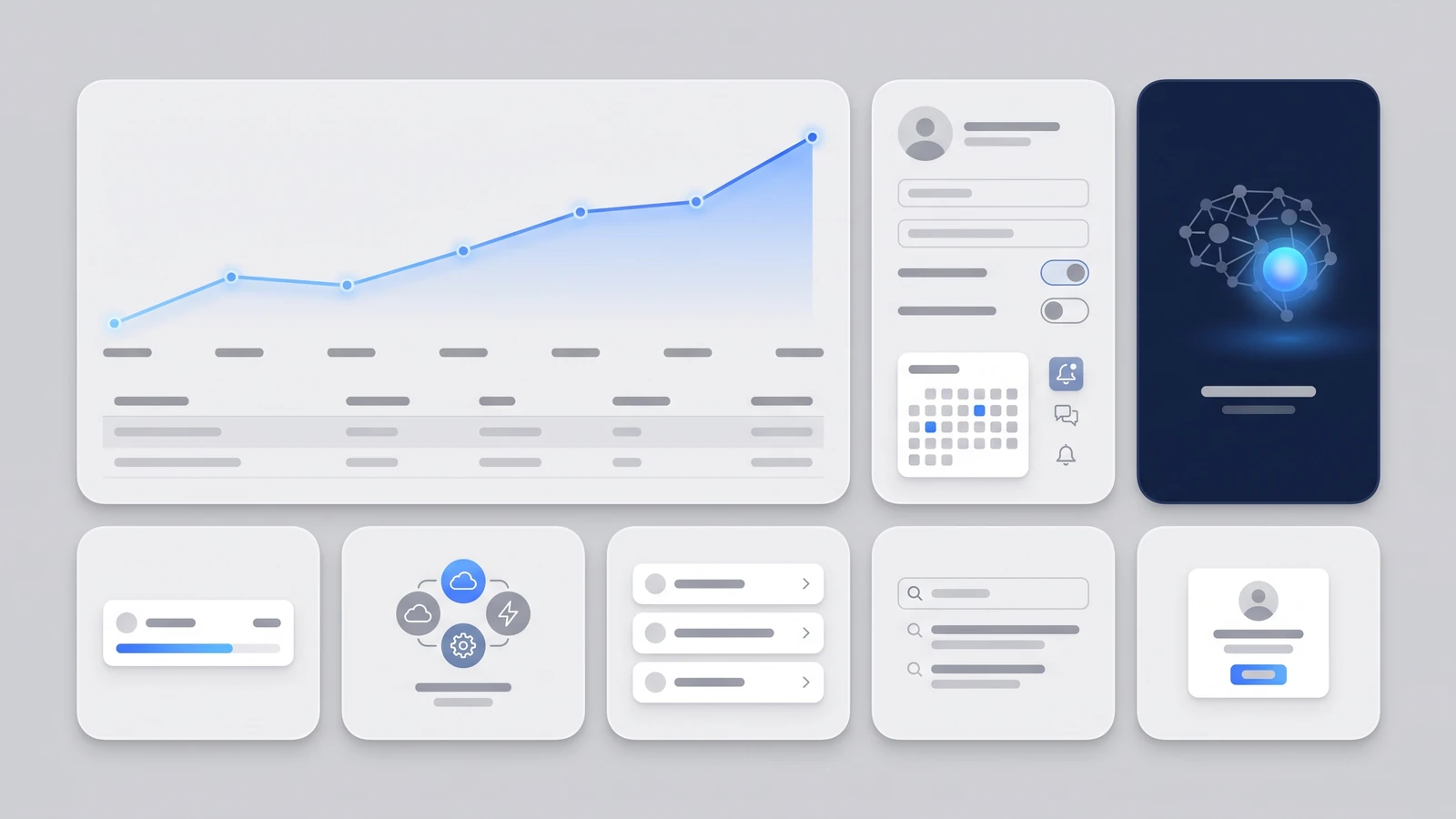
Modular tiles of mixed sizes, rounded corners, one idea per box, arranged like a Japanese lunchbox. Apple's keynote slides made it the default SaaS feature layout, and in 2026 it is the most copied structure on the web. It works for feature sections, portfolios and anywhere you have six to ten unequal things to show. It fails for long-form editorial, where a reader wants a column, not a mosaic. In Webflow, build it as a real CSS grid with column and row spans rather than stacked flex rows; spans collapse cleanly to one column on mobile. Keep tile padding identical, cap the palette at two surface colors, and give the largest tile the one message that matters. Twelve equal tiles is just a card grid.
5. Retro-futurism
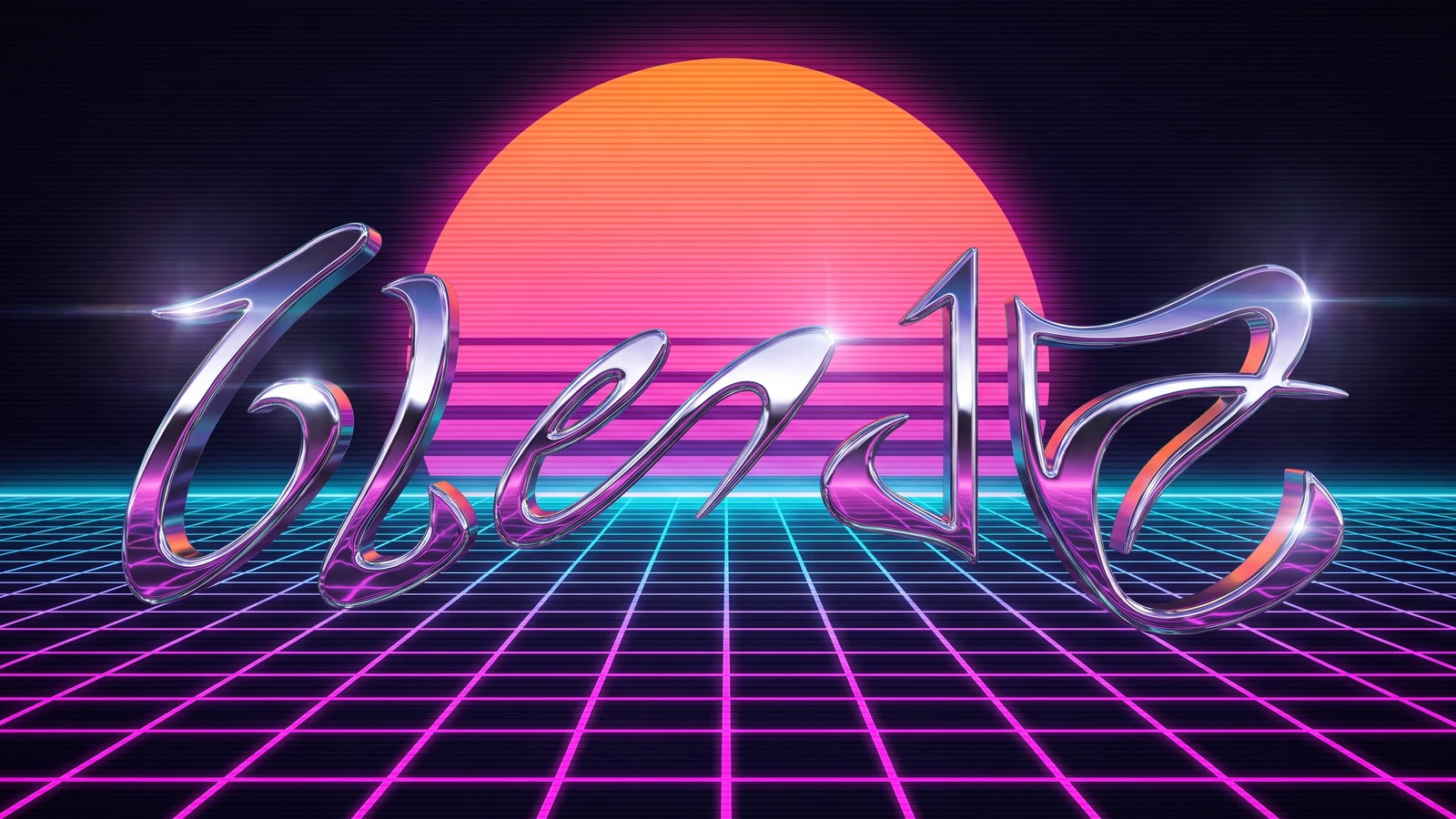
Chrome type, neon grids, sunset gradients, scanlines, the future as imagined in 1984. Both Figma and Envato name retro-futurism in their 2026 lists, and it keeps returning because nostalgia sells to people who never lived it. It works for gaming, music, events, crypto and streetwear. It fails for trust-led services: an accountant with a synthwave website is a joke, not a brand. In Webflow, chrome comes from a linear-gradient with five metallic stops applied as background-clip text; scanlines are a repeating-linear-gradient overlay at 8 percent opacity set to pointer-events none. Pair one display face with a plain grotesque for body copy, or nothing is readable at paragraph length.
6. Frutiger Aero and Y2K revival
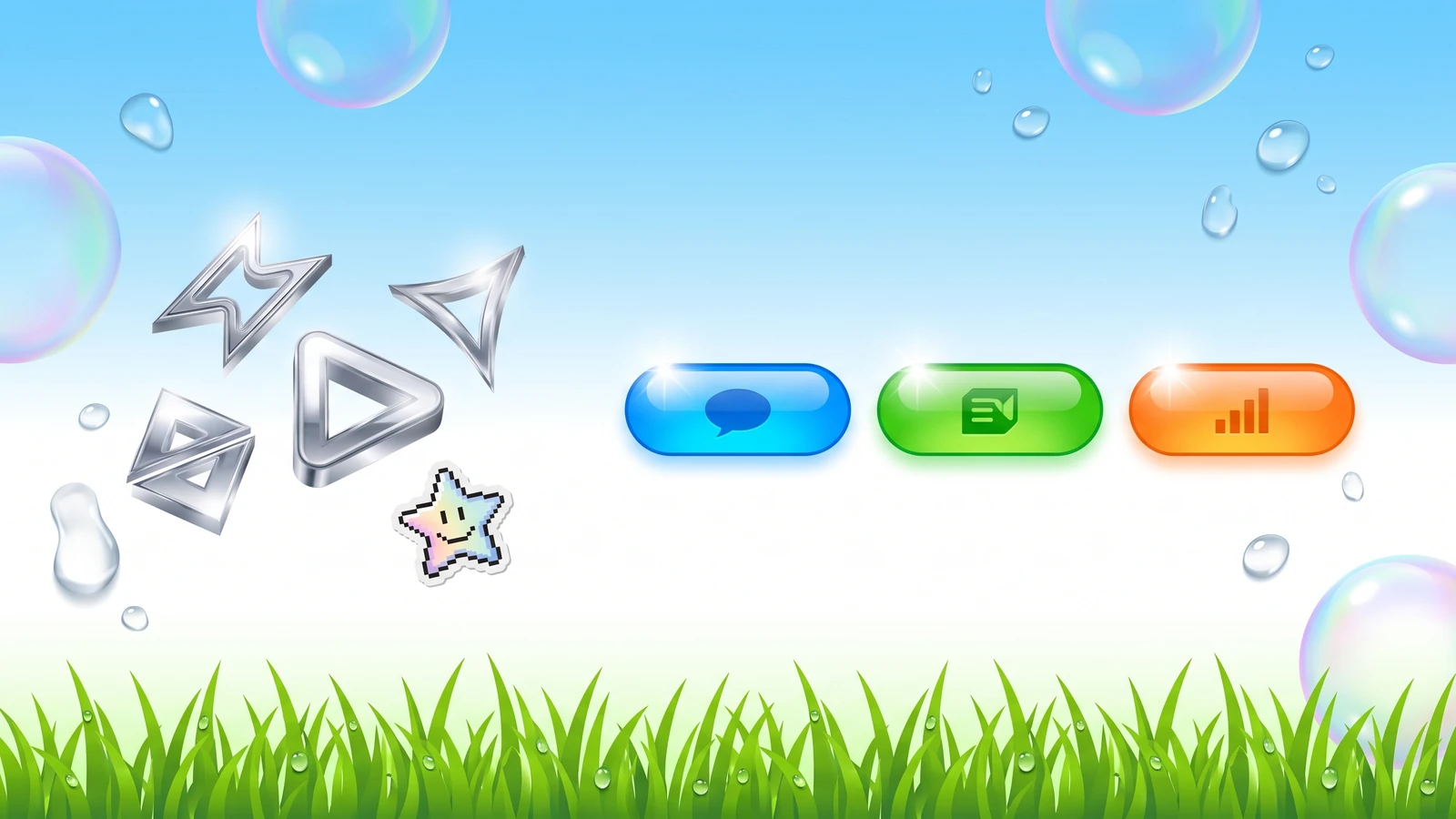
Glossy bubbles, sky blue, water droplets, shiny pill buttons and green grass: the optimism of early-2000s tech. Vistaprint calls the 2026 wave the Frutiger Aero Revival, and it shares DNA with the wider Y2K comeback (metallics, bubble type, pixel stickers). It works for Gen Z consumer brands, drinks, fashion and anything that wants to feel fun and clean at the same time. It fails for B2B and professional services, where gloss reads as dated rather than retro. In Webflow, the gloss is a radial-gradient highlight at the top-left of each button, and the depth comes from a soft drop shadow at 20 percent. Keep the palette to blues, whites and one green; the line between revival and "2006 template" is thin.
7. Grainy gradients
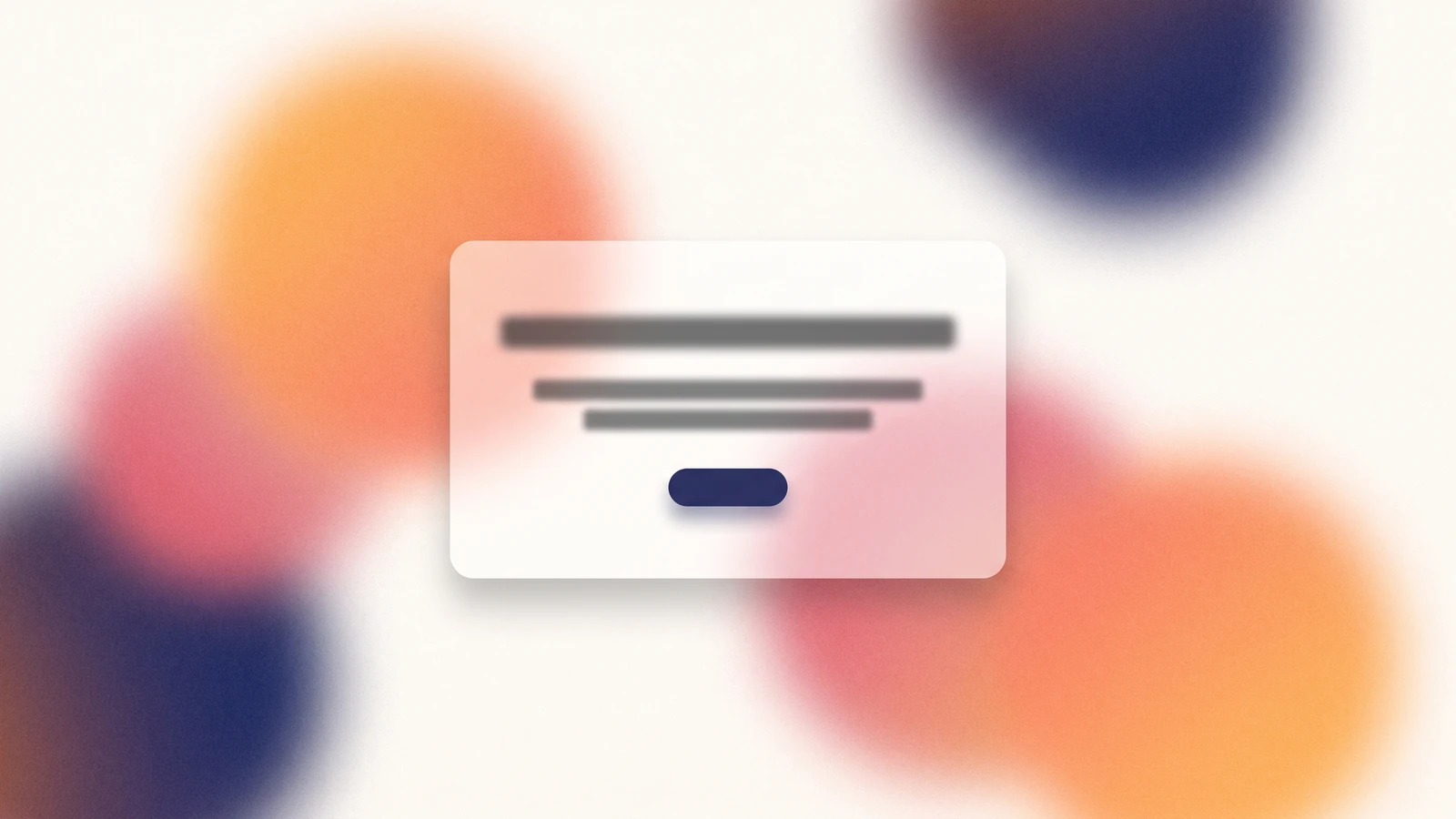
Blurred color blobs with a film-grain texture on top, usually behind minimal type. Behance's 2026 report calls out gradient layering and chromatic expression; the grain is what stops it looking like a 2019 Stripe clone. It works for startups, AI products, agencies and any brand that needs warmth without imagery. It fails when your competitors already use it, which in 2026 is most of them. In Webflow, keep the gradient in CSS (two or three radial-gradients on one div) and add grain as a tiny tiling noise PNG or an SVG turbulence filter on an overlay set to mix-blend-mode overlay. Never export the whole hero as one 2 MB image. The gradient is not the brand; the type on top of it is.
8. Maximalism
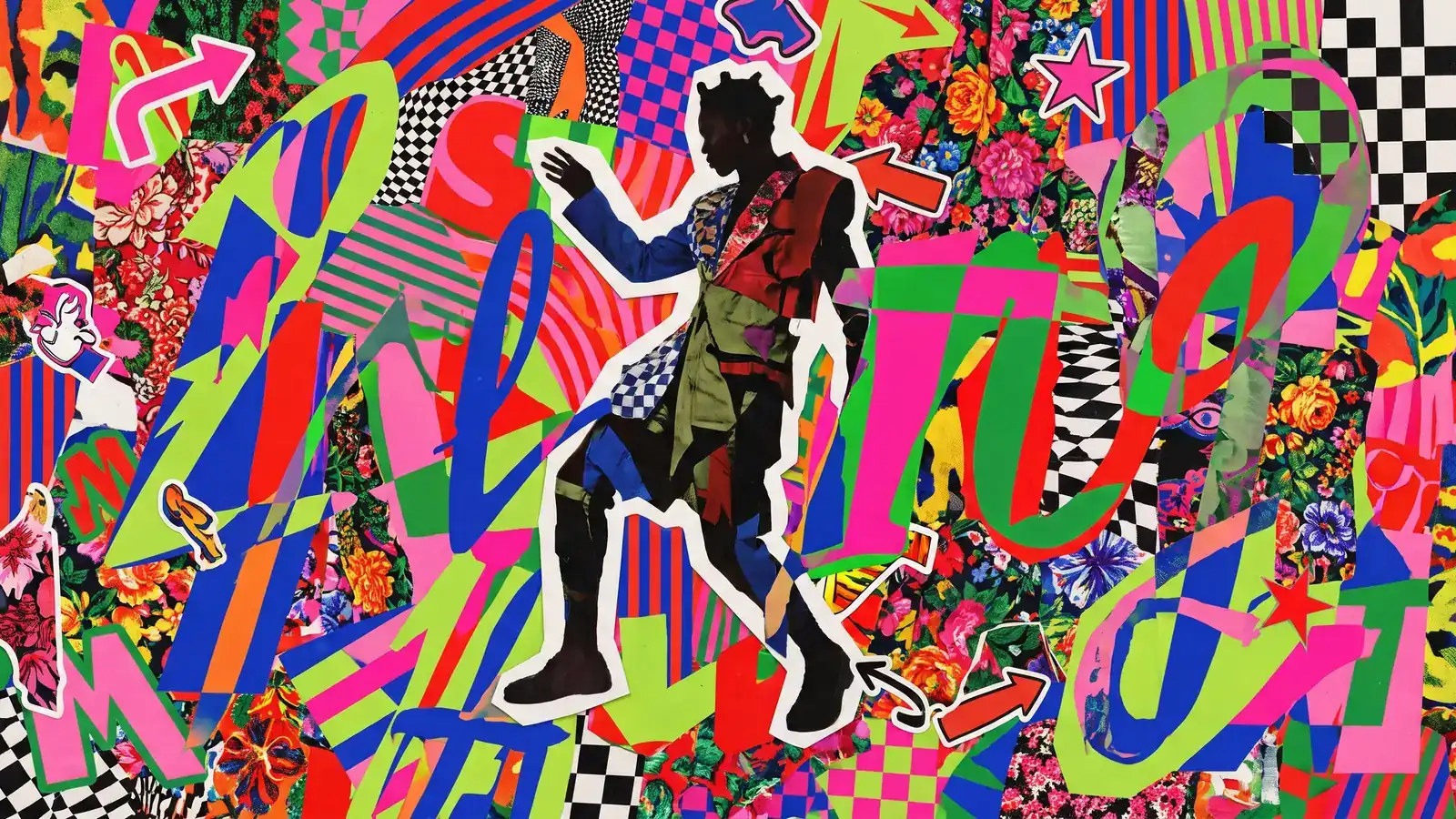
More of everything: layered shapes, oversized type, clashing colors, patterns on patterns. Adobe lists chaotic maximalist layouts in its 2026 top ten, and Envato frames the same thing as "chaos packaging" pushing back against a decade of minimalism. It works for fashion, culture, food and drink, festivals and campaign microsites where attention is the metric. It fails on conversion-critical pages: a checkout or a pricing page in maximalist dress leaks users. In Webflow, layer with absolute positioning inside a relative wrapper and control stacking with z-index, but budget the interactions: five animated layers on a hero is fine, twenty will stutter on a mid-range phone. Decide which one element is the message and let everything else be texture.
Are layers and animation slowing your site?
Send us your URL. We will run a free speed check and list the images, embeds and animations worth fixing first.
9. Hand-drawn and imperfect illustration
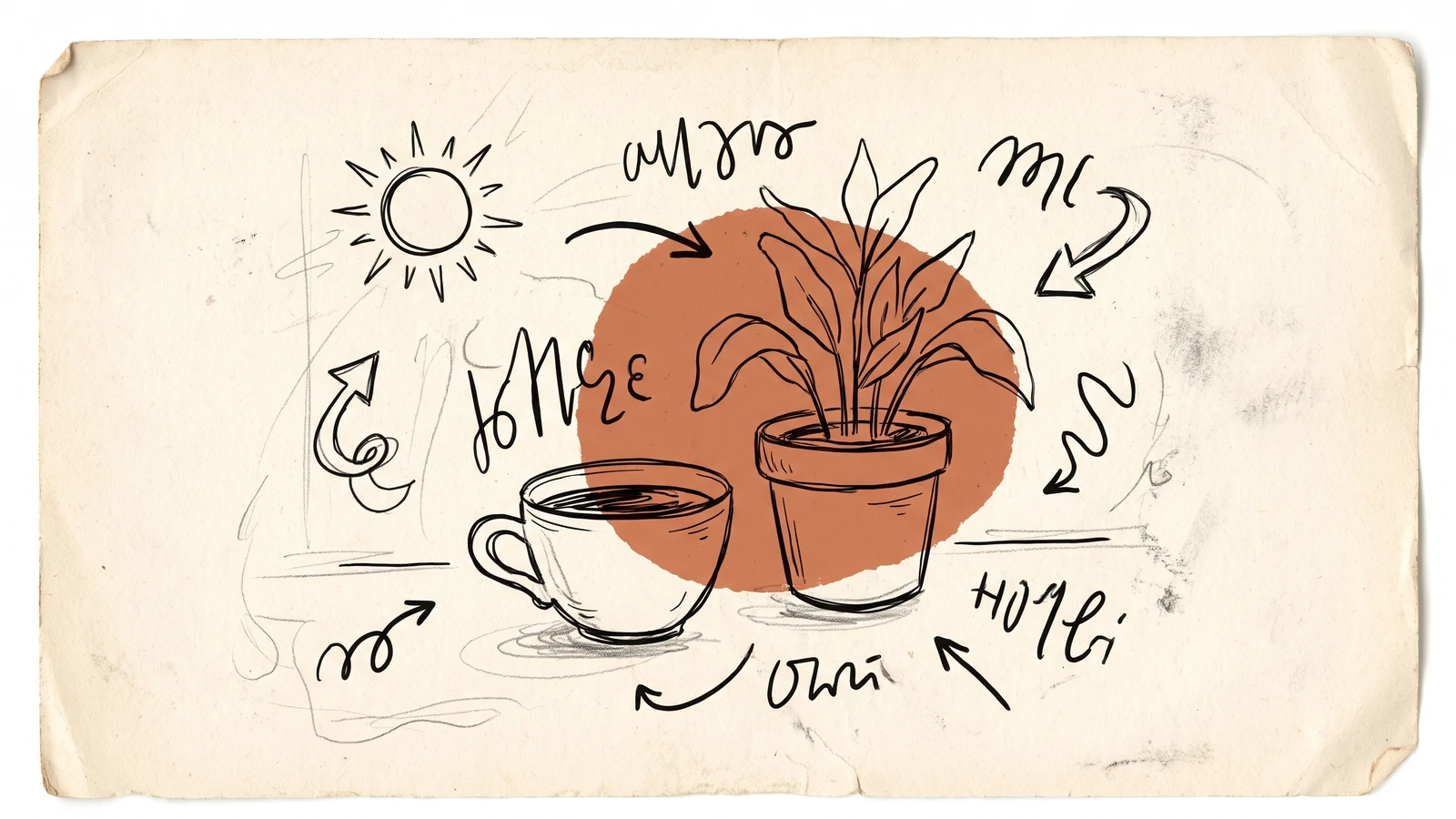
Wobbly lines, visible pencil, irregular lettering, doodles in the margins. This is the biggest cross-source agreement of 2026: Adobe's "organic and imperfect", Behance's "humanised letterforms" and "anti-polish", Vistaprint's "tactile craft". Perfection is now free, so imperfection is the new proof of a human. It works for D2C, wellness, community brands, education and founders who want to sound like a person. It fails for security, precision engineering and medical products, where a wobbly line reads as a wobbly process. In Webflow, ship illustrations as SVG, not PNG, so line weight stays crisp on retina screens, and animate a signature or underline with stroke-dashoffset. Commission the set once; AI-generated "hand-drawn" rarely holds one hand across ten images.
10. Collage and mixed media
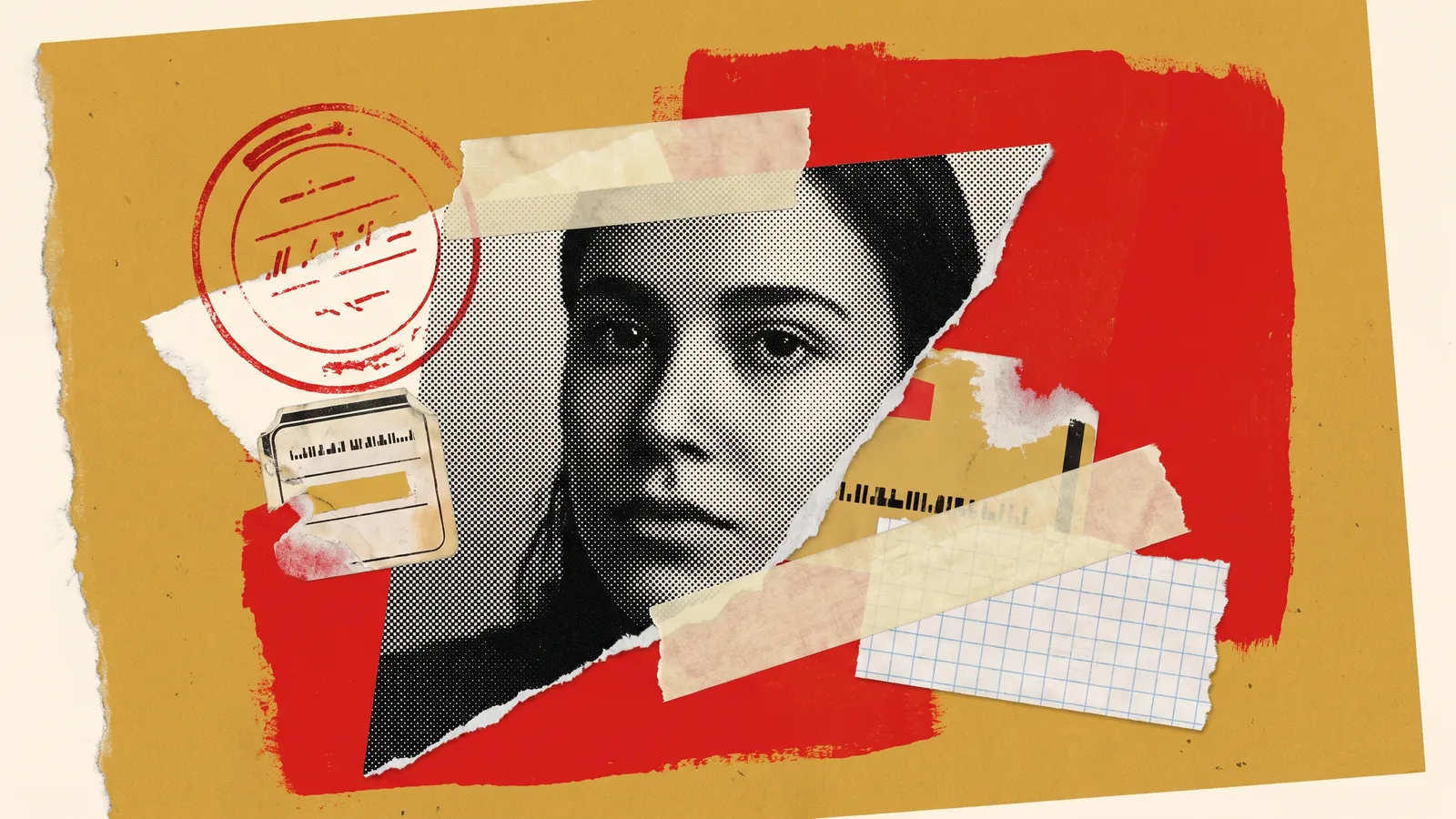
Torn paper, cut-out photography, halftone, stickers, tape, stamps, all stacked. Adobe, Figma and Vistaprint (as "Distorted Cut") each name collage for 2026, and it pairs naturally with the hand-drawn trend above. It works for editorial, fashion, nonprofits, music and brand campaigns with a story to tell. It fails for dense product catalogs and anything that needs a tidy grid to be scannable. In Webflow, cut-outs are images with clip-path polygons and a slight rotate transform; halftone is a photo with a dotted-pattern overlay set to multiply. Keep every layer a separate optimised asset so you can reflow them on mobile instead of one giant composite that crops badly at 390px.
11. Kinetic typography
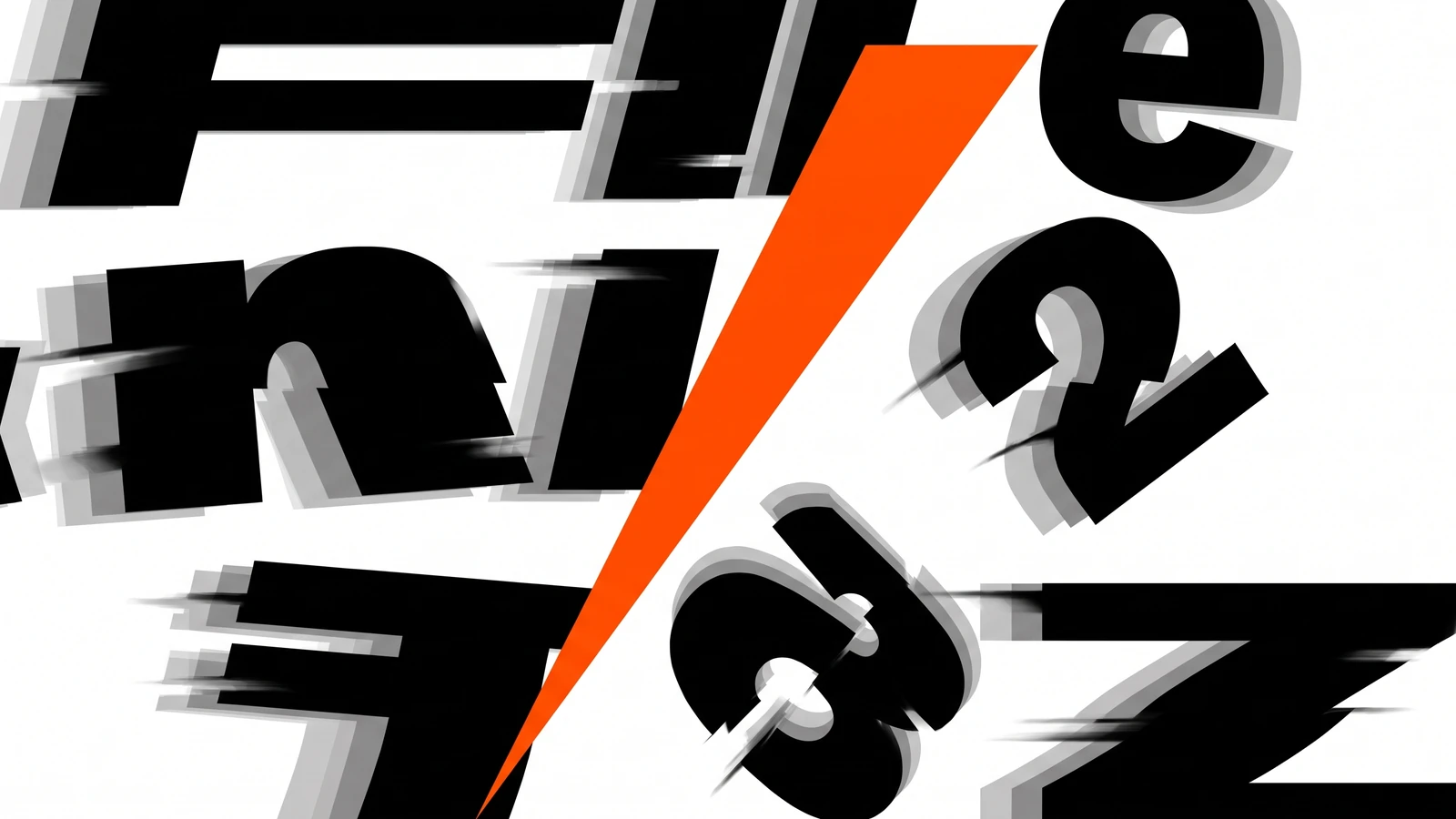
Type that moves: letters that stretch, scroll, flip, or fill the viewport as the main visual. Figma names bold typography and motion as separate 2026 trends; Behance calls motion the primary branding language. Combined, the headline is the hero image now. It works for agencies, product launches, portfolios and any hero section where you have one sentence worth staring at. It fails for content sites and accessibility-first audiences, where moving text is a barrier, not a feature. In Webflow, use a variable font and animate font-variation-settings (weight, width) on scroll, or split the heading with a text-split interaction and stagger the characters. Wrap it in a prefers-reduced-motion check. Three seconds of animation is a brand moment; thirty is a loading screen.
12. Dark mode luxe
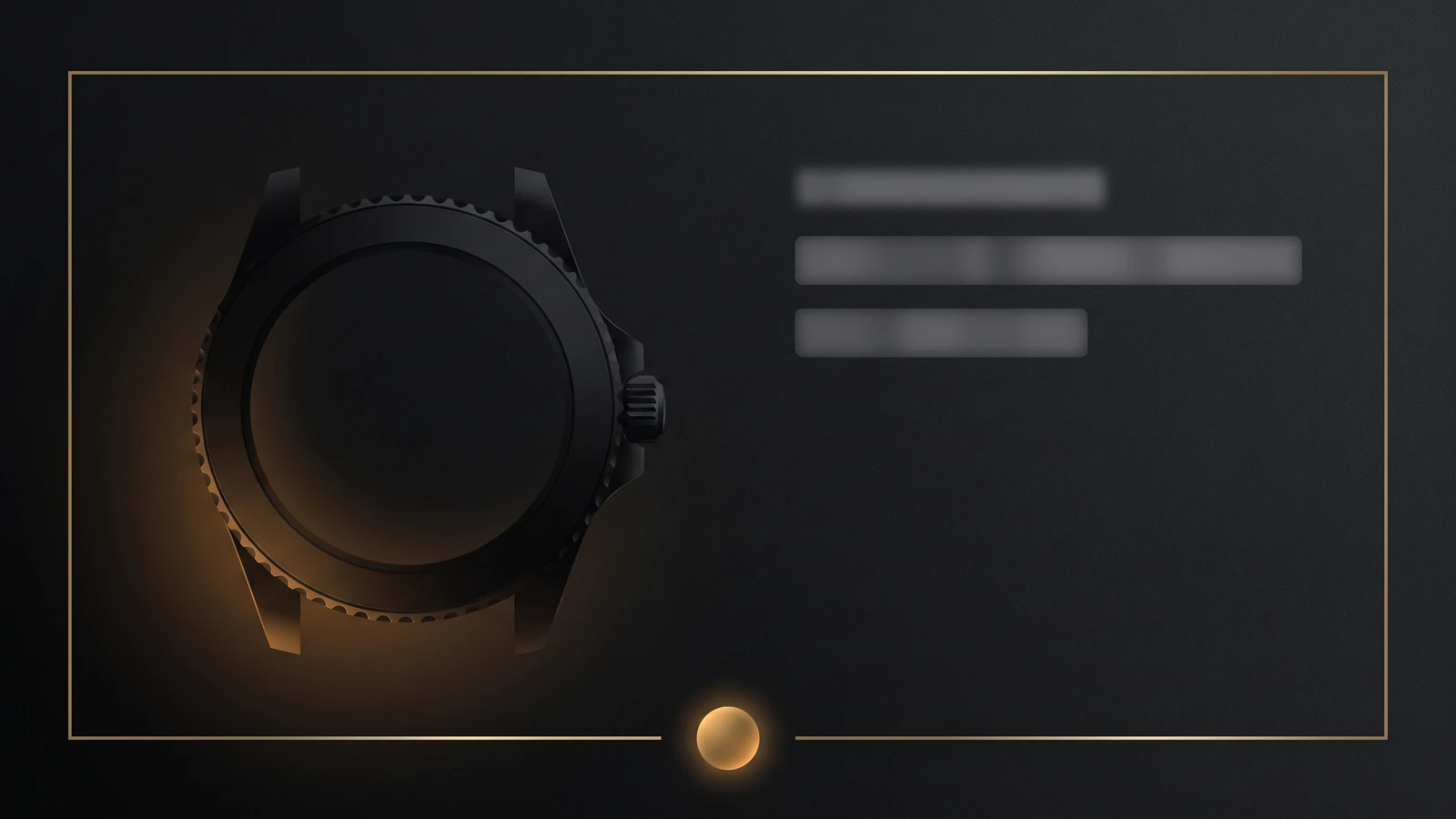
Near-black surfaces, thin metallic lines, one glowing accent, lots of space. Figma lists dark mode as a standing trend and Vistaprint's "Neon-Noir" is its louder cousin, red and black with neon and motion blur. It works for premium products, automotive, AI and developer tools, and luxury retail where the product photography carries the page. It fails for reading-heavy sites and teams that skip contrast testing: white on black fatigues eyes fast. In Webflow, use a near-black like #0B0B0F rather than pure #000 so shadows still register, keep body text at 4.5:1 contrast, and store light and dark values as variable modes so the whole site can flip later. Reserve the glow for one element per screen.
How to pick an art style for your brand
The mistake we see most often at Gleam is choosing a style from a mood board and then discovering it fights the product. Our design service runs every project through four rules before a pixel is drawn.
- Start from the buyer's fear, not your taste. A CFO buying compliance software fears looking reckless; neo-brutalism is out. A teenager buying sneakers fears looking boring; dark mode luxe is out. Strike every style that triggers the fear.
- Pick one structural style and one decorative style. Bento grids plus grainy gradients. Neo-brutalism plus hand-drawn marks. Structure decides the layout, decoration decides the mood. Three styles is where brands start looking like a Dribbble feed.
- Test the style on your worst page, not your hero. Render your pricing page, a 2,000-word blog post and a form in it. If it breaks there, it is a campaign look, not a brand system.
- Check the cost of maintaining it. Hand-drawn needs an illustrator on call; 3D needs re-renders when the product changes. Read our guide to website design for startups before committing to a monthly art budget, and see what drives logo design cost in India for identity work.
If none of the 12 fit, the default is what Envato calls neo-minimalism: clean layout, warm neutrals, one serif, real photography. It never trends because it never stops working.
Need the brand identity before the website?
Tell us about your business and your buyer. We will send a free quote for logo and identity design, with no obligation.
The 2026 shift: AI art and the sameness problem
A trend used to be something a few studios did that everyone copied over two years. In 2026 a style can go from a Behance post to ten thousand landing pages in a month, because AI design generators reproduce any aesthetic on demand. That collapses the value of a trend the moment it becomes one. Adobe names surreal, absurdist imagery as a 2026 trend, and Vistaprint's "hyper-individualism" describes the same thing: deliberately strange visuals chosen because a model would not have chosen them.
So the art style is no longer the differentiator; execution and restraint are. Two things separate a site that looks designed from one that looks generated. First, consistency: the same hand, palette logic and spacing rhythm across fifty pages, which AI tools still struggle with at system scale. Second, editing: knowing which bento tile to leave empty, which collage layer to delete. We use the best AI design tools daily for exploration, and our guide to AI for graphic design covers where they earn their place. But the art styles that still look right in 2028 will be the ones a human chose for a reason and applied with discipline.
Frequently asked questions
What are the most popular art styles in web design right now?
Across the 2026 reports from Behance, Figma, Adobe and Envato, the styles named most often are neo-brutalism, hand-drawn illustration, collage, maximalism, retro-futurism, immersive 3D and kinetic typography. Bento grids and grainy gradients dominate SaaS layouts in practice even where the reports do not name them. Dark mode is a standing default rather than a trend.
What is the difference between an art style and a design trend?
An art style is a repeatable visual language: neo-brutalism, collage, claymorphism. A design trend is the popularity curve of that style at a point in time. Styles are stable and can be chosen deliberately for a brand; trends rise and fade, often within a year. Pick a style that fits the product and ignore where it sits on the curve.
Which design styles work best for a SaaS website?
Bento grids for feature sections, glassmorphism or dark mode for product UI framing, and grainy gradients or neo-minimalism for backgrounds are the reliable SaaS combinations in 2026. Neo-brutalism works for developer-facing tools. Avoid maximalism and heavy collage on pricing and signup pages, where visual noise measurably hurts conversion.
Can I combine two illustration styles in one brand?
Yes, but pair one structural style with one decorative style rather than two decorative ones. Hand-drawn marks over a strict grid works; hand-drawn marks over collage over a gradient does not. Define the rule once (where illustration appears, at what scale, in which colors) and document it so every page follows it.
How do I build these styles in Webflow without hurting performance?
Keep effects in CSS wherever possible (gradients, borders, shadows, backdrop blur) and ship imagery as optimised WebP or SVG under 150 KB per asset. Limit animated layers, respect prefers-reduced-motion, and test on a mid-range Android phone. Most performance problems come from exporting a whole styled hero as one large image, not from the style itself.
Pick the Right Style Before You Build.
Send us your site and your target buyer. We will tell you which two of these 12 styles fit, which to avoid, and what it costs in Webflow.




