

n8n is used for connecting apps and AI models into automated workflows: a trigger such as a webhook, a schedule, a new email or a WhatsApp message starts a chain of nodes that read, transform and write data. Its public library listed 13,315 templates across seven categories when we checked on 16 October 2026. That is too many to browse, so this post picks the twelve workflows we build most often for Indian small businesses, names the actual nodes in each chain, links an importable template for every one, and says roughly what each costs to run. If you are still choosing a platform, read n8n vs Zapier vs Make first.
The twelve workflows at a glance
| Workflow | Trigger and key nodes | Template |
|---|---|---|
| Form lead to Sheets and CRM with AI scoring | Gmail or Webhook, AI Agent, HubSpot, Google Sheets, Slack | 7680 |
| WhatsApp enquiry agent | WhatsApp Trigger, AI Agent, Gemini Chat Model, WhatsApp Business Cloud | 8251 |
| Google Maps lead list with enrichment | HTTP Request, OpenAI, HubSpot, Google Sheets | 4824 |
| Invoice PDF to Google Sheets | Google Drive, Information Extractor, Anthropic or OpenAI Chat Model, Sheets, Telegram | 6480 |
| Razorpay payment reconciliation | HTTP Request, Google Sheets, OpenAI, Gmail, Slack | 20132 |
| Shopify order alerts | Shopify Trigger, If, AI Agent, Slack or Telegram | 4384 |
| Notion or database backup to Drive | Schedule, Notion, Google Drive, Telegram | 10235 |
| Article to LinkedIn post | Telegram Trigger, AI Agent, OpenAI Chat Model, Google Sheets | 11279 |
| YouTube video to summary and snippets | HTTP Request, AI Agent, Slack Send and Wait, Google Sheets | 4584 |
| Google review requests and AI replies | Twilio or Gmail, AI Agent, Google Sheets | 20580 |
| Gmail triage: label, draft, escalate | Gmail Trigger, OpenAI, Gmail | 20399 |
| Website chatbot trained on your own pages | Firecrawl, Text Splitter, Embeddings, Pinecone, AI Agent | 14157 |
Trigger, nodes, output: how every workflow is shaped
Every n8n workflow has the same anatomy. A trigger node waits for something: the Webhook node accepts GET, POST and other methods with optional authentication; a Schedule node runs on a timer; app triggers watch Gmail, Shopify or WhatsApp. Then app nodes do the work: the Google Sheets node appends, updates and reads rows, the HubSpot node creates contacts and deals, the Slack node sends and can wait for a reply. Code nodes handle the odd transformation. The output is a row, a message, a file or a reply.
Workflow or AI agent: which one a task needs
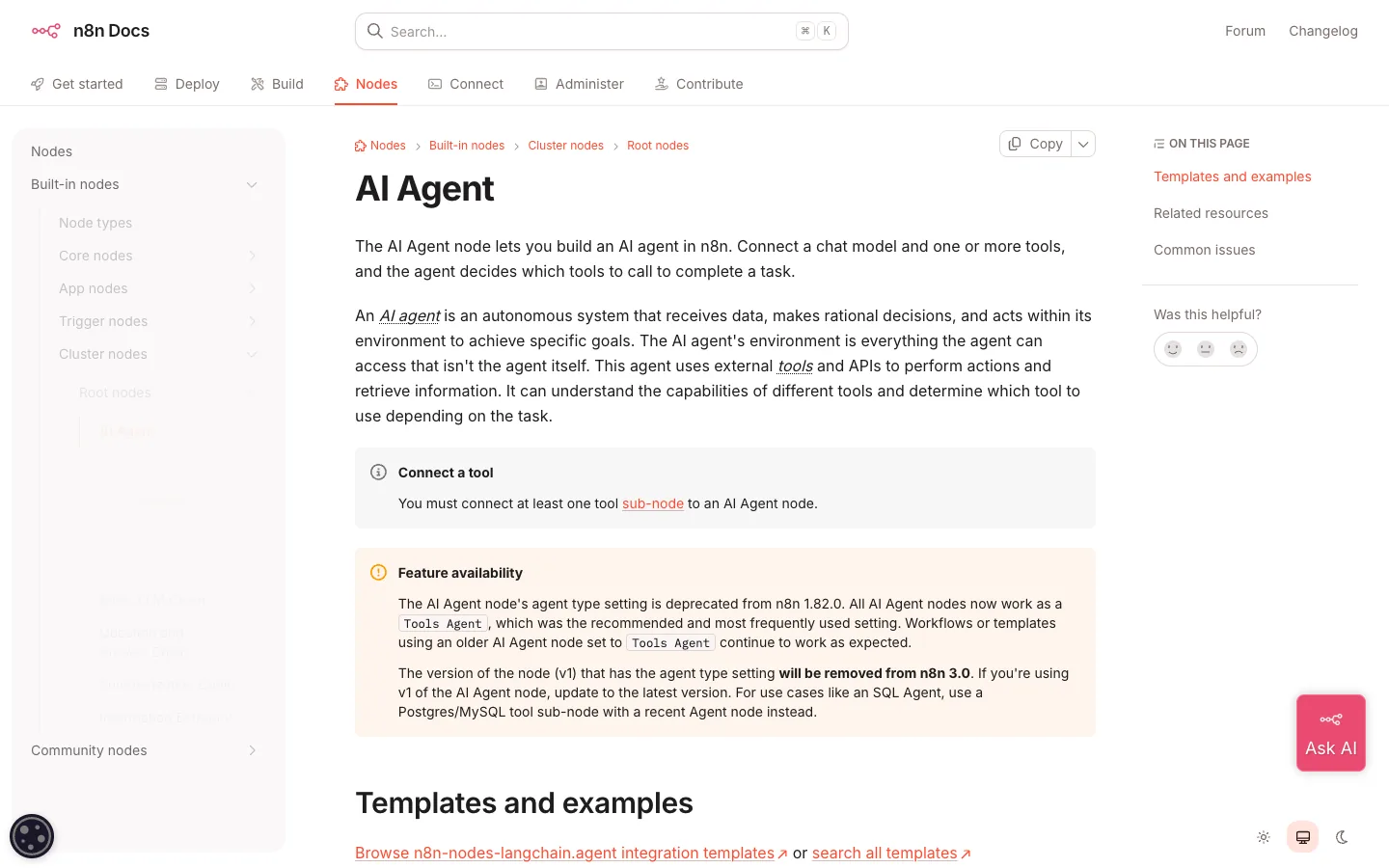
A workflow follows the path you drew. An AI Agent node lets a model decide which connected tools to call; it needs at least one tool sub-node and a chat model, with Anthropic, OpenAI and Google Gemini sub-nodes available. The rule we use: predictable jobs such as backups, alerts and reconciliation get plain workflows; open-ended jobs such as answering a customer or triaging an inbox get an agent with a narrow set of tools and a human escalation path.
Sales, operations and finance workflows
1. Website form to Sheets and CRM with AI scoring
The first automation most businesses should build. A form submission arrives by webhook or Gmail, an AI Agent reads it and scores intent and fit, the Google Sheets node logs it, HubSpot creates the contact and deal, and Slack pings the right salesperson with the score and a one-line summary. Template 7680 is the lead follow-up version with Gmail, AI Agent, HubSpot, Sheets and Slack. Cost: one execution per lead, so even 2,000 leads a month fit the Starter plan.
2. WhatsApp enquiry agent that answers and books
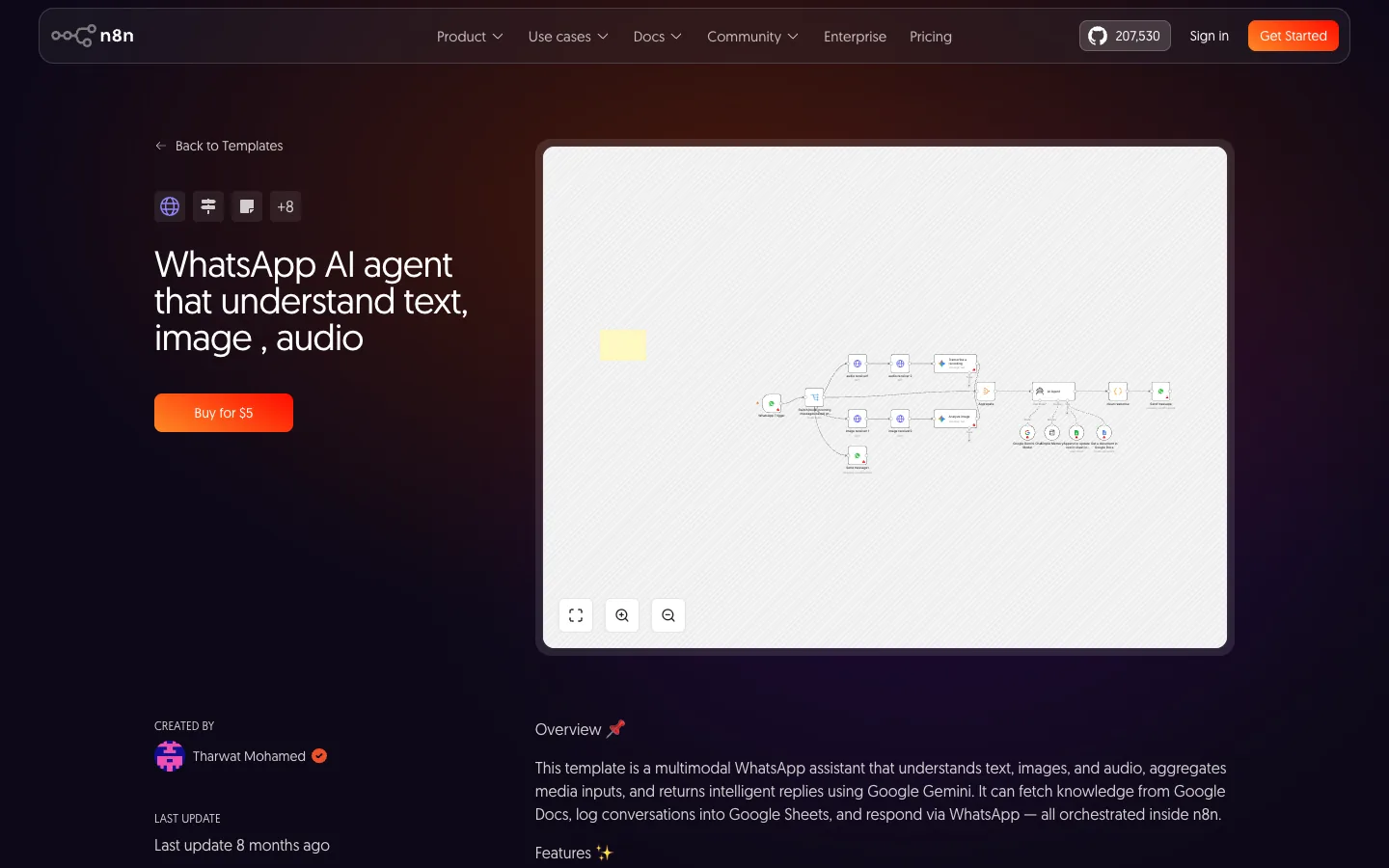
The WhatsApp Trigger receives messages through Meta's Cloud API, an AI Agent with a Gemini or Claude model answers from your FAQ and price list, and the WhatsApp Business Cloud node replies, sends templates and can wait for a response. Template 8251 handles text, images and audio; template 4083 adds booking with Airtable and a vector store. We counted 220 WhatsApp agent templates in the library. Our WhatsApp automation guide covers Meta's per-message pricing, which is the real cost here.
3. Google Maps lead list with enrichment
An HTTP Request node pulls businesses from a Maps search, OpenAI cleans and classifies them, HubSpot stores them and Sheets keeps the master list. Template 4824. Pair it with template 8203 to route Typeform leads into the same CRM. Keep the outreach human; the list is the automation, not the message.
4. Invoice PDF to Google Sheets
Drop supplier invoices into a Google Drive folder. The Drive node picks them up, the Information Extractor node with a Claude or OpenAI model pulls vendor, amount, date and GST, Sheets gets a row, and Telegram confirms. Template 6480. This one pays for the whole n8n setup in a month for any business that keys invoices by hand.
5. Razorpay payment reconciliation
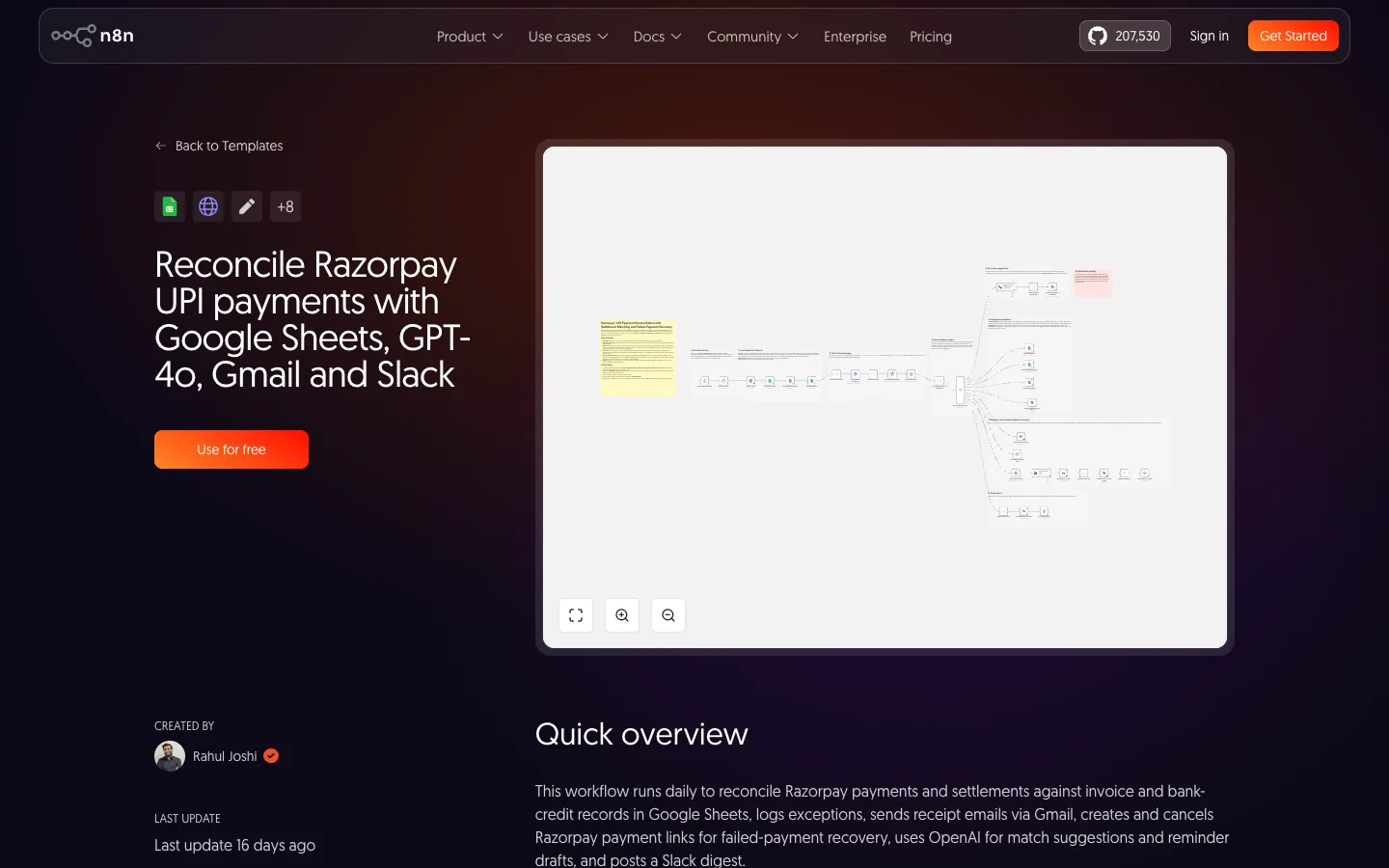
There is no dedicated Razorpay node, but the HTTP Request node calls the Razorpay API directly. Template 20132 matches UPI payments against a Google Sheets ledger nightly, flags mismatches with OpenAI and emails the summary; template 13693 chains Wati and Razorpay for course enrolment on WhatsApp. Both are built for the Indian stack, which almost no automation guide covers.
6. Shopify order alerts, and 7. backups
Shopify Trigger fires on a new order, an If node checks value or a VIP tag, an AI Agent writes a one-line summary, and Slack or Telegram gets it: template 4384, or 4084 for orders to Sheets with Telegram alerts. For backups, a Schedule node, the Notion node, Google Drive and a Telegram notice: template 10235. Boring workflows, and the first ones to save a business from a bad day.
Which of these would save your team the most hours?
Tell us your tools and the three tasks people repeat every day. We will send a free workflow map with the n8n nodes and templates to start from.
Marketing, support and internal workflows
8. Article to LinkedIn post
Send a link to a Telegram bot. The Telegram Trigger passes it to an AI Agent with an OpenAI model that drafts three post variants in your voice, Sheets logs them, and you post the one you like. Template 11279. Keep publishing manual; the drafting is the chore.
9. YouTube video to summary and social snippets
An HTTP Request fetches the transcript, an AI Agent writes a summary and five snippets, and the Slack node's Send and Wait for Response step asks a human to approve before anything is stored in Sheets or posted to Discord. Template 4584. The approval step is the point: content agents without a human gate produce volume, not reach.
10. Google review requests and AI replies
After a job closes, Twilio or Gmail sends the review request; new reviews come back, an AI Agent drafts a reply, and Sheets tracks the ratings. Template 20580, or 19885 using the Google Business Profile node. Read every reply before it posts; a wrong apology costs more than a slow one.
11. Gmail triage: label, draft, escalate
Gmail Trigger on every new mail, an OpenAI step classifies it (lead, invoice, support, spam), labels are applied, drafts are written for the replies a human should send, and anything urgent goes to Slack. Template 20399, or the agent variant 18913. This is the one founders tell us they would not give back.
12. Website chatbot trained on your own pages
Firecrawl or Apify crawls your site, a text splitter and an embeddings node turn pages into vectors, Pinecone stores them, and an AI Agent with a Vector Store tool answers visitor questions from your own content only. Templates 14157 and 19587. Add window memory so the chat holds context, and a handoff to WhatsApp or email when the agent is unsure.

How to pick your first n8n workflow, and what it costs
Pick the task that is repeated daily, has a clear input and output, and hurts when it is late. Invoices, lead logging and order alerts qualify; "do our marketing" does not. Start with a template, change one node at a time, and run it beside the manual process for a week before switching off the human version. Our AI automation services guide covers what a build and a retainer include, and our AI agents examples post shows what the larger deployments look like.
On cost: an execution is a single run of the entire workflow, per n8n's pricing, and the Cloud Starter plan includes 2,500 a month at 20 EUR billed annually. A daily job uses about 30 executions a month; a five-minute poll uses roughly 8,600 to 8,900. So one hourly sync plus about 1,700 ad-hoc runs fits Starter, and a busy WhatsApp bot handling 80 conversations a day does too. Self-hosted, the Community edition has no execution cap; you pay for the server and for the model tokens the AI nodes use, which is usually the larger line.
Want the first workflow built and running this week?
We set up n8n, build one of these twelve for your stack, and hand over the documentation. Get a free quote for the first workflow.
Frequently asked questions
What is n8n used for?
n8n connects apps and AI models into automated workflows. A trigger such as a webhook, a schedule, a new email or a WhatsApp message runs a chain of nodes that read, transform and write data. Common uses are lead routing, invoice extraction, order alerts, content drafting, email triage and chatbots, and its library holds more than 13,000 templates.
Can n8n automate WhatsApp?
Yes. The WhatsApp Trigger node receives incoming messages through Meta's Cloud API and the WhatsApp Business Cloud node sends messages, templates and media, including a send-and-wait step. You need a WhatsApp Business Cloud credential from Meta, and Meta's per-message charges apply on top of n8n.
Does n8n work with Razorpay?
There is no dedicated Razorpay node, but the HTTP Request node calls the Razorpay API directly, and the template library holds Razorpay workflows including UPI reconciliation to Google Sheets and a Wati plus Razorpay course-enrolment flow. The same approach works for any Indian API with documentation.
What is the difference between an n8n workflow and an n8n AI agent?
A workflow follows a fixed path you draw. An AI Agent node lets a model decide which connected tools to call; it needs at least one tool sub-node and a chat model such as Anthropic, OpenAI or Gemini. Use plain workflows for predictable jobs like backups and agents for open-ended ones like support replies.
How many workflows can I run on the free or Starter plan?
The self-hosted Community edition has no execution cap; you pay only for the server. n8n Cloud Starter includes 2,500 executions a month, where one execution is one full workflow run regardless of steps, so a daily job uses about 30 and a five-minute poll about 8,600 to 8,900.
Automate the Boring Part First.
We build n8n workflows for Indian businesses, from the first invoice extractor to a WhatsApp agent, with the server and the upkeep handled. Get a free automation plan.




