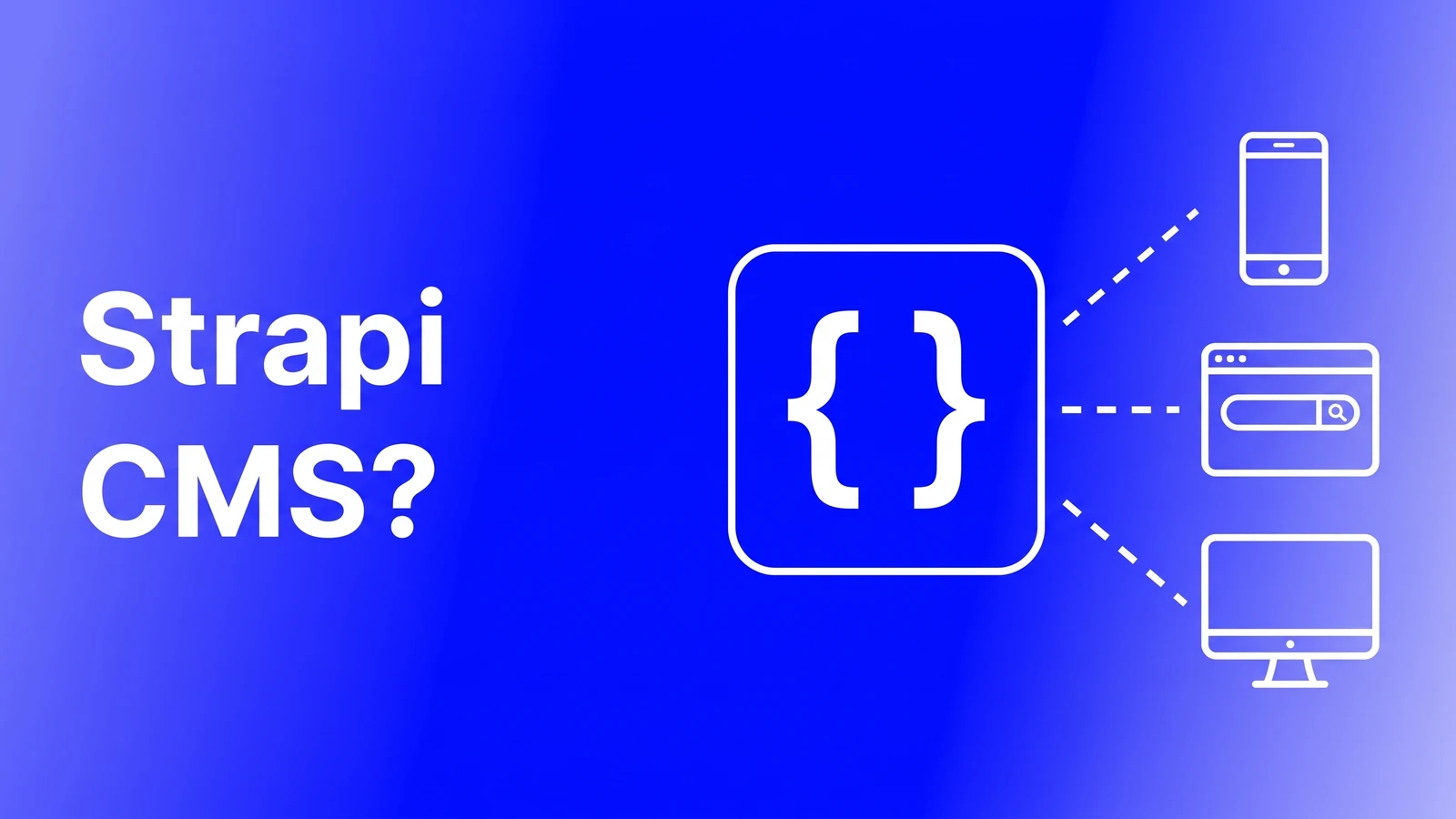


Strapi CMS is an open-source headless CMS written in JavaScript and TypeScript that you run on your own Node.js server, or pay Strapi to host for you on Strapi Cloud. Editors work in an admin panel, your frontend pulls content over REST or GraphQL, and the code and database are yours. We build marketing sites for a living, mostly on Webflow, and Strapi comes up whenever a client has an engineering team and a data-ownership rule. Verdict first: Strapi is the right pick when you need to own the content backend and have someone to run it, and the wrong pick when "free" is the main reason you are looking at it.
Should you use Strapi CMS? The short answer
Choose Strapi when content has to live on your infrastructure (compliance, data residency, or a client who will not sign up for another SaaS), when you want to extend the CMS with custom plugins, or when the licence must be free. Choose Sanity for a hosted backend with zero servers to babysit. Choose Webflow CMS when the deliverable is one marketing site and nobody wants to touch a terminal. The matrix:
| What you need | Strapi | Sanity | Webflow CMS |
|---|---|---|---|
| Content and database on your own servers | ✅ | ❌ | ❌ |
| Free software licence, no per-seat fee | ✅ | 🟡 | ❌ |
| Zero servers or upgrades to manage | 🟡 | ✅ | ✅ |
| Content reused across web, app, and other channels | ✅ | ✅ | ❌ |
| Real-time collaborative editing | ❌ | ✅ | ❌ |
| Design, CMS, and hosting in one tool, no code | ❌ | ❌ | ✅ |
| Custom plugins and backend logic inside the CMS | ✅ | 🟡 | ❌ |
Strapi is marked partial on "zero servers" on purpose: Strapi Cloud removes the hosting work, the self-hosted edition most people mean does not. That trade-off is the whole post. If none of the Strapi wins fit your project, see our guide to the best headless CMS options.
One marketing site and nobody for the terminal?
That is a Webflow job. Tell us the pages and content you need and we will send a free itemized quote for the build.
What makes Strapi different
Strapi competes with Sanity, Contentful, and Payload in the headless space. If the category is new to you, start with our explainer on what a headless CMS is. Four things set Strapi apart, and the first drives the rest.
You own the code and the data
Strapi is released under the MIT licence and the repository sits on GitHub with 73.3k stars at the time of writing. It supports SQLite, PostgreSQL, MySQL, and MariaDB, so your content lives in a database you control. For a bank, a healthcare group, or a government vendor that cannot hand content to a SaaS, this is why Strapi gets picked. For a startup marketing site, it is a responsibility nobody asked for.
A content-type builder inside the admin panel
The name comes from "Bootstrap your API", and that is how it feels. Define a content type (say, Case Study with a title, client, body, and hero image) in the visual Content-Type Builder, and Strapi generates the database table, the admin forms, and the API endpoints. Editors get a clean admin panel with built-in role-based access control. Compare Sanity, where schemas are written in code and the editing UI is a React app you configure yourself.
REST and GraphQL out of the box
Every content type is exposed over REST by default, and GraphQL is one plugin away. A lower-level Document Service API handles custom server-side logic. Your Next.js, Astro, Nuxt, or mobile app queries content like any other backend, which is the whole promise of headless.
A plugin system you can build on
Upload providers, email, internationalisation, and GraphQL are all plugins, and you can write your own. When a client needs the CMS to do something no SaaS supports, like an approval step tied to an internal system, Strapi wins outright. The catch: every plugin you write is code you maintain through every Strapi upgrade.
Strapi pricing: self-hosted versus Strapi Cloud
Numbers are from the official self-hosted pricing and Strapi Cloud pricing pages as of October 2026. Annual billing saves up to 17 percent on Cloud tiers.
| Plan | Price | What you get |
|---|---|---|
| Self-hosted Community | Free forever | MIT licence, unlimited entries and API calls, RBAC, REST and GraphQL, community support |
| Self-hosted Growth | $45 per month | 3 seats (+$15 per seat), Live Preview, Releases, 14-day Content History, 1,000 Strapi AI credits, basic support; SSO add-on $150 per month |
| Self-hosted Enterprise | Contact sales | SSO, Review Workflows, Audit Logs, SOC 2 report, custom history retention, standard support |
| Cloud Starter | $35 per project per month | 100k API requests, 50 GB assets, 50 GB bandwidth, CDN, custom domain, basic support |
| Cloud Pro | $90 per project per month | 1M API requests, 250 GB assets, 500 GB bandwidth, multi-environment, weekly backups, CRON jobs |
| Cloud Business | $450 per project per month | 10M API requests, 1,000 GB assets and bandwidth, 2 environments, daily backups, 99.9 percent SLA, priority support |
At an assumed ₹88 per US dollar, Cloud Starter is roughly ₹3,100 a month, self-hosted Growth roughly ₹4,000, and Cloud Business roughly ₹39,600. Two things stand out. First, the free tier is genuinely unlimited on usage; Sanity's free plan caps documents and bandwidth, as we covered in our Sanity CMS review. Second, the features a content team asks for after month one, draft previews, scheduled releases, and version history, sit behind the $45 Growth plan even when you host it yourself. Budget for that from day one.
The honest cost of self-hosting Strapi
"Free" describes the licence, not the project. A production Strapi install needs a Node.js server, a PostgreSQL or MySQL database, an object storage bucket for uploads (local-disk storage does not survive a redeploy), backups, SSL, monitoring, and a deploy pipeline. None of it is hard for a competent developer. All of it takes hours, and the hours recur: Node upgrades, Strapi releases, security patches, and the occasional major-version migration that touches your custom plugins.
Price it by asking who is on call. If an engineer already runs your servers, self-hosted Strapi costs a slice of their week plus a small hosting bill, and the data-ownership benefit is real. If the answer is "the freelancer who built the site", you are one Node deprecation away from a broken admin panel and a bill to fix it. Then Strapi Cloud at $35 a month is cheaper than the engineer time it replaces, and we say that as a team that bills for engineer time.
So who picks what? Strapi over Sanity when data must stay on your infrastructure, when you want backend logic inside the CMS, or when per-seat pricing blocks a large editorial team. Sanity over Strapi when you want real-time collaboration and nothing to patch. For a company marketing site with a blog, landing pages, and a careers page, neither: Webflow ships design, hosting, and CMS in one subscription, and a marketer runs it alone. Our Webflow development work gets those teams live in weeks, while Strapi plus Next.js is an engineering project with a maintenance tail. If your project sits on the line, our website development team scopes both stacks and says plainly when the cheaper one is right.
One line: Strapi CMS is the headless CMS for teams that want to own everything and can afford to run it. Everyone else should pay for hosting, Strapi's or someone else's.
Running a self-hosted CMS nobody is on call for?
Send us your setup. We will review it for free and say whether to keep it, move it to managed hosting or migrate off it.
Frequently asked questions
Is Strapi CMS free?
The self-hosted Community edition is free forever under the MIT licence, with unlimited entries and API calls, and you pay only for your own server and database. Live Preview, Releases, and Content History need the Growth plan at $45 per month for 3 seats. Strapi Cloud, the hosted option, starts at $35 per project per month as of October 2026.
Strapi vs Sanity: which should I choose?
Pick Strapi when content must sit on your own servers, when you need custom backend logic inside the CMS, or when a large editorial team makes per-seat pricing painful. Pick Sanity when you want a fully hosted backend with real-time collaborative editing and no infrastructure to maintain. The deciding factor is usually whether you have an engineer to run Strapi.
Do I need a developer to use Strapi?
To set it up and keep it running, yes. Installing Strapi, connecting a database, configuring upload storage, deploying it, and building the frontend are engineering tasks, and upgrades recur. Day-to-day editing is developer-free: writers work in the admin panel, where content types appear as ordinary forms with role-based permissions.
What is the difference between Strapi and Webflow CMS?
Strapi is a headless content backend: it stores content and serves it over an API, and you build and host the website separately. Webflow CMS is part of an all-in-one visual platform where design, content, and hosting live together, with no server to run. Strapi suits multi-channel projects with engineers; Webflow suits marketing sites run by marketers.
Not Sure Whether To Self-Host?
Tell us what you are building and who will maintain it. We will scope it as Strapi, Sanity, and Webflow, with honest costs, timelines, and the maintenance tail for each.




