

The website development process has had the same seven steps for twenty years: discovery, planning, design, build, content, QA and launch, then maintenance. What changed in 2026 is what happens inside each step, because AI agents now do real work at five of the seven. This guide walks the steps in order, says exactly what we automate and what we still do by hand at Gleam Studio, and gives the timelines agencies publish next to the ones we see on Webflow builds. If you are hiring an agency or running the project yourself, it is the checklist to hold them to.
The seven steps in one table
| Step | What it produces | What AI changed in 2026 |
|---|---|---|
| 1. Discovery | Brief, goals, audience, competitor notes | Agents run competitor teardowns and draft the brief for a human to correct |
| 2. Planning and sitemap | Sitemap, page list, CMS schema | AI proposes the structure; a person decides what to cut |
| 3. Design | Design system and page designs in Figma | Figma Make prototypes, Figma MCP hands context to the build agent |
| 4. Build | Working site on Webflow or in a repo | Claude Code builds through the Webflow MCP or edits the codebase |
| 5. Content | Copy, images, metadata, schema | AI drafts and tags; facts and voice stay human |
| 6. QA | Test results, fixes, Core Web Vitals pass | Agents drive the browser and run Lighthouse; a person signs off |
| 7. Launch and maintenance | Live site, redirects, analytics, upkeep | Scheduled routines handle audits and dependency checks |
Why the seven steps still hold
Every guide ranking for this phrase lists the same steps, and most still cite a 2023 estimate that puts the whole thing at 20 to 54 weeks: one to two weeks of information gathering, two to six of planning, four to twelve of design, five to fifteen of content, six to fifteen of coding and two to four of testing, per XB Software's guide. The steps are right. The durations are a different era. The order matters because each step produces the input for the next: you cannot design without a sitemap, build without a design, or test without content. AI has not changed that dependency chain. It has changed how long each link takes and who does the first draft.
Think of it as a life cycle rather than a line. Launch produces analytics, analytics feed the next discovery, and the measurable gates between steps are the same as before: a signed brief, an approved sitemap, approved designs, a passing QA report.
The seven steps and what AI changed in each
Discovery: briefs, teardowns and research with AI
Discovery used to be interviews and a spreadsheet. We still do the interviews, because the client's real goal is rarely in the first answer. What changed: an agent now fetches the top ten pages for every target search term, outlines what they cover, and writes the first draft of the brief. A person reads it, corrects the positioning and cuts the obvious. The output is the same document as before, a brief with goals, audience and success metrics, produced in days instead of weeks. The one thing we never delegate here is the decision about what the site is for.
Planning and sitemap: structure proposed, then edited by a human
Give an agent the brief and the competitor outlines and it will propose a sitemap, a CMS schema and an internal linking plan in minutes. The proposal is usually too big. Our rule is that every page needs a search term or a user task it serves, and the human pass is mostly deletion. This is also where we decide the platform. Most marketing sites go on Webflow; apps and anything with heavy logic go to a Next.js repo, as covered in our post on how AI changed the web app stack.
Design: Figma, Figma Make and the Figma MCP server
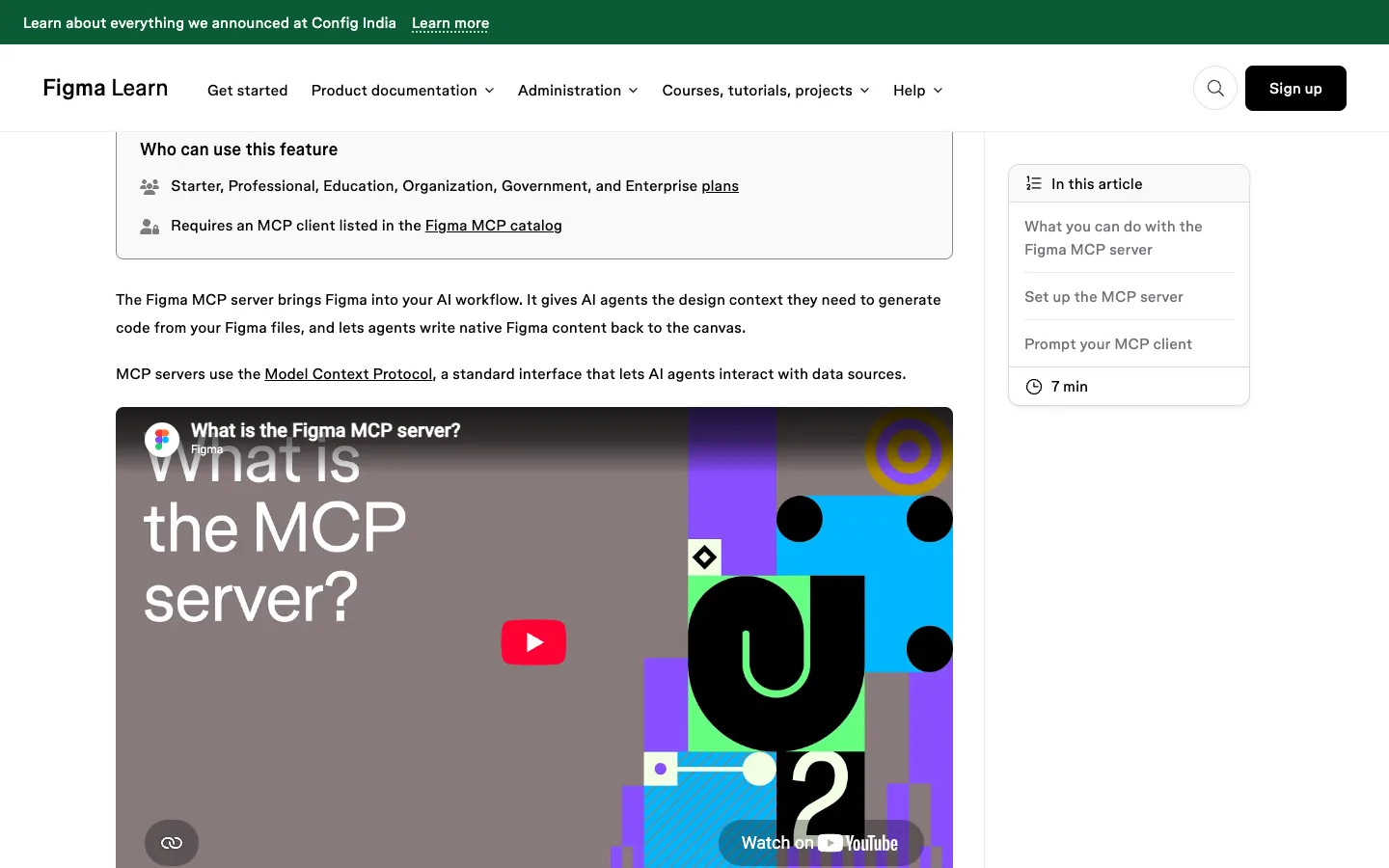
Design is still Figma. Two things are new. Figma Make turns a design or a prompt into a working prototype, which lets a client click through a flow before any build time is spent; per Figma's AI page, Professional full seats include 3,000 AI credits a month and the local-codebase beta consumes none. And the Figma MCP server gives the build agent the design context (tokens, components, layout) straight from the file, so the handoff is no longer a PDF of specs. Our Figma Make guide covers where it fits and what it costs.
Build: Claude Code with the Webflow MCP or a Next.js repo
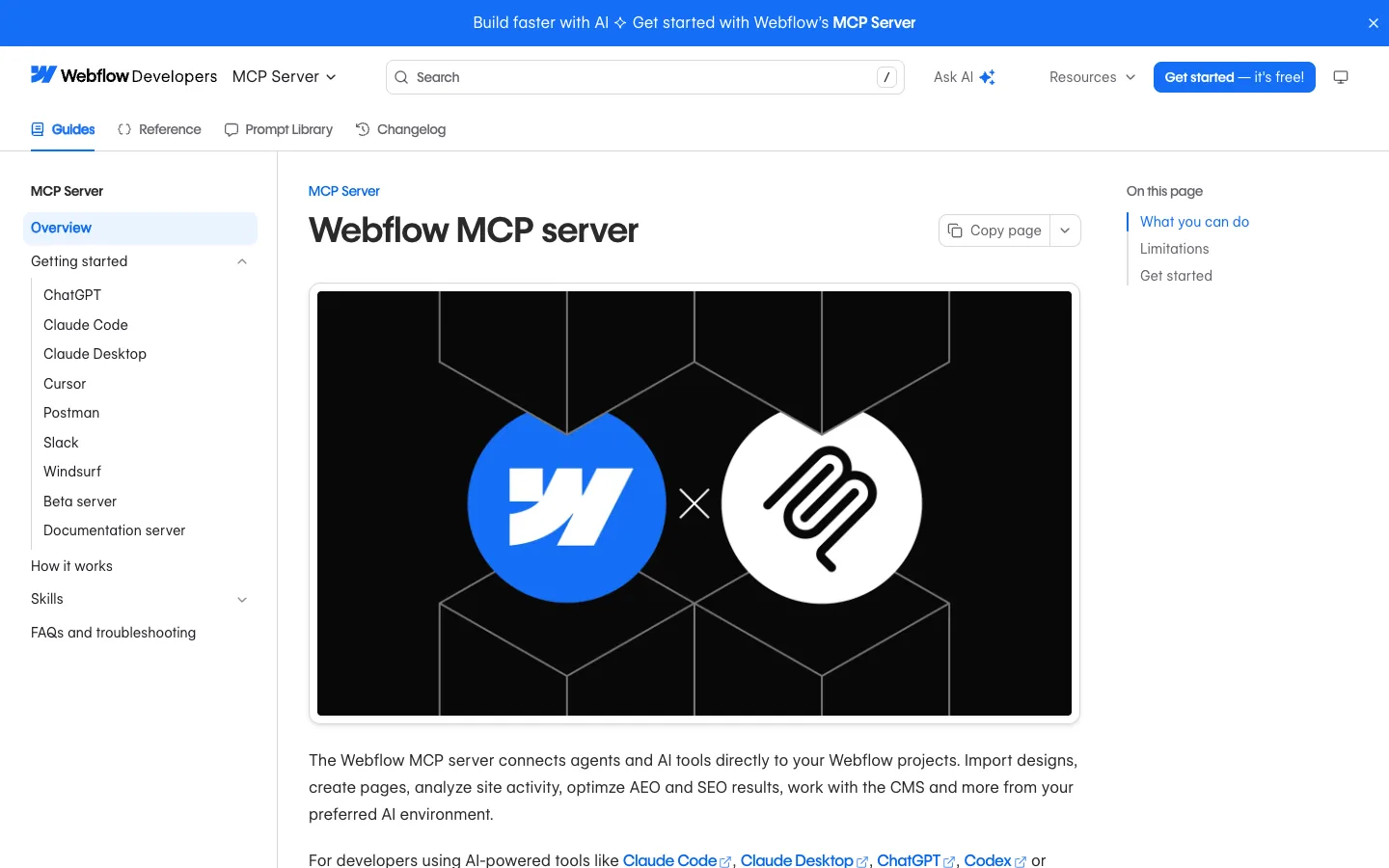
This is the step that changed most. On Webflow, Claude Code connects to the Webflow MCP server and can create collections and fields, bulk-update CMS items, create pages, build layouts, styles and components, and publish. The same docs are honest about limits: it cannot create a new site project, cannot create localized CMS items, does not support Classic interactions, and needs the Designer open for snapshots and image uploads. On a Next.js project the agent edits the repo like a developer, with hooks running lint and tests after every change. A designer still sets the system and a developer still reviews every diff. What disappeared is the week of hand-building components that already exist in the design file.
Planning a build and unsure what AI can safely do?
Send us your sitemap or brief. We will mark, for free, which steps an agent should run on your project and which need a person, with a realistic timeline.
Content: AI drafts, human facts, AI metadata
Content is where projects used to stall, because clients deliver copy late. In 2026 an agent drafts every page from the brief and the sitemap, so the client reviews a full site rather than staring at a blank template. Humans own the facts, the pricing and the voice; nothing with a number ships without a source. Alt text, meta titles and descriptions, and structured data are generated and then checked, which is the right split: tedious, high-volume, easy to verify. Image generation covers blog covers and diagrams; product and team photos stay real.
QA: Lighthouse, Core Web Vitals and browser-driven testing
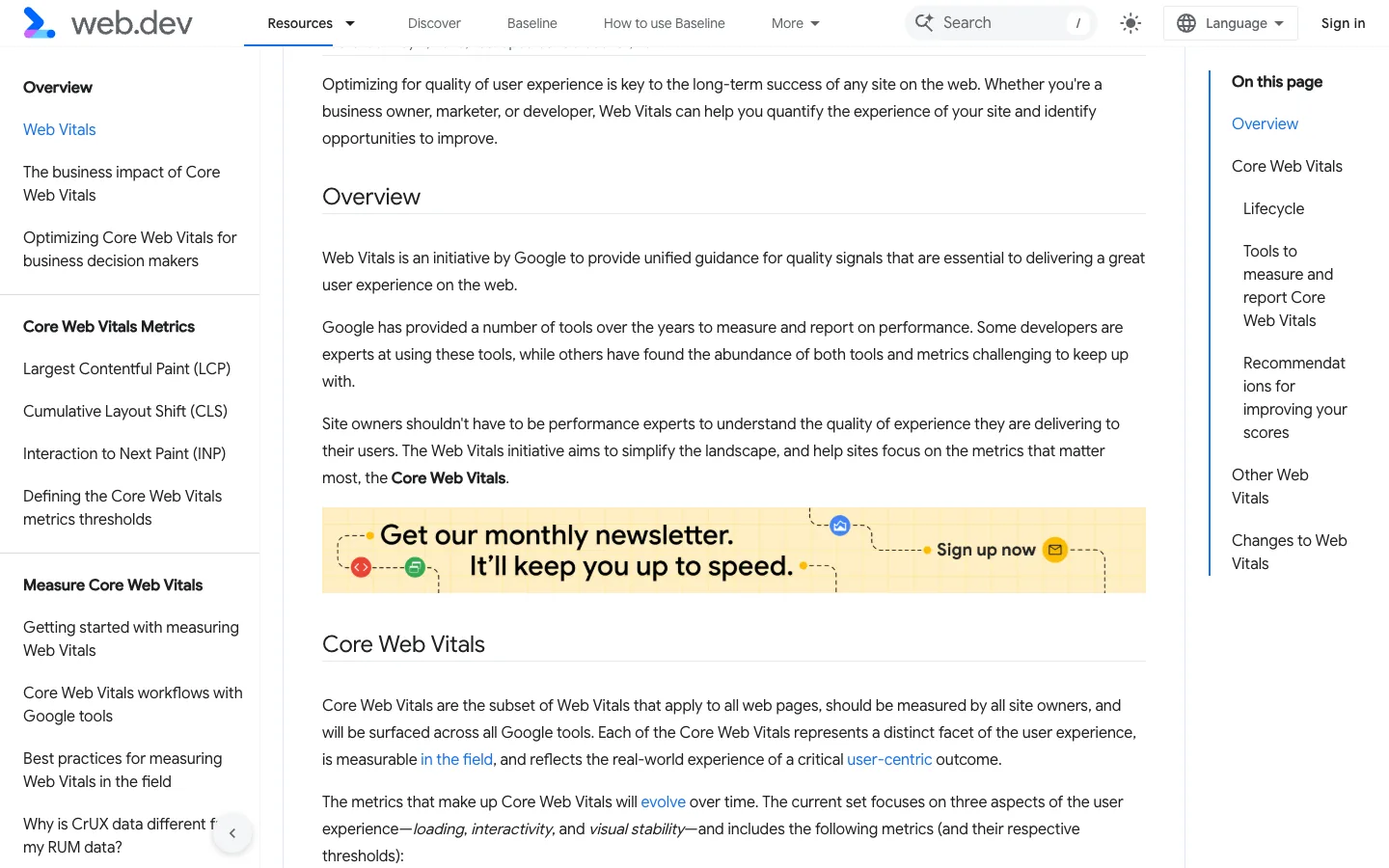
QA has pass criteria now, not a checklist of "looks fine". The thresholds we use are Google's: Largest Contentful Paint within 2.5 seconds, Interaction to Next Paint of 200 milliseconds or less, Cumulative Layout Shift of 0.1 or less, measured at the 75th percentile on mobile and desktop, per web.dev. Lighthouse scores Performance, Accessibility, Best Practices and SEO on every template. The new part is browser-driven testing: with the Claude in Chrome extension, Claude Code opens the staging site, submits every form, reads console errors and compares pages to the Figma mock, per the Chrome docs. A person still reads the report and decides what is a bug.
Launch and maintenance: redirects, analytics, routines
Launch is unchanged in spirit: redirects mapped from the old URLs, analytics and Search Console verified, sitemap submitted, and a crawl the next morning. Marcel Digital recommends planning the SEO migration four to six weeks ahead on larger sites, and we agree. Maintenance is where agents quietly earn their keep: Claude Code routines run on a schedule in the cloud, so a weekly link check, a dependency audit or a Core Web Vitals sweep happens without anyone remembering to do it. Our website maintenance guide lists what a monthly plan should include.
How long a website takes in 2026
Published agency ranges first, then ours. Butterfly quotes four to eight weeks for a brochure site, eight to sixteen for a mid-complexity site and four to twelve months for enterprise platforms. Those numbers are fair for a traditional process where every step waits on the last.
| Site type | Published agency range | AI-assisted Webflow build |
|---|---|---|
| Brochure or landing site, up to 10 pages | 4 to 8 weeks | [Waris to confirm] |
| Mid-complexity marketing site with CMS | 8 to 16 weeks | [Waris to confirm] |
| Web app or enterprise platform | 4 to 12 months | [Waris to confirm] |
Two honest notes on the right-hand column. First, the build step shrinks the most and content shrinks second; discovery barely moves, because people need time to decide. Second, the calendar is now set by review rounds, not production. A client who reviews within two days gets a site in weeks; one who reviews monthly gets the old timeline with better tooling. Budget follows the same logic, and our website development cost guide gives the ranges.
Want a dated timeline for your own site?
Tell us the page count, platform and who is writing the content. We will send a free week-by-week plan showing where AI shortens the build and where it does not.
Where AI still fails and a human must sign off
We keep a short list, and it has not shrunk much this year.
- Positioning. Agents write plausible briefs for the wrong business. The first discovery call is human.
- Facts and prices. Every number on a client site is checked by a person against a source. Generated copy is confident and sometimes wrong.
- Taste. A design system generated from a prompt looks like every other generated system. A designer makes the choices that make it the client's.
- Edge cases in QA. Agents find console errors and broken forms. They do not notice that the hero image crops a face on a 375px screen unless told to look.
- Publishing. Nothing goes live on a client domain without a person pressing the button. Agents can publish through the Webflow MCP, which is exactly why ours are not allowed to.
A one-page checklist to run your own project: a signed brief with three measurable goals; a sitemap where every page has a job; a Figma file with tokens and components, not just screens; a build on a platform you can maintain; copy with sources for every claim; a QA report with Lighthouse scores and Core Web Vitals per template; a redirect map and analytics check on launch day; and a maintenance routine with an owner. Agents can produce most of those artefacts. A person approves each one.
Frequently asked questions
What are the steps of the website development process?
Most agencies use seven: discovery, planning and sitemap, design, build, content, QA and launch, then maintenance. Older guides spread these over 20 to 54 weeks of estimates. In 2026 AI compresses research, design iteration, build and QA, while the discovery decisions, the facts in the content and the final sign-off stay with people.
How long does website development take?
Agency guides quote four to eight weeks for a brochure site, eight to sixteen weeks for a mid-complexity site and four to twelve months for enterprise platforms. The biggest delays are content delivery and feedback rounds, not build time, which is why AI-assisted content drafting shortens the calendar more than AI coding does.
What is the website development life cycle?
It is the same seven steps viewed as a loop: launch feeds analytics, analytics feed the next round of discovery and improvements. Lighthouse and Core Web Vitals, with LCP at 2.5 seconds, INP at 200 milliseconds and CLS at 0.1, are the measurable gates between build, QA and maintenance.
How does AI change the website development workflow?
Agents such as Claude Code read the brief from a file in the project, pull design context through the Figma MCP server, push pages and CMS items through the Webflow MCP server, and test the result in Chrome. Humans still own the brief, the facts, the design decisions and the approval to publish.
Can AI build a whole Webflow site?
Not unattended. Webflow's MCP server can create collections, pages and components and publish, but by Webflow's own documentation it cannot create a new project, add localized CMS items or edit Classic interactions. A designer still sets the system, a developer still runs QA, and a person still presses publish.
Run Your Build the 2026 Way.
Discovery by people, build by agents, QA by both. Get a free scope for your website with the steps, the timeline and the price in one document.




