


A 404 page has three jobs: say what happened in plain words, keep the person on the site with two or three useful routes, and return a real 404 status so search engines know the page is gone. Most roundups of 404 page design miss the third job entirely and pad the list with Dribbble concepts that never shipped. Every example here is a live page we hit ourselves on 16 October 2026 at a made-up URL, with the HTTP status recorded, one decision to steal and one slip. Then the SEO facts from Google's own documentation, the four patterns, and how to build a custom 404 in Webflow, Next.js and WordPress that actually returns 404.
The examples at a glance
| Site | Pattern | Status returned |
|---|---|---|
| GitHub | Branded scene with search | 404 |
| Airbnb | Illustration plus six links | 404 (via /404) |
| Amazon | Human touch: the dogs of Amazon | 404 |
| BBC | Search first | 404 |
| Cloudflare | Plain and useful | 404 |
| Discord | Lore copy plus status and support | 404 |
| Dribbble | Content-led recovery | 404 |
| Dropbox | Minimal plain | 404 |
| IKEA | Product-led joke | 404 |
| Mailchimp | Guided links | 404 |
| Pixar | Character-led | 404 |
| Slack | Illustrated, plain copy | 404 |
| Zomato | Product-led, search kept | 404 |
| PhonePe | Illustration plus help links | 404 |
| Urban Company | Service categories as recovery | 404 |
| Lenskart | Cautionary: exposed error copy | 404 |
Does a 404 page affect SEO?
What Google says about 404s, 410s and soft 404s
Not by itself. Google's documentation on HTTP status codes says URLs returning 4xx are not indexed and already-indexed ones are removed, and all 4xx codes except 429 are treated the same for indexing, so a 410 offers no practical advantage over a 404. Google's older post Do 404s hurt my site? states that a 404 for a page that no longer exists does not count against you. Fix the links that point at it; the status itself is fine.
Why a soft 404 is the real problem
A soft 404 is a missing page that returns 200, or redirects everything to the homepage. Search Console's Page indexing report flags it, because Google has to crawl a page that says "not found" while the server says "all good". We found five well-known sites doing exactly this on 16 October 2026: Spotify's India site returns 200 with "This page is out of tune", Netflix redirects to a NotFound page that returns 200, Hashnode returns 200 with "User not found", and Lego and Paytm redirect unknown URLs to the homepage. They are not in the examples below for that reason.
The best 404 pages right now, with screenshots
1. GitHub: the branded scene that still searches
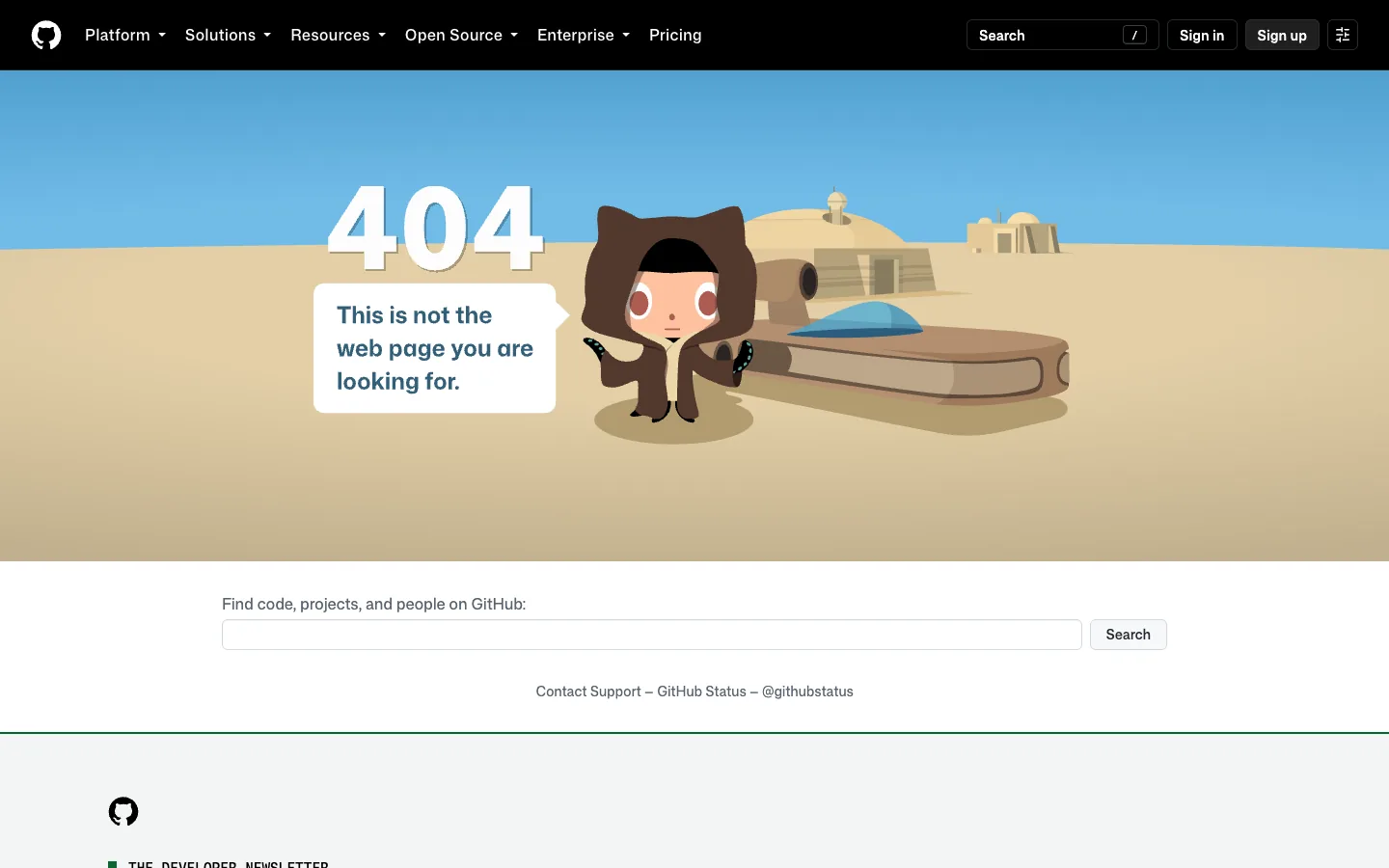
Steal this: the search box is for the whole site, not the help centre, so the person who typed a repo URL wrong can recover in one step. Where it slips: the scene is heavy for a page that loads on a dead end, and it does nothing on a phone.
2. Airbnb: an illustration and six real routes
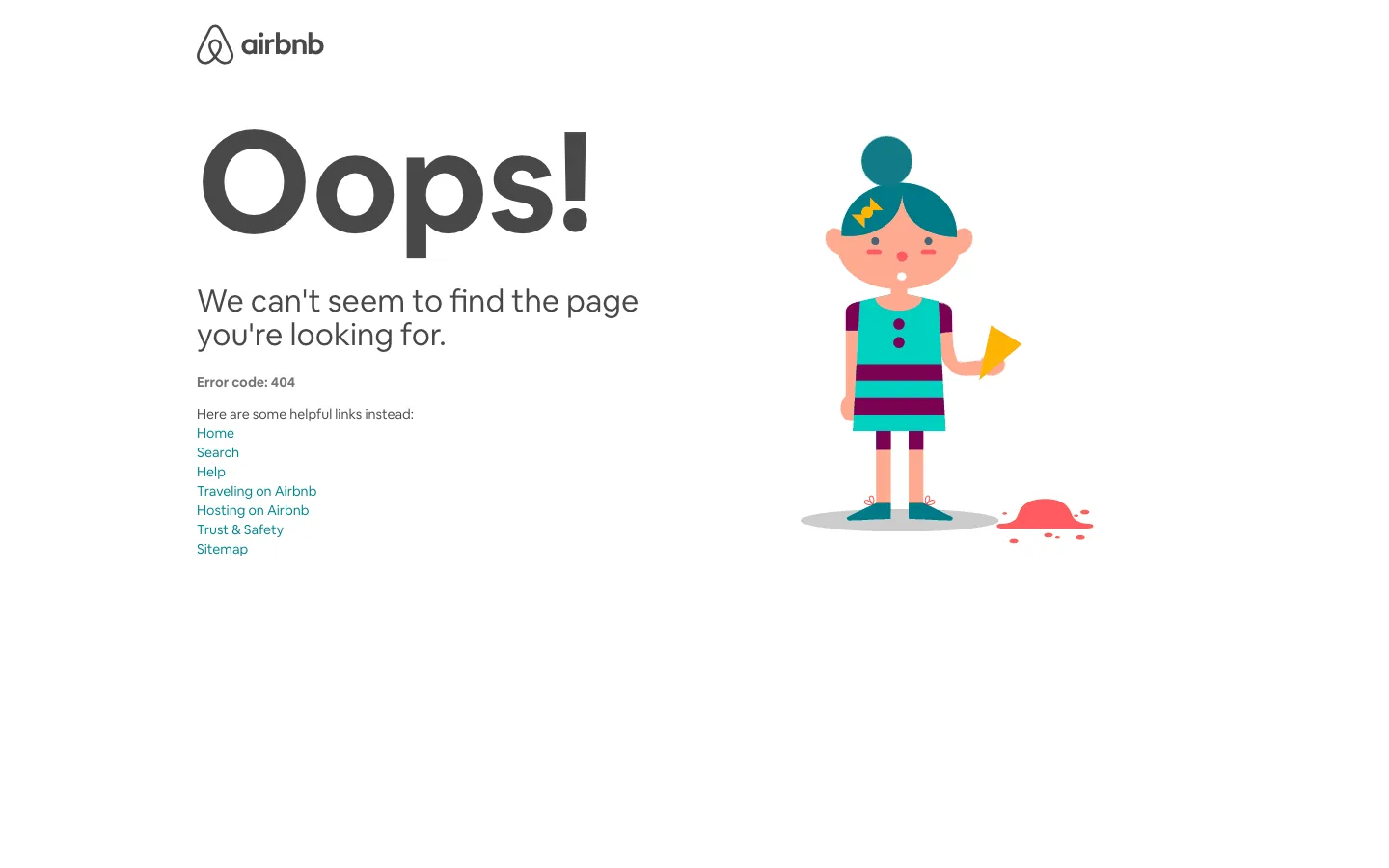
Steal this: the list of links covers home, search, help, hosting, trust and sitemap, which is everything a lost visitor might want. Where it slips: the page drops the site header, so the normal navigation is gone and the links are set in tiny type.
3. Amazon: the human touch
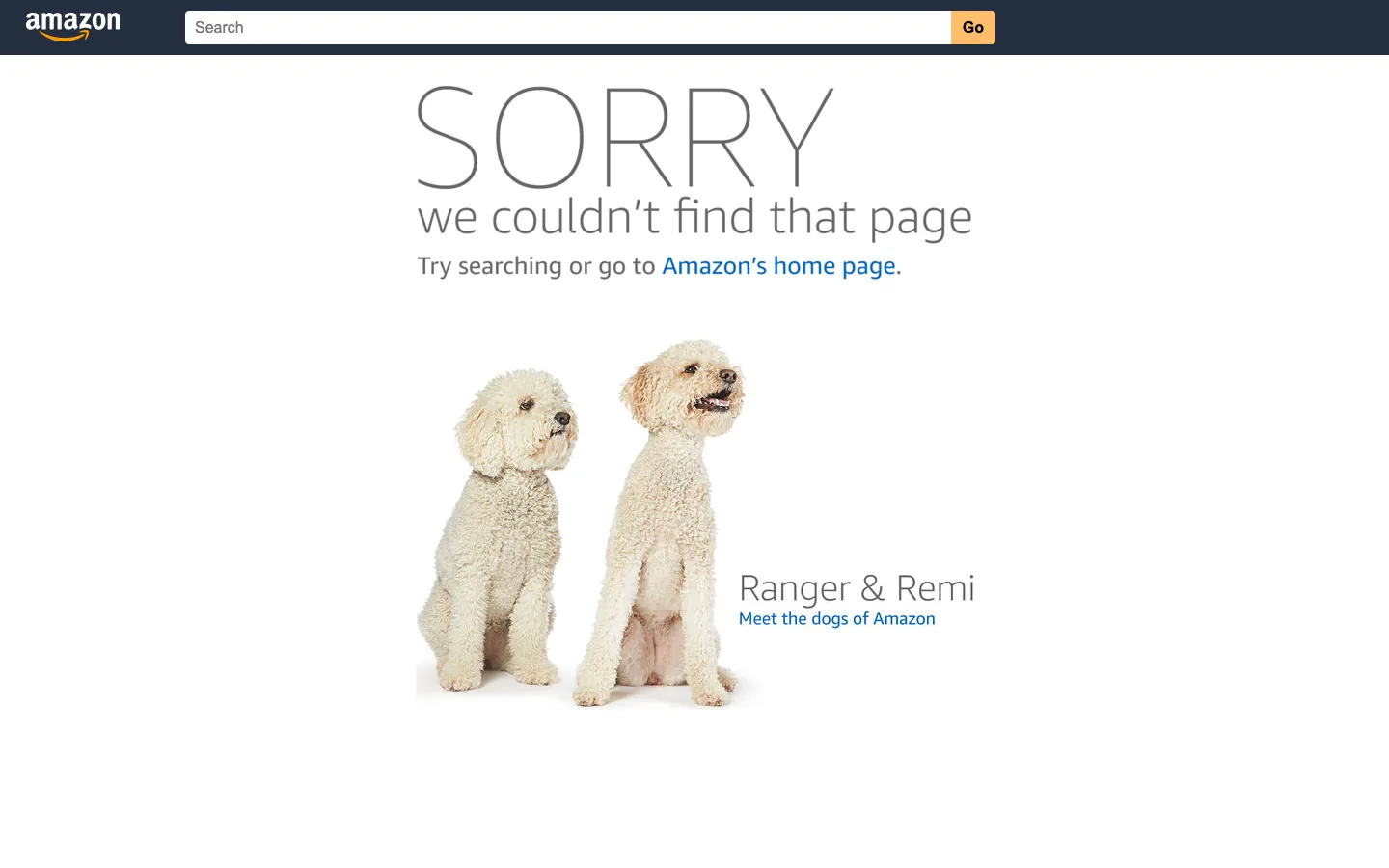
Steal this: the dogs are real, named and rotated, which makes a global retailer feel like a place with people. Where it slips: the only route is the homepage link in the sentence; the search bar is up in the header where the eye does not go.
4. BBC: search first
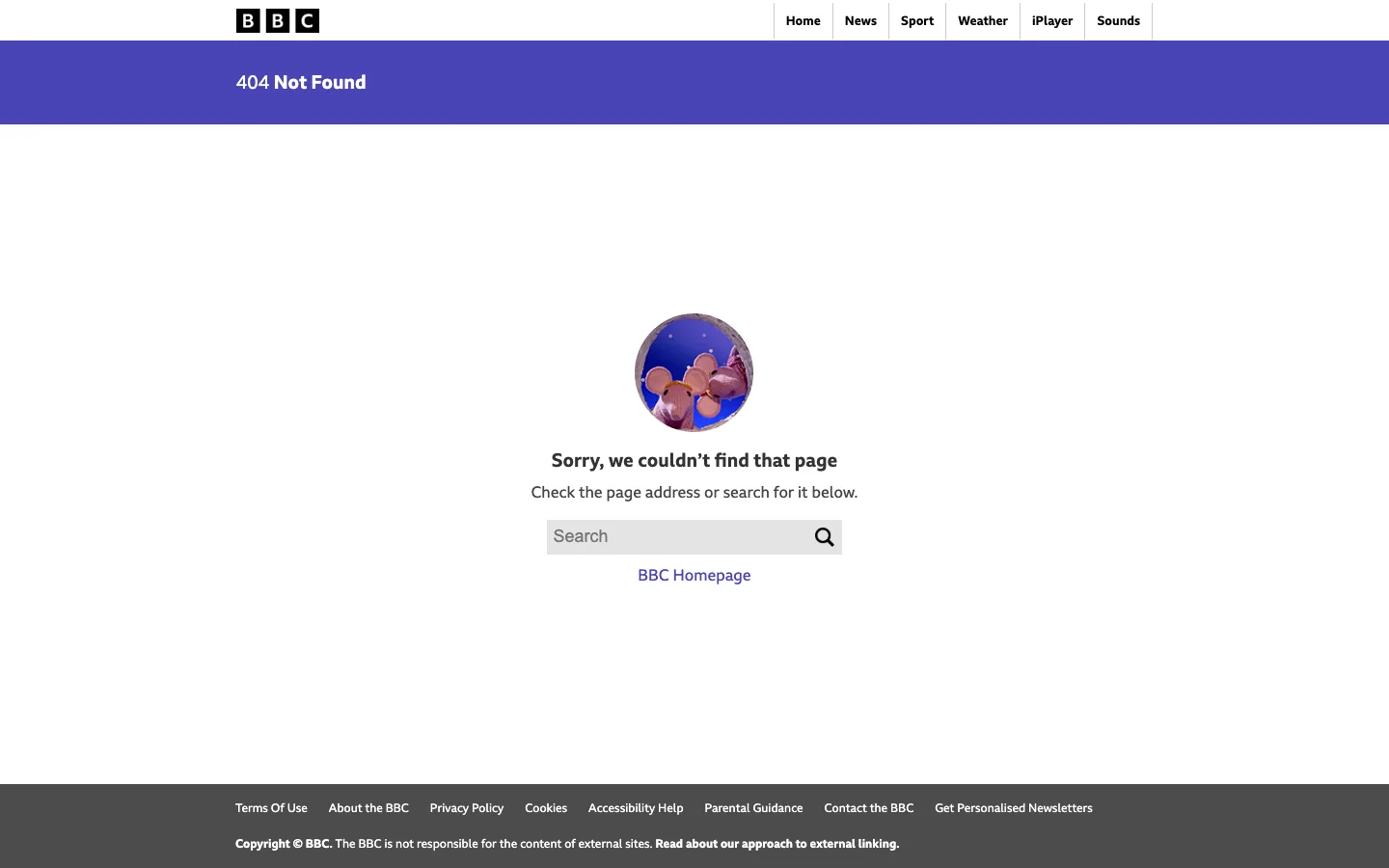
Steal this: the search box sits in the message, not the header, because on a news site search is the recovery. Where it slips: "Check the page address" blames the visitor a little; the address was usually a dead link, not a typo.
5. Cloudflare: plain and useful
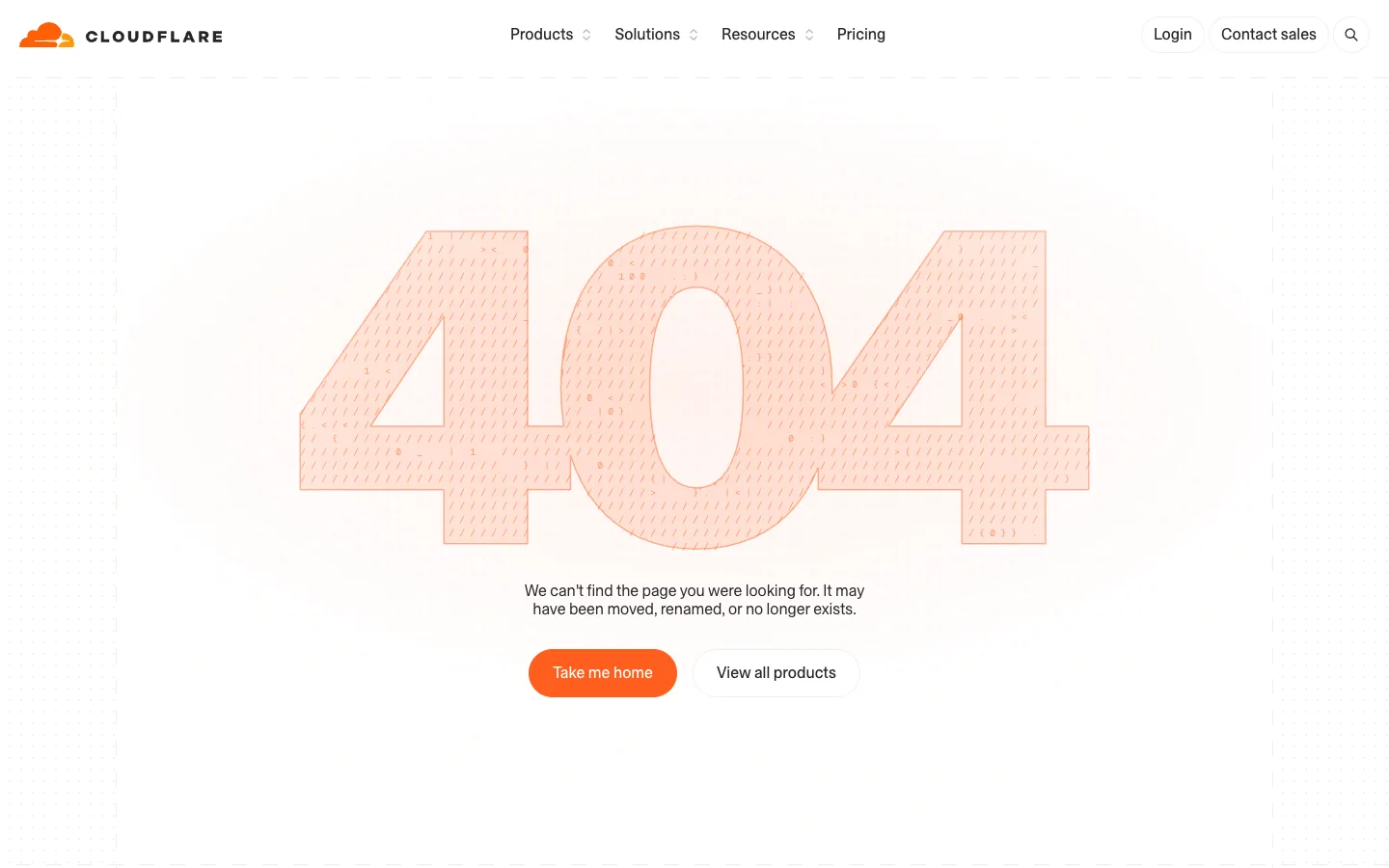
Steal this: the sentence says the page "may have been moved, renamed or no longer exists", which is honest about the three real causes. Where it slips: no search and no link to docs, on a site where most lost visitors were looking for documentation.
6. Discord: lore with the right links
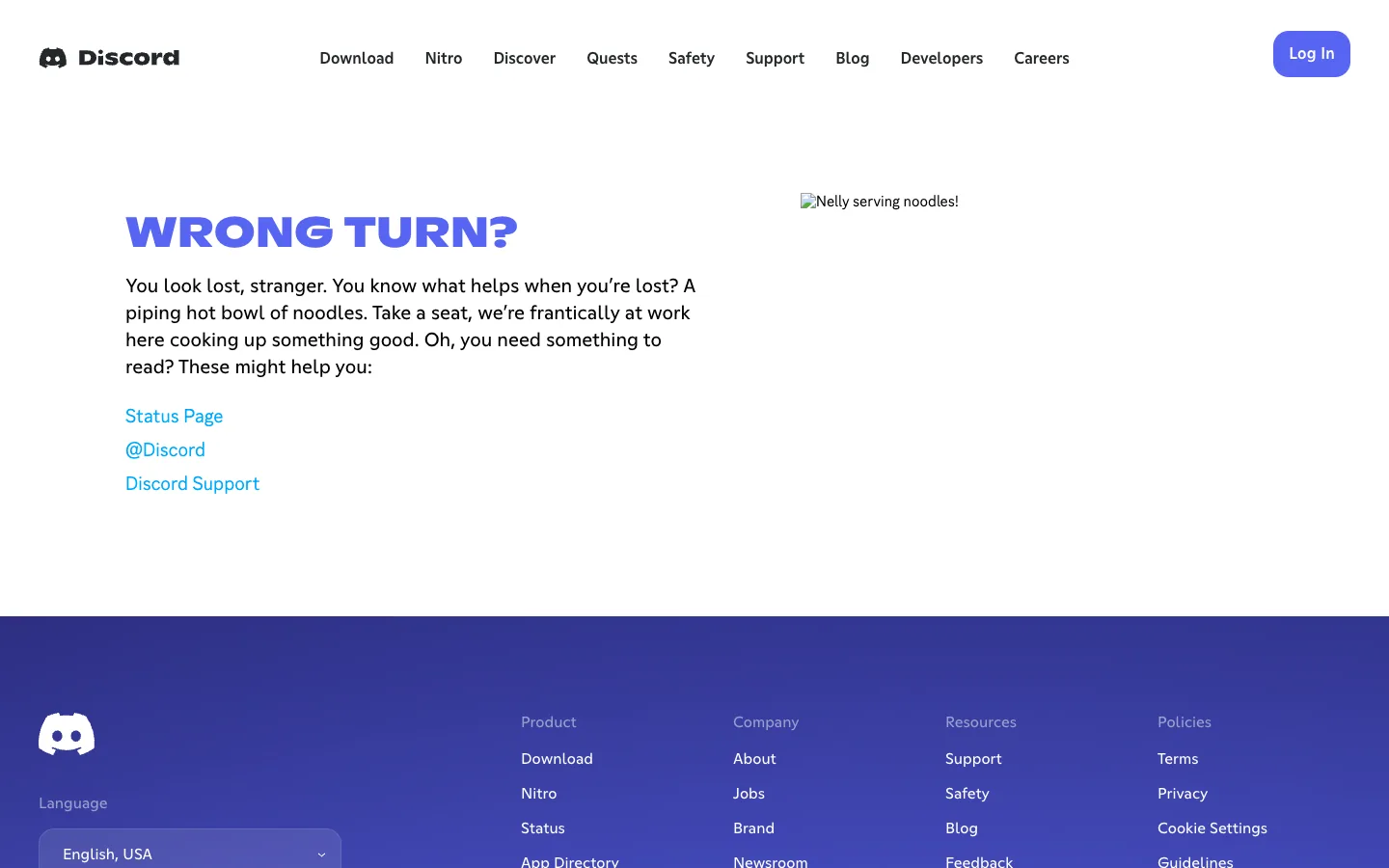
Steal this: the three links are the three things a Discord user actually wants when something is broken: is it down, what does the company say, how do I get help. Where it slips: the illustration failed to load on our visit and left a broken-image alt text in the layout; the copy carried the page anyway, which is the point.
7. Dribbble: recovery made of content
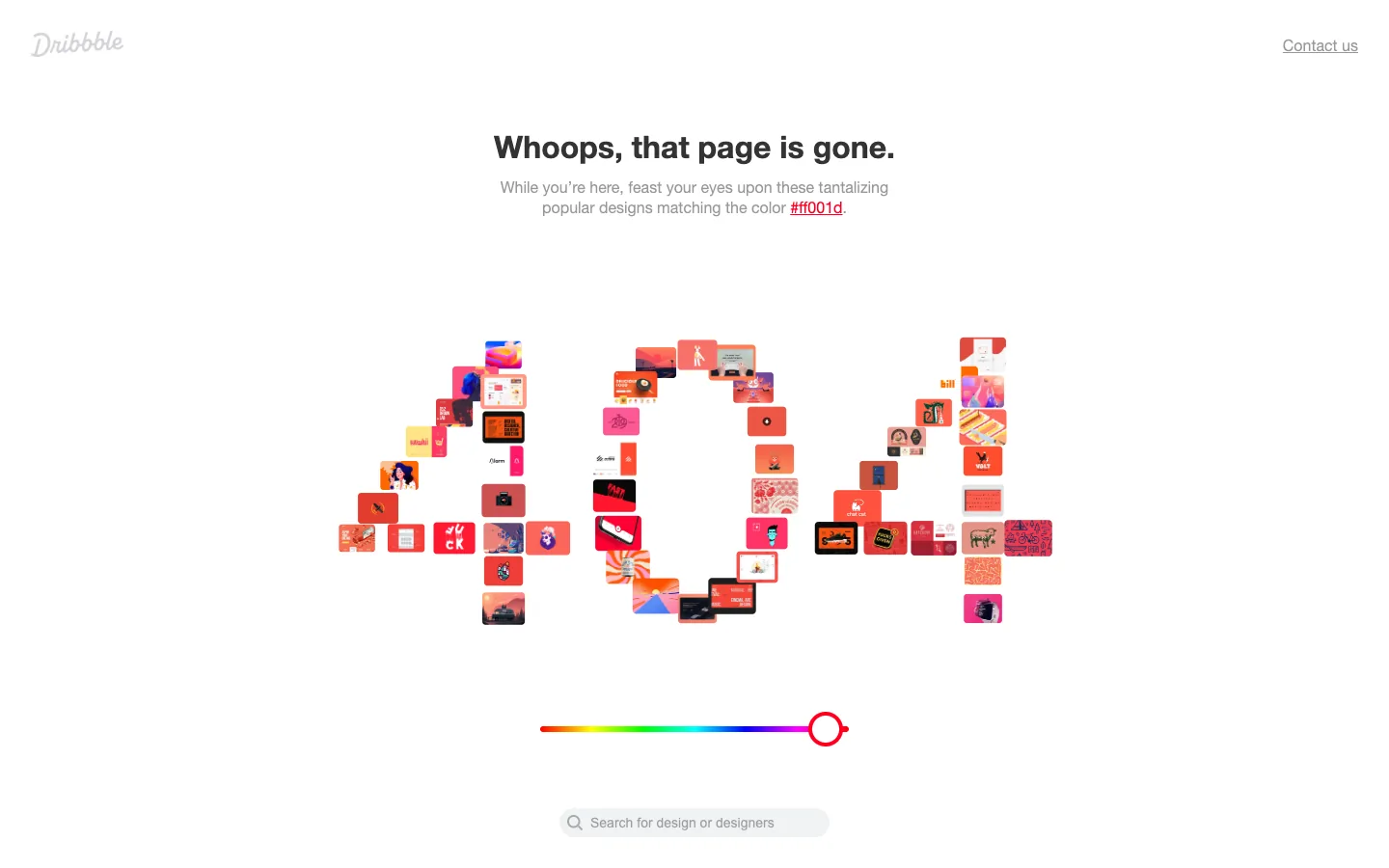
Steal this: the recovery route is the product itself; every tile is a thing to click. Where it slips: the search box is below the fold and easy to miss under the slider.
8. Dropbox: the minimum that works
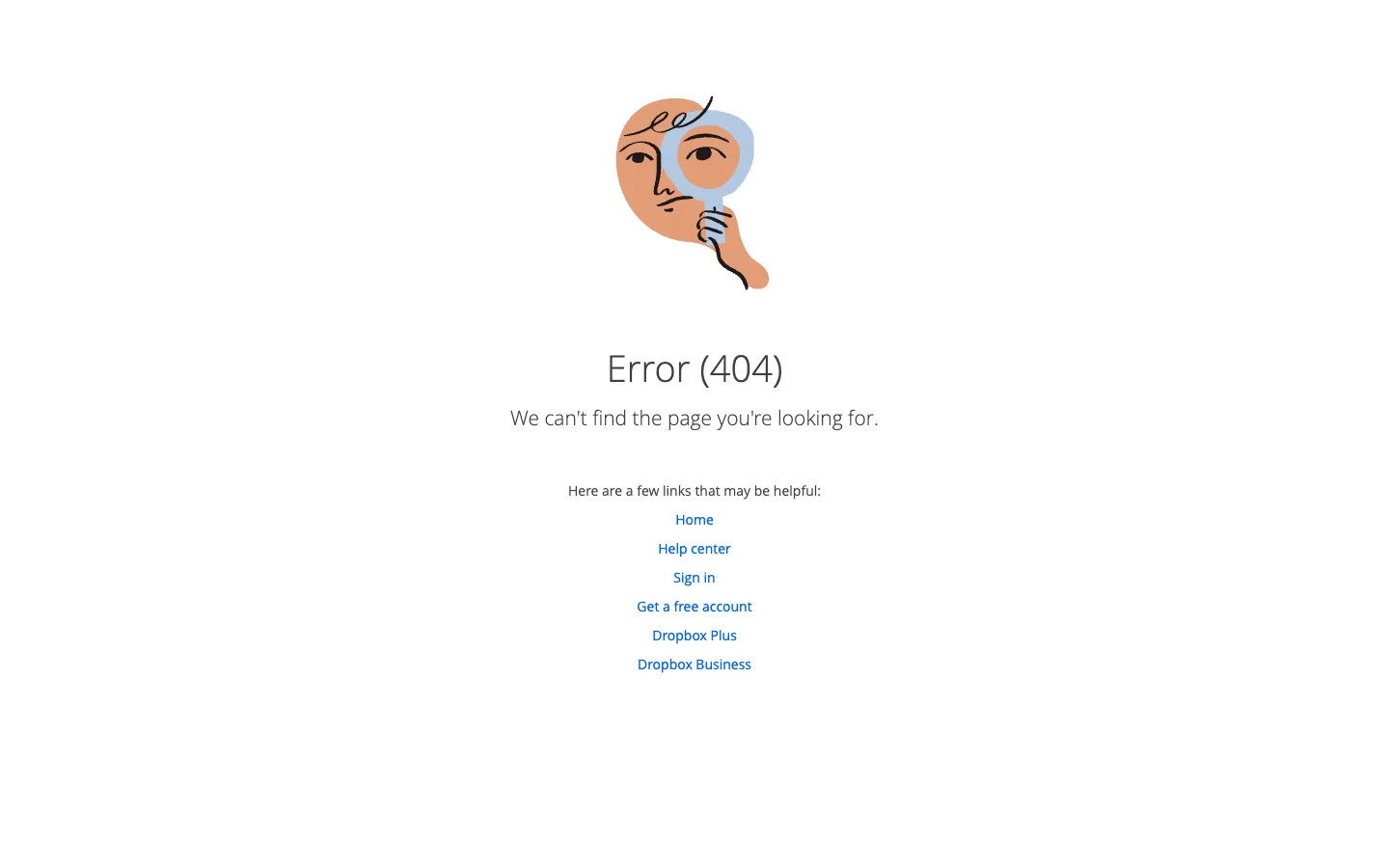
Steal this: the links include Sign in, because a lot of 404 traffic on an app site is people trying to reach their account. Where it slips: "Error (404)" as the heading is the code, not the message; the sentence underneath should be the heading.
Does your 404 page return a real 404?
Send us your domain. We will test a made-up URL, check the status code and the page, and send you a free one-line verdict with the fix if it is a soft 404.
9. IKEA: product-led, with a joke that fits
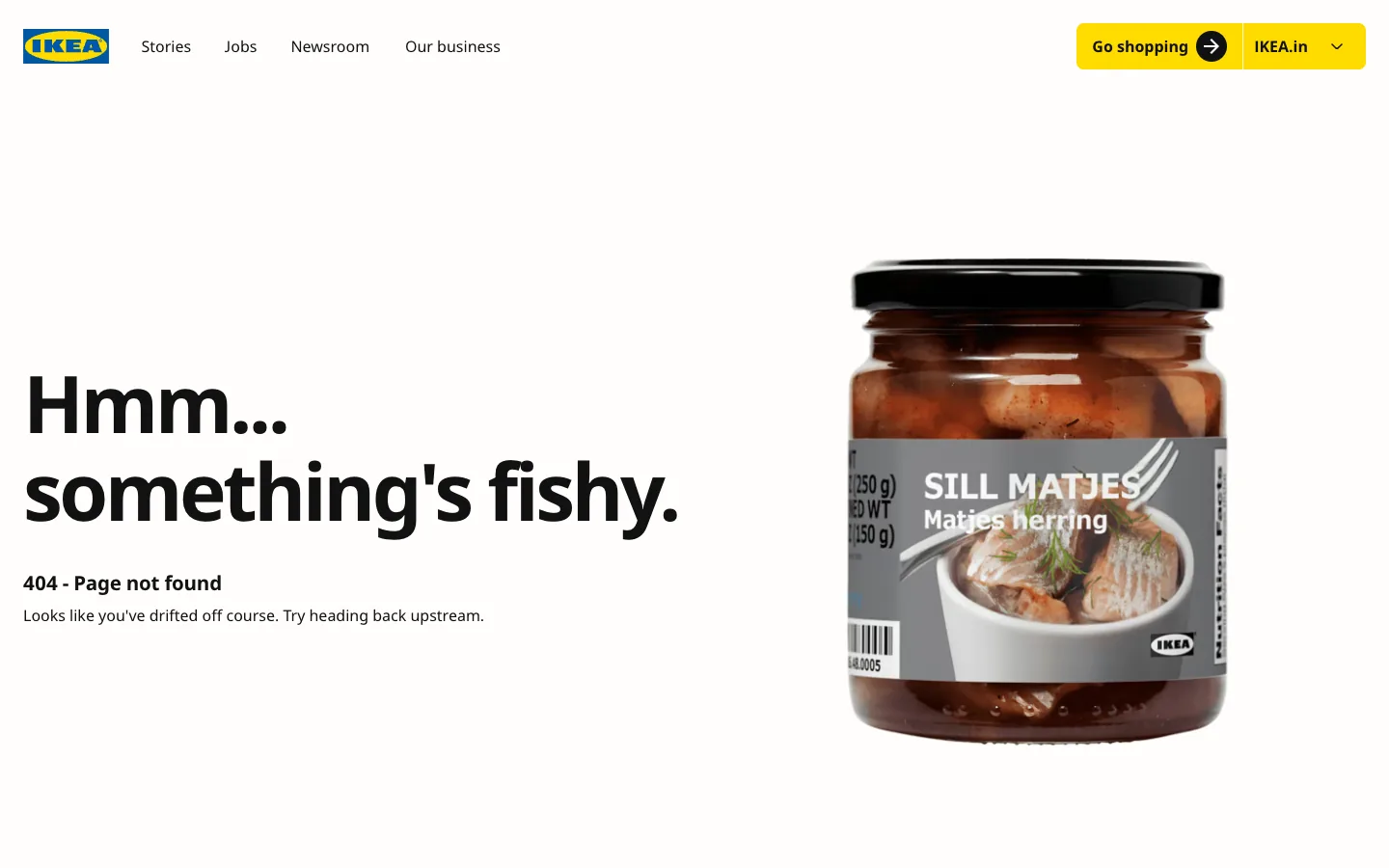
Steal this: the joke uses a real product photo, so the brand's own catalogue does the illustrating. Where it slips: no link in the body; the recovery is the header, which works on desktop and is cramped on a phone.
10. Mailchimp: guided copy
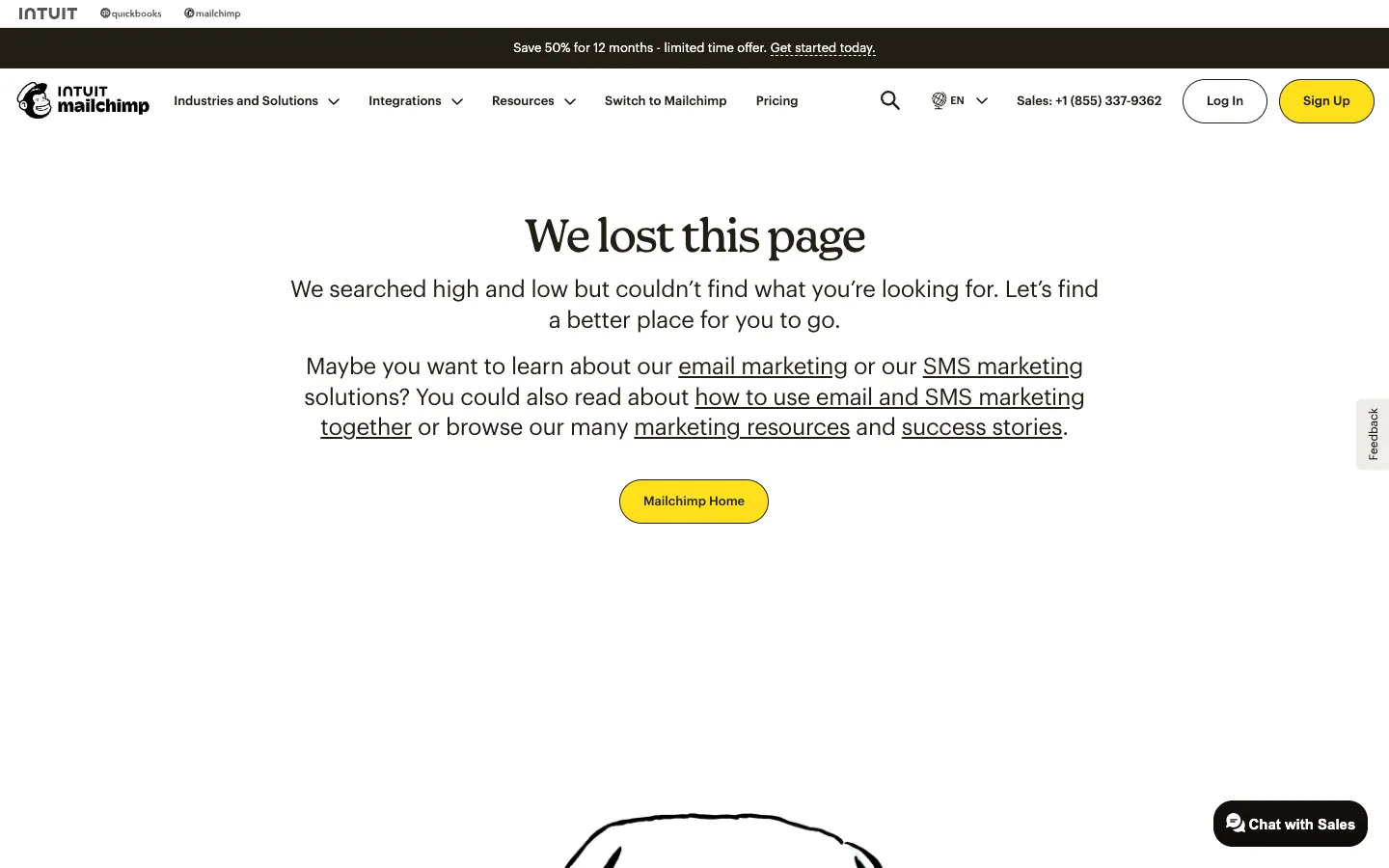
Steal this: the links are written into a sentence that guesses what the visitor wanted, which reads more kindly than a list. Where it slips: the guesses are all marketing pages; a lost customer looking for support gets no route.
11. Pixar: a character that fits the moment
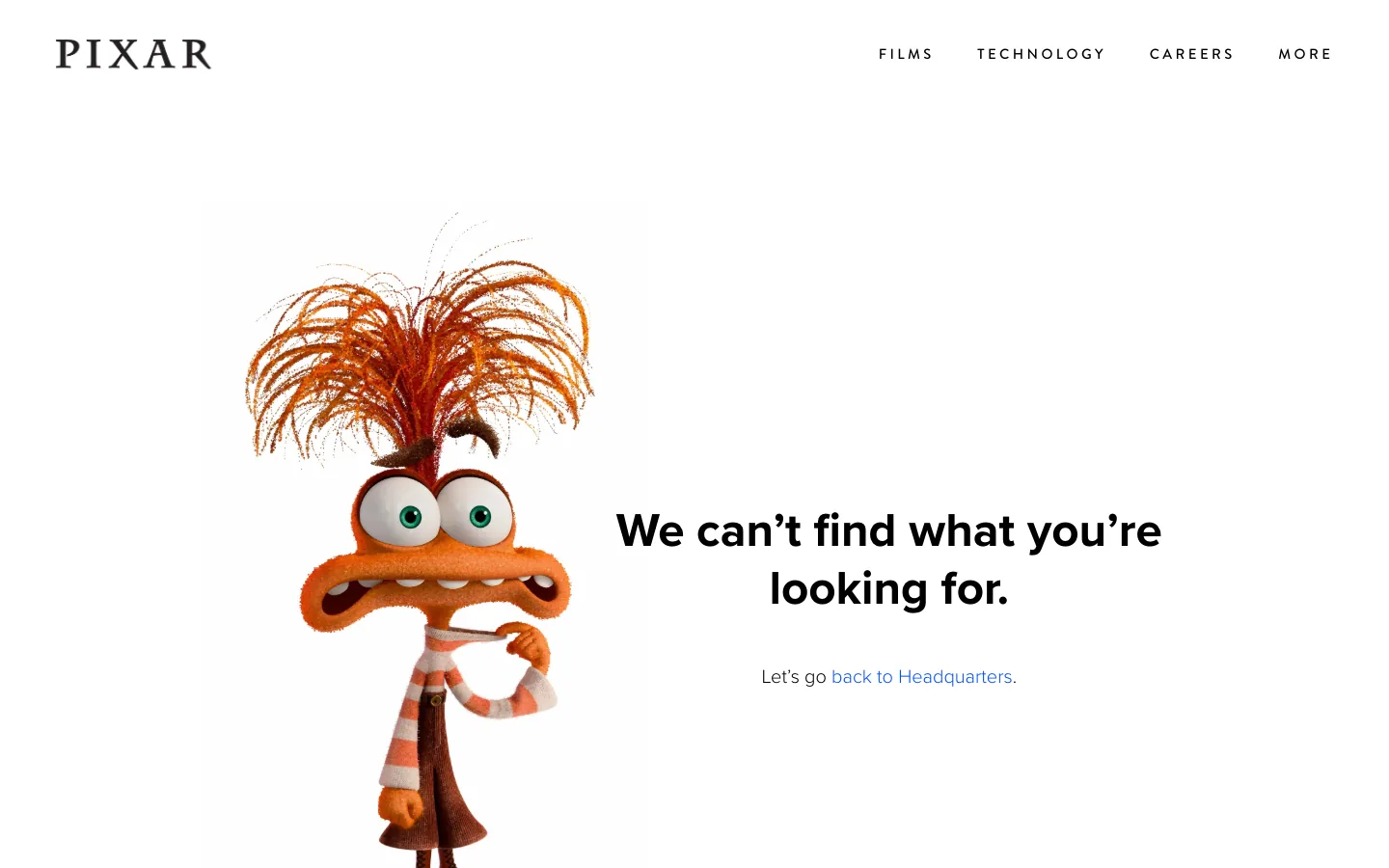
Steal this: the character matches the feeling of hitting a dead end, so the joke lands without explanation. Where it slips: one link, to the homepage, on a site with a deep film catalogue people are usually searching.
12. Slack: illustrated, with the right tone
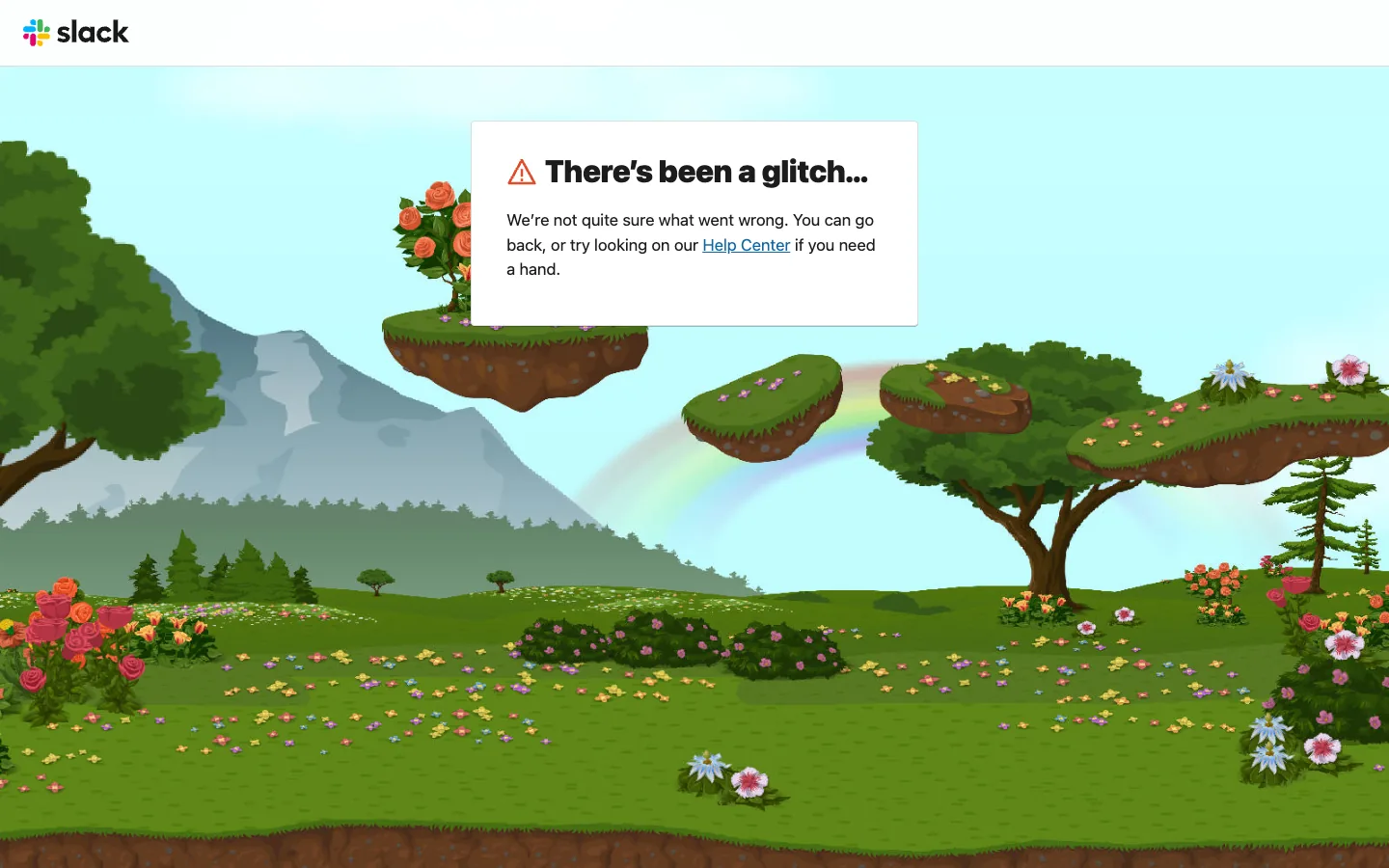
Steal this: the message admits fault ("we're not quite sure what went wrong") instead of blaming the address. Where it slips: the illustration is the whole page; the card with the actual links is small and sits in the corner.
13. Zomato: the product keeps working
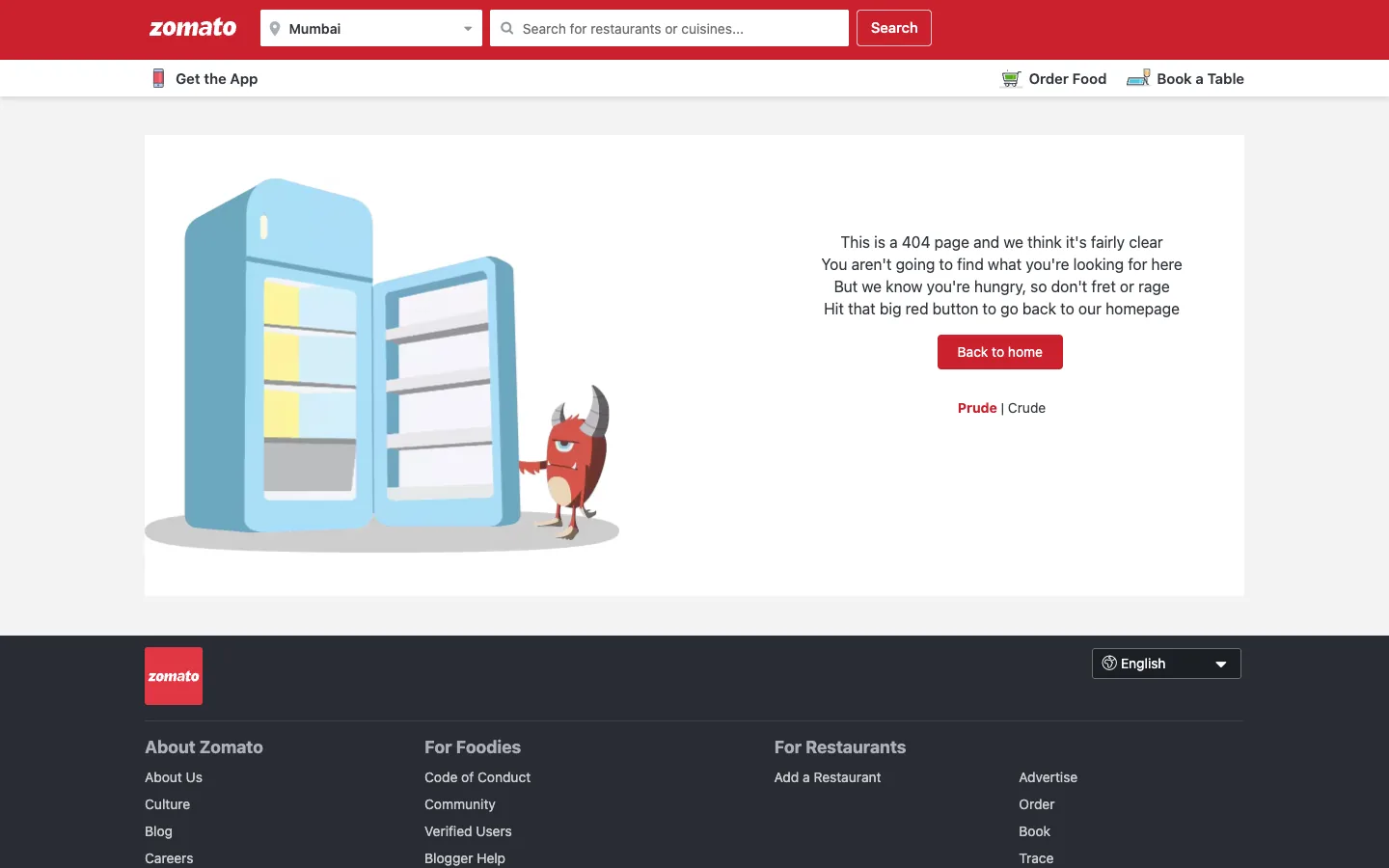
Steal this: the header search and the Order Online and Book a Table links stay, so the person can keep doing what they came for. Where it slips: the copy runs to five lines where one would do.
14. PhonePe: a help route for a payments app
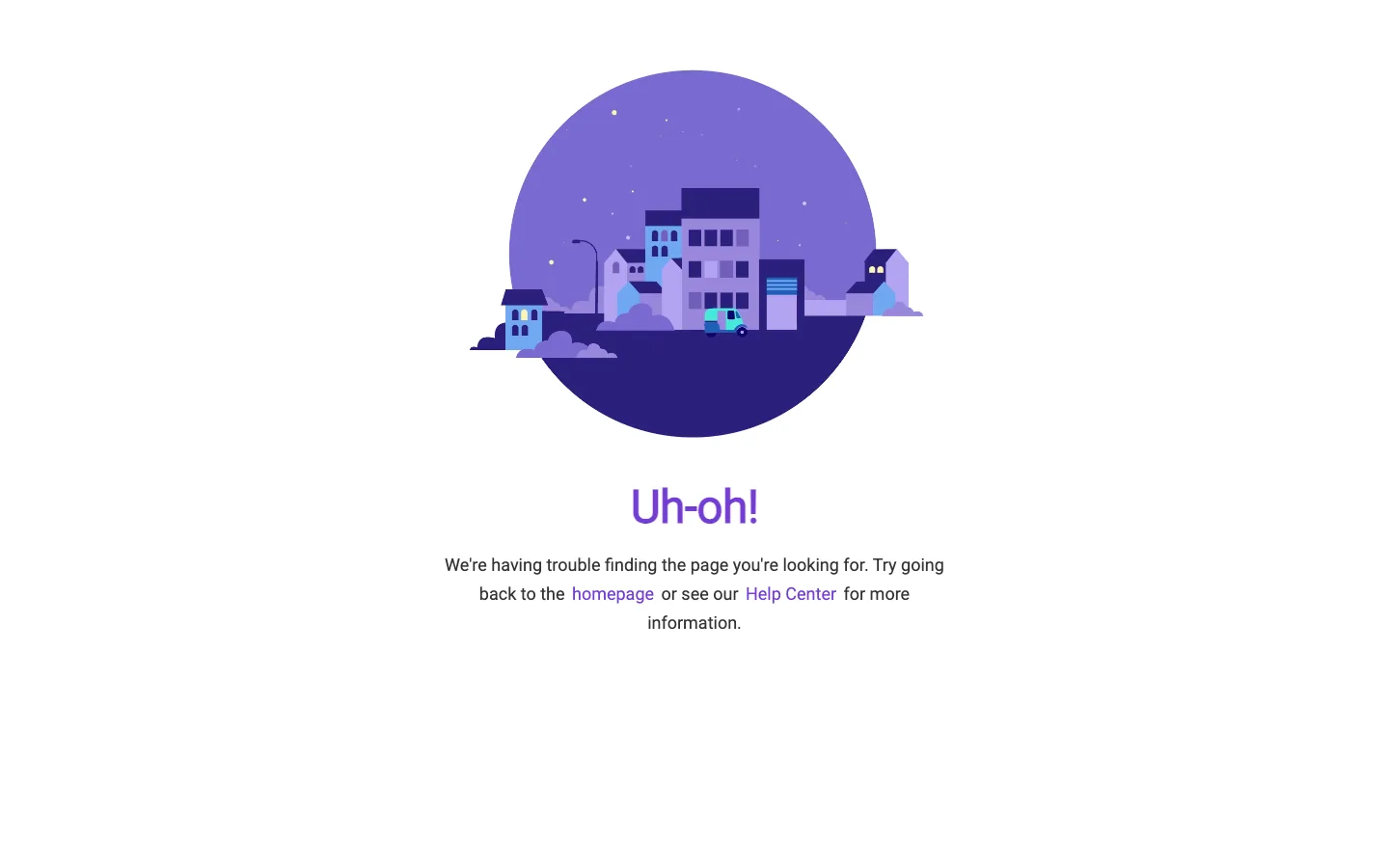
Steal this: for a payments product the Help Center link is the one that matters, and it is in the first sentence. Where it slips: the illustration is bigger than the message and the links are plain text, not buttons.
15. Urban Company: services as the way back

Steal this: the recovery is the booking grid itself, localised to the visitor's area. Where it slips: no search box and no link to an existing booking, which is what a returning customer on a dead link usually wants.
16. Lenskart: the cautionary one
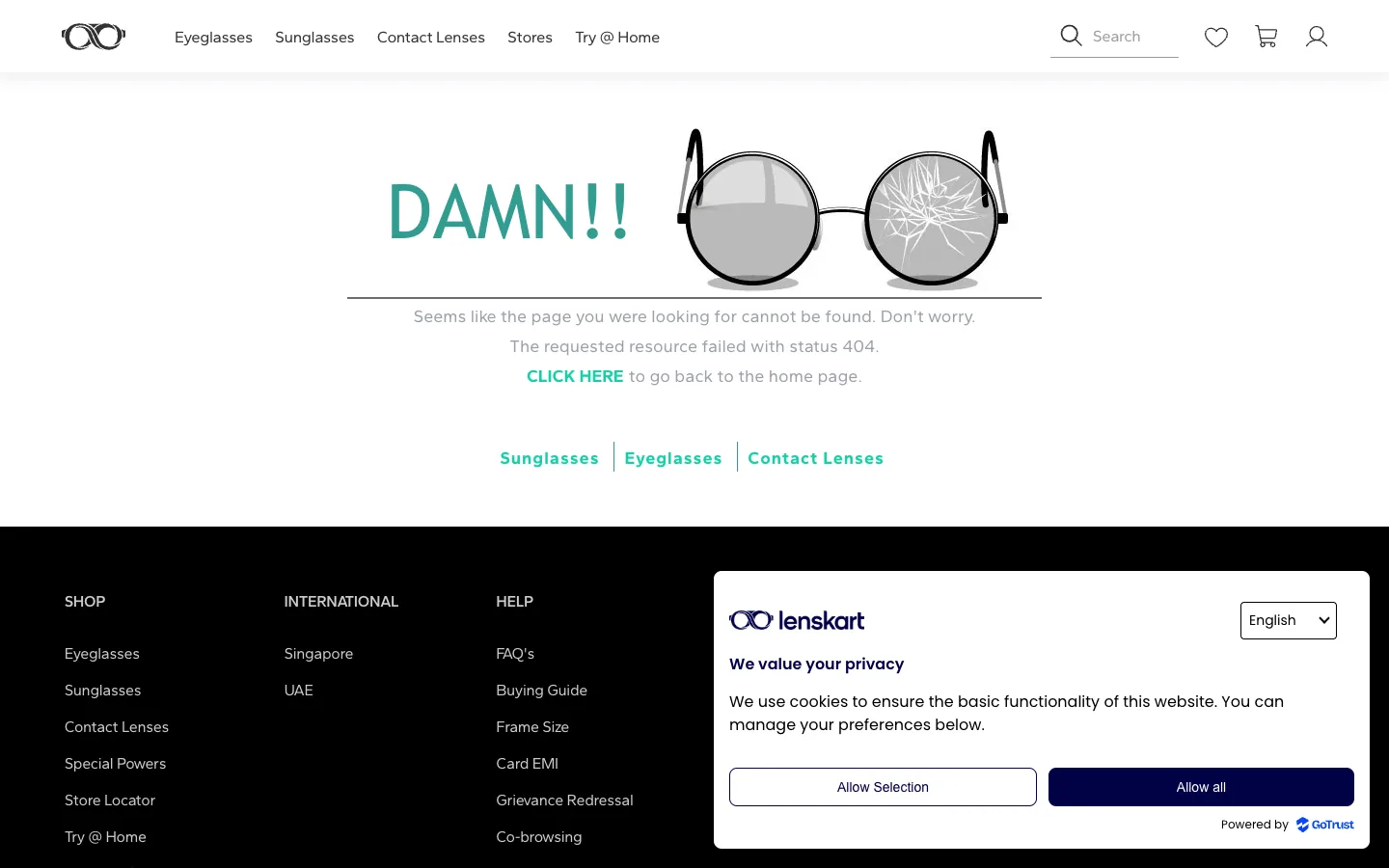
Steal this: the three category links (Sunglasses, Eyeglasses, Contact Lenses) are the right recovery for a store. Where it slips: "The requested resource failed with status 404" is error text that should never reach a customer, and a cookie dialog loads on top of the page.
Four 404 page patterns, and how to build one that returns 404
The four patterns
- Plain and useful (Cloudflare, Dropbox, Mozilla, Nike): one sentence, two to four links, the normal header and footer. The default for most business sites.
- Branded joke (GitHub, IKEA, Pixar, Amazon): a scene or character that fits the brand, plus the same links. Worth it only if the joke is fast to load and the links are still there.
- Search first (BBC, GitHub): for content-heavy sites where the lost page has a near neighbour.
- Product-led (Zomato, Urban Company, Dribbble, Lenskart): the site's own catalogue or search is the recovery. The best pattern for stores and marketplaces.
How to make a 404 page in Webflow, Next.js and WordPress
In Webflow, open the Pages panel, find the built-in 404 page under Utility pages and design it like any other page; Webflow serves it with a 404 status on every unknown URL, including on the sites we build. In Next.js, add a not-found file in the app directory and the framework returns 404 for unmatched routes. In WordPress, the theme's 404.php template handles it and the status is set by the core. On static hosts, name the file 404.html at the root. Then test: run curl -I https://yoursite.com/this-does-not-exist and confirm the first line says 404, not 200 or 301. Check Search Console's Page indexing report a week later for "Soft 404". Our Webflow SEO guide covers the rest of the setup, and our website migration guide explains when a 301 is right instead.
Want a 404 page designed to match your site?
We design the page in your brand, wire the search and the recovery links, and confirm the status code. Get a free quote for a custom 404 and a broken-link audit.
Design rules for 404 pages, with reasons
- Return a real 404. Google's HTTP status documentation: 4xx pages are not indexed; a 200 that looks like an error is flagged as a soft 404.
- Do not redirect missing URLs to the homepage. It hides broken links from your reports and creates soft 404s. Redirect only when a page has moved, with a 301 to the closest match.
- Say what happened without blaming the visitor. "That page no longer exists" beats "Error 404" and beats "check the address".
- Give two to four routes: home, search, the most visited sections, and help or status. Dropbox and Cloudflare show the minimum; BBC shows search inline.
- Keep the header and footer. The page is still your site. Tap targets stay at 24 by 24 CSS pixels minimum, per WCAG 2.2 SC 2.5.8.
- Keep it light. A heavy animated page punishes the visitor who already hit a dead end, and it must respect reduced-motion settings (WCAG 2.2 SC 2.3.3).
- Never ship developer text. Lenskart's "requested resource failed" line is what happens when the template is never reviewed as a customer.
- Review the top 404 URLs monthly in Search Console. The page is the safety net; the fix is the redirect or the corrected link.
For the other end of the page journey, see our guides to hero section design and footer design.
Frequently asked questions
Does a 404 page affect SEO?
Not by itself. Google says a 404 for a page that no longer exists does not count against the site. What hurts is a soft 404: a missing page that returns 200 or redirects to the homepage, which wastes crawl budget and confuses the index. Return a real 404, design a useful page, and fix the links that point at it.
What should a 404 page say?
Say the page could not be found, in plain words, without blaming the visitor. Then offer a way forward: a link home, a search box, and two or three popular sections. Keep the normal header and footer so the person is still clearly on your site, and keep any joke short enough that the links are visible without scrolling.
How do I make a custom 404 page?
In Webflow, edit the built-in 404 page under Utility pages. In Next.js, add a not-found file in the app directory. In WordPress, edit the theme's 404 template. On static hosts, name the file 404.html. Then test with curl on a made-up URL and confirm the response is 404, not 200.
Should a 404 page redirect to the homepage?
No. A blanket redirect turns every missing URL into a soft 404 and hides broken links from your reports. Redirect only when a page has genuinely moved, and send it to the closest matching page with a 301. Everything else should return 404 with a useful page that offers routes back.
What is the difference between 404 and 410?
Both tell Google the page is gone. Google's documentation treats all 4xx codes except 429 the same for indexing, so 410 offers no practical advantage over 404 for most sites. Use 404 unless your platform already emits 410 for deleted content, and spend the effort on the page and the redirects instead.
Turn Dead Ends Into Second Chances.
We design 404 pages that keep visitors on your site and return the right status, then audit the broken links that send people there. Get a free check of yours.




