SimpleK12: A Cleaner Webflow Build That Keeps Shipping
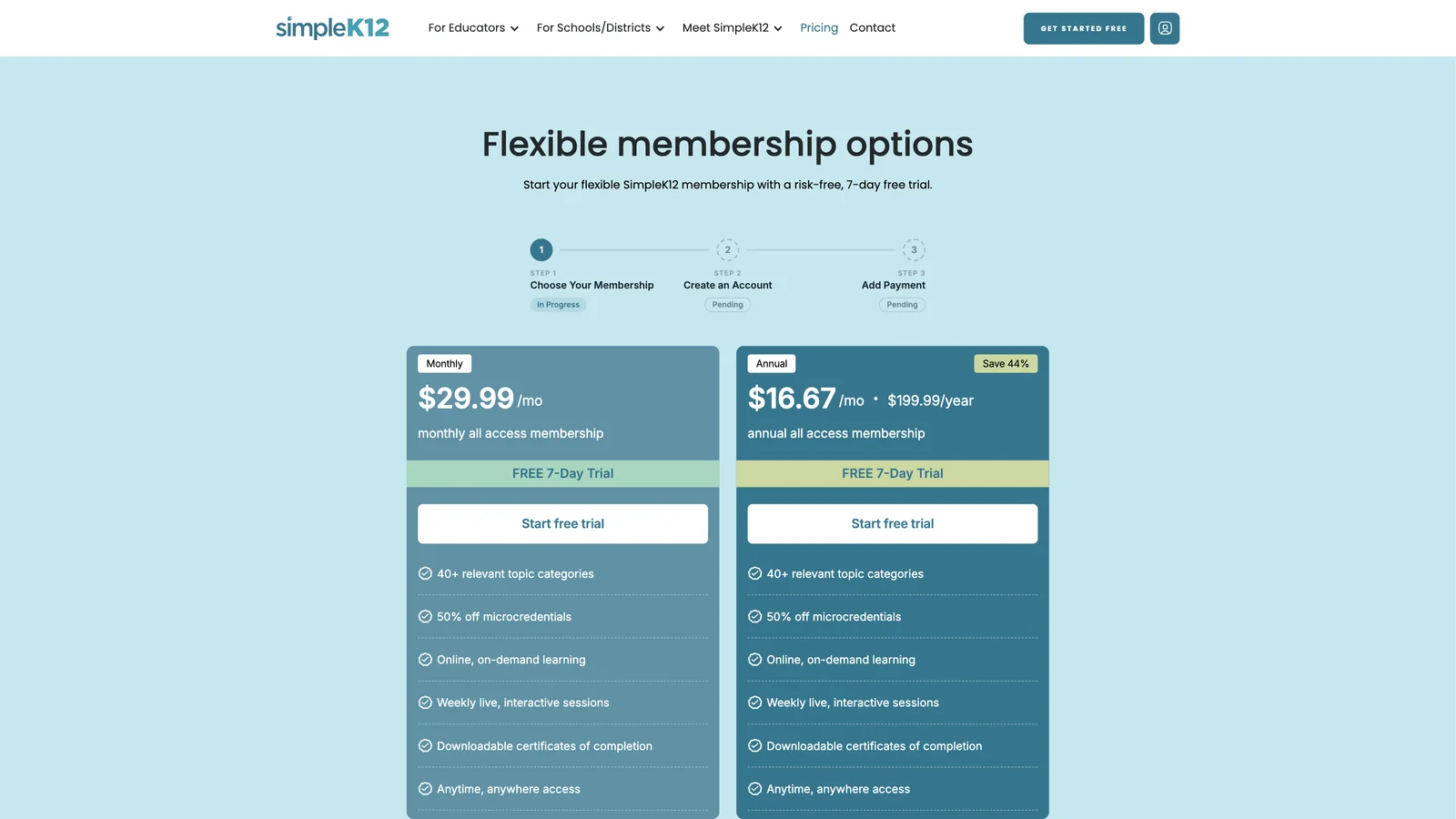
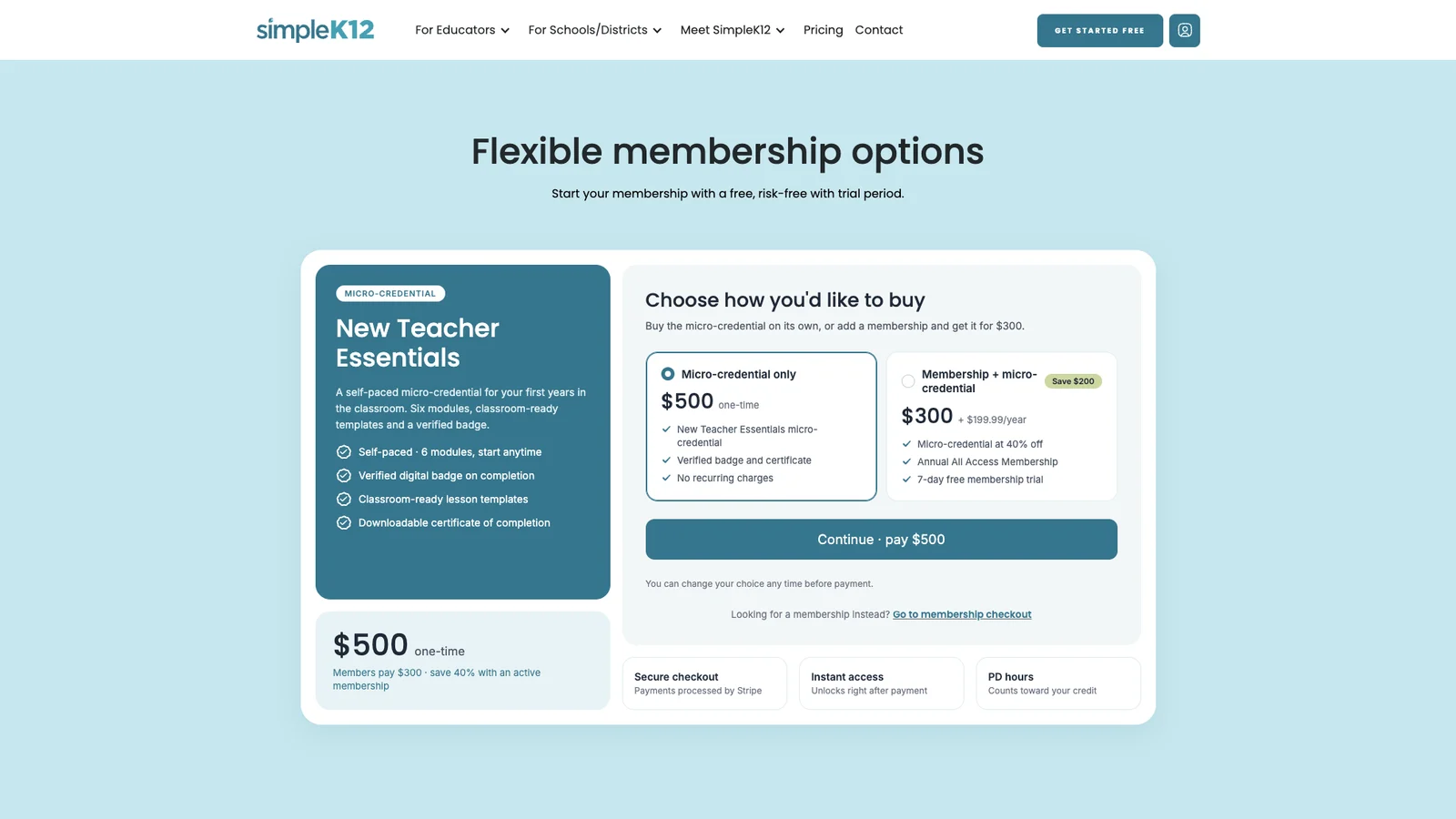
SimpleK12's marketing site had to move fast, on a Webflow build that made that hard. We rebuilt it on a component library, then kept shipping on top of it: a catalogue of 1,000+ courses, a checkout connected to the member portal, and a per-product checkout.



About the client
550,000+ educators and 2,700+ school leaders, part of Teachers of Tomorrow, with roots going back to 1983.
Company:
SimpleK12
Location:
Industry:
K-12 education, teacher professional development
Timeline:
Ongoing
Start Date:
2026
Live Site:
Visit the siteAbout the collaboration
Services:
Webflow development, design, checkout
Platform & Apps:
Webflow, Figma, Stripe, Partner API
Challenge:
A Webflow build that slowed the team, with courses and signup stuck on the member portal.
Solution:
A clean Webflow project on a component library, a 1,000+ course catalogue and two checkouts on the site.
Impact:
The team ships on one system, and teachers can pick a plan and pay without leaving the site.
SimpleK12 helps teachers earn professional development hours and certificates through on-demand courses and learning pathways, for individual educators and for schools and districts.
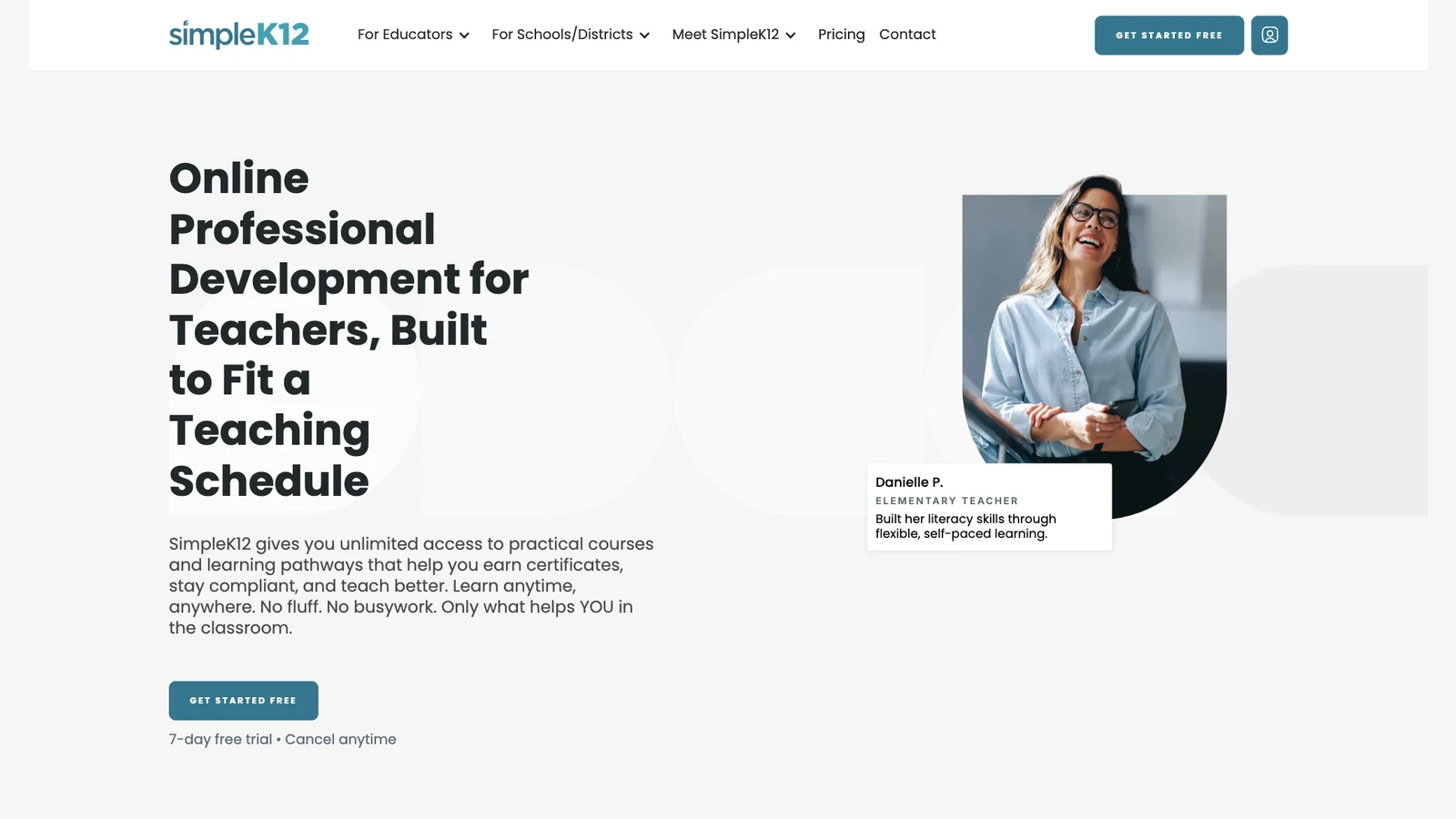
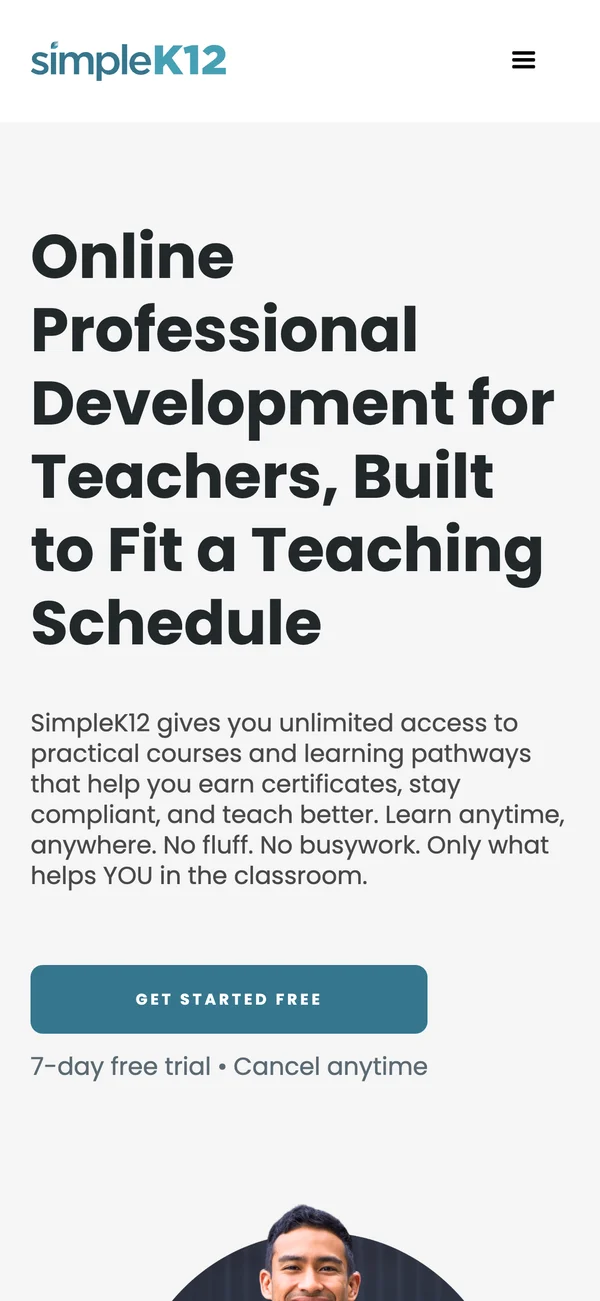
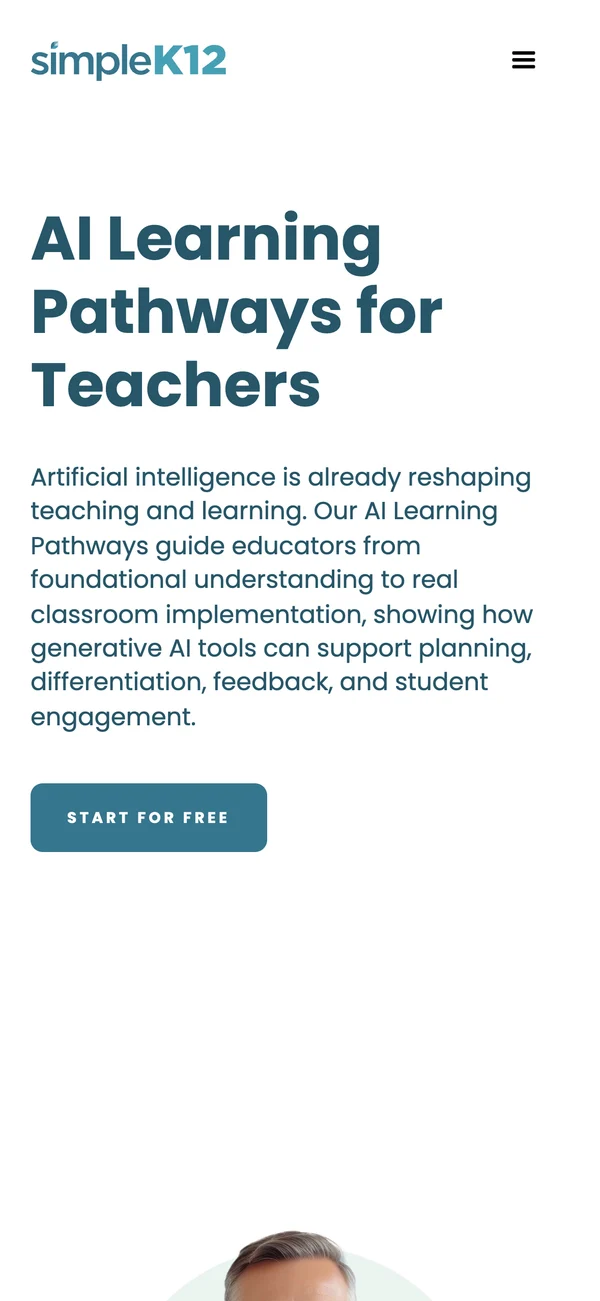
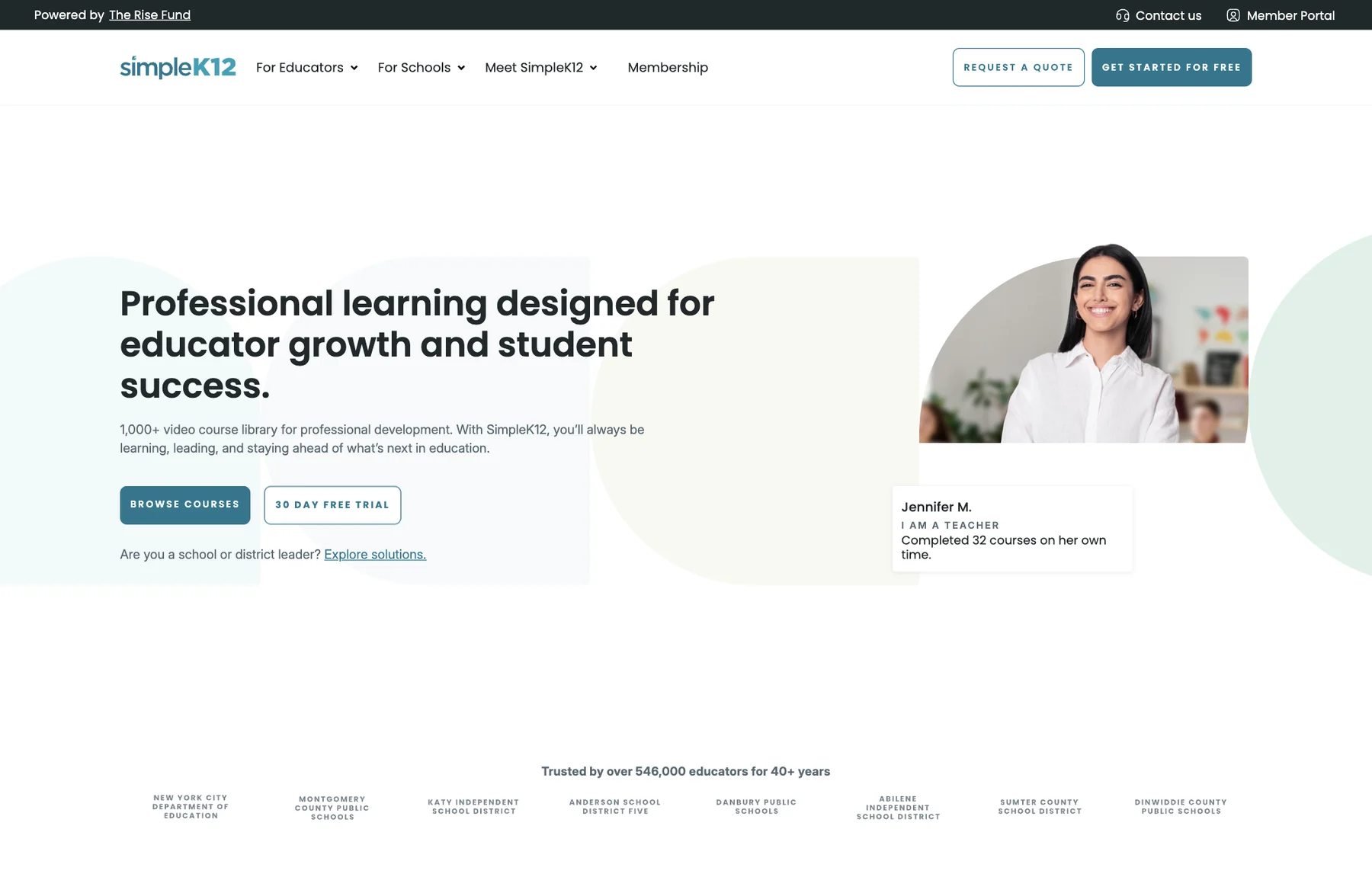
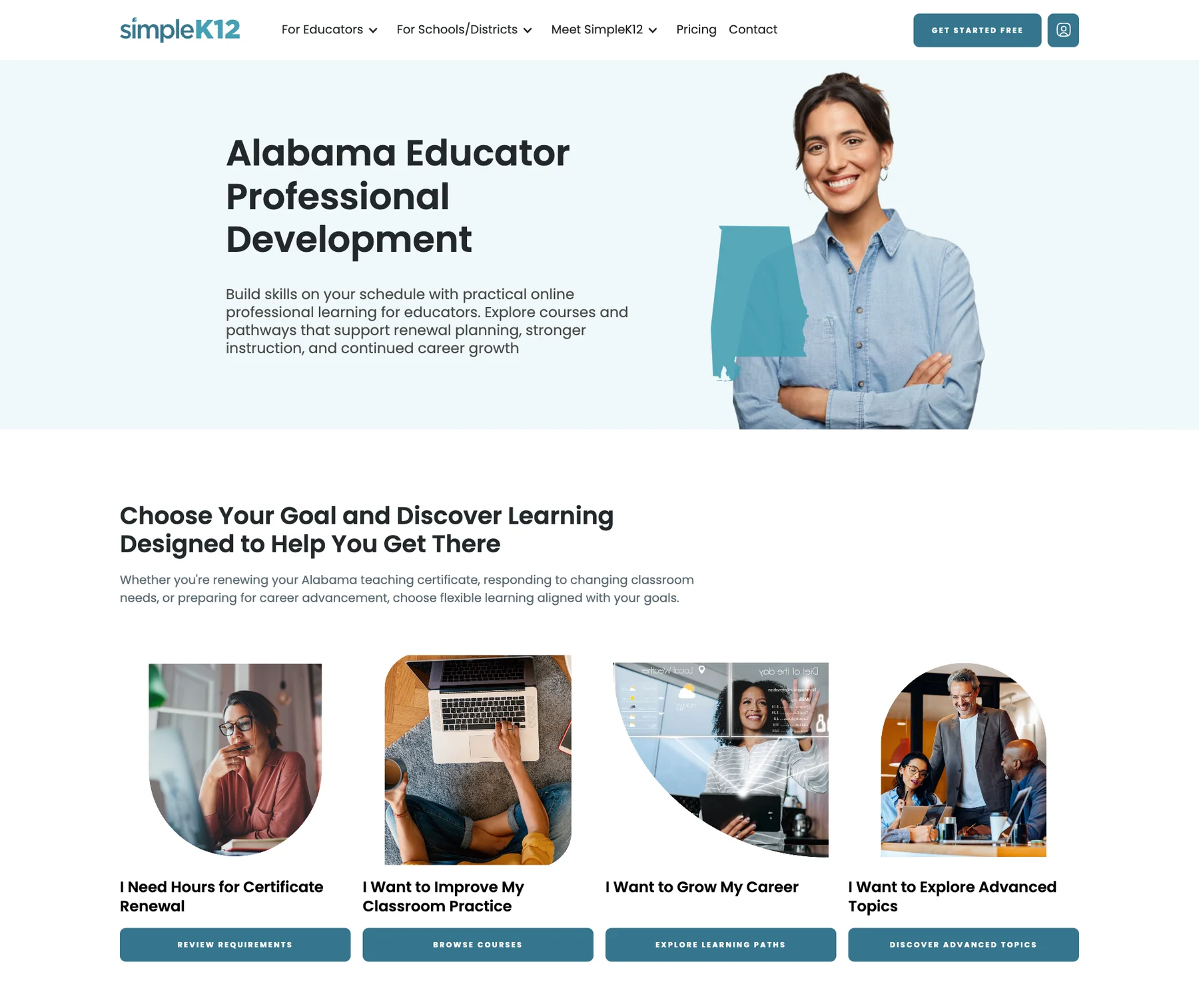
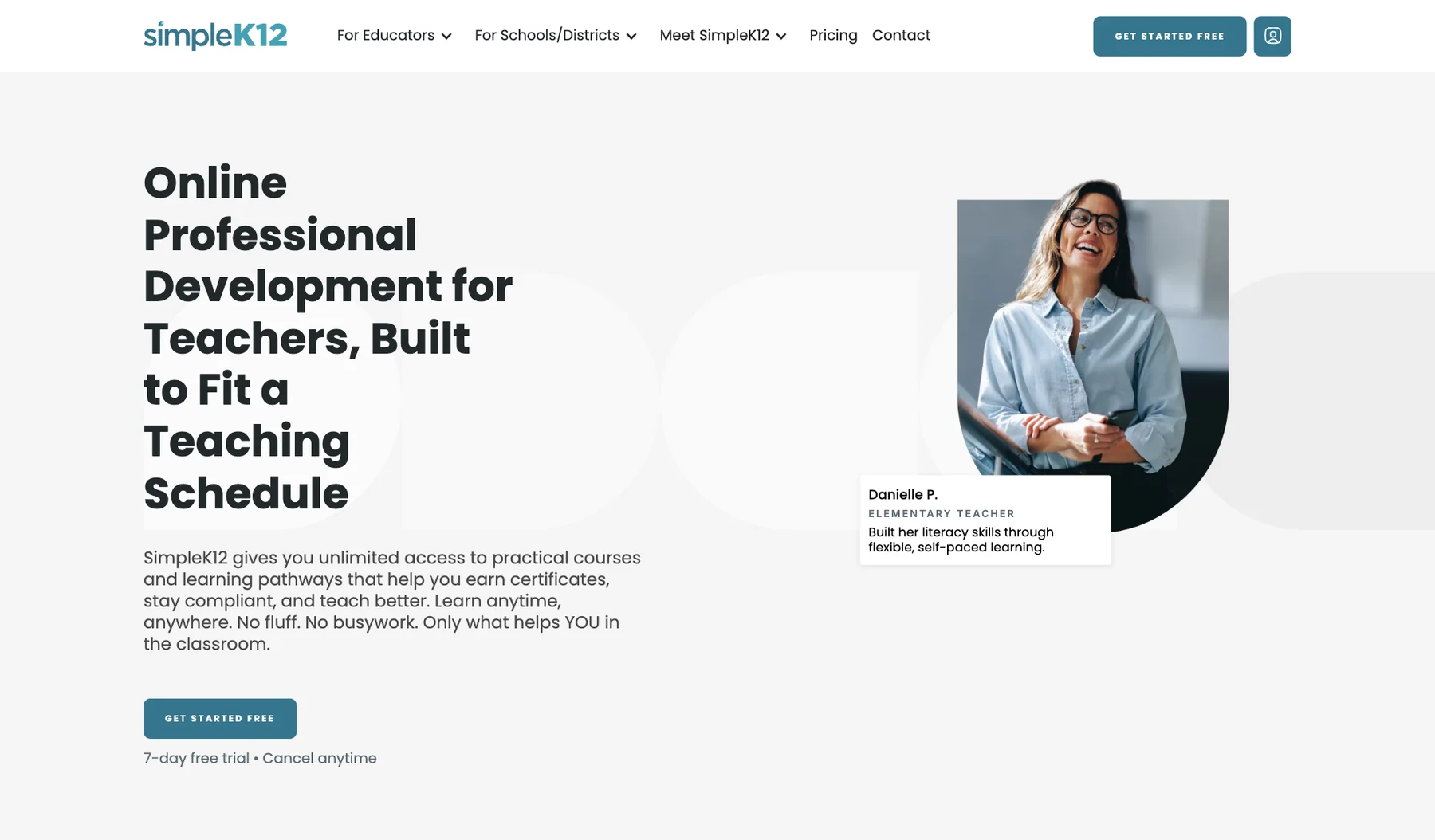
The marketing site ran on a Webflow build made by another team. It worked, but new pages were slow to make, course links led to the member portal, and every membership button sent people off the site to sign up. We rebuilt the site in a clean Webflow project on a component library, then stayed on to keep shipping with the team.
Why rebuild a site that was already on Webflow?
A clean project with reusable components makes every later change faster. The team builds new pages from parts that already exist, instead of copying and restyling old ones.
How do 1,000+ courses stay up to date?
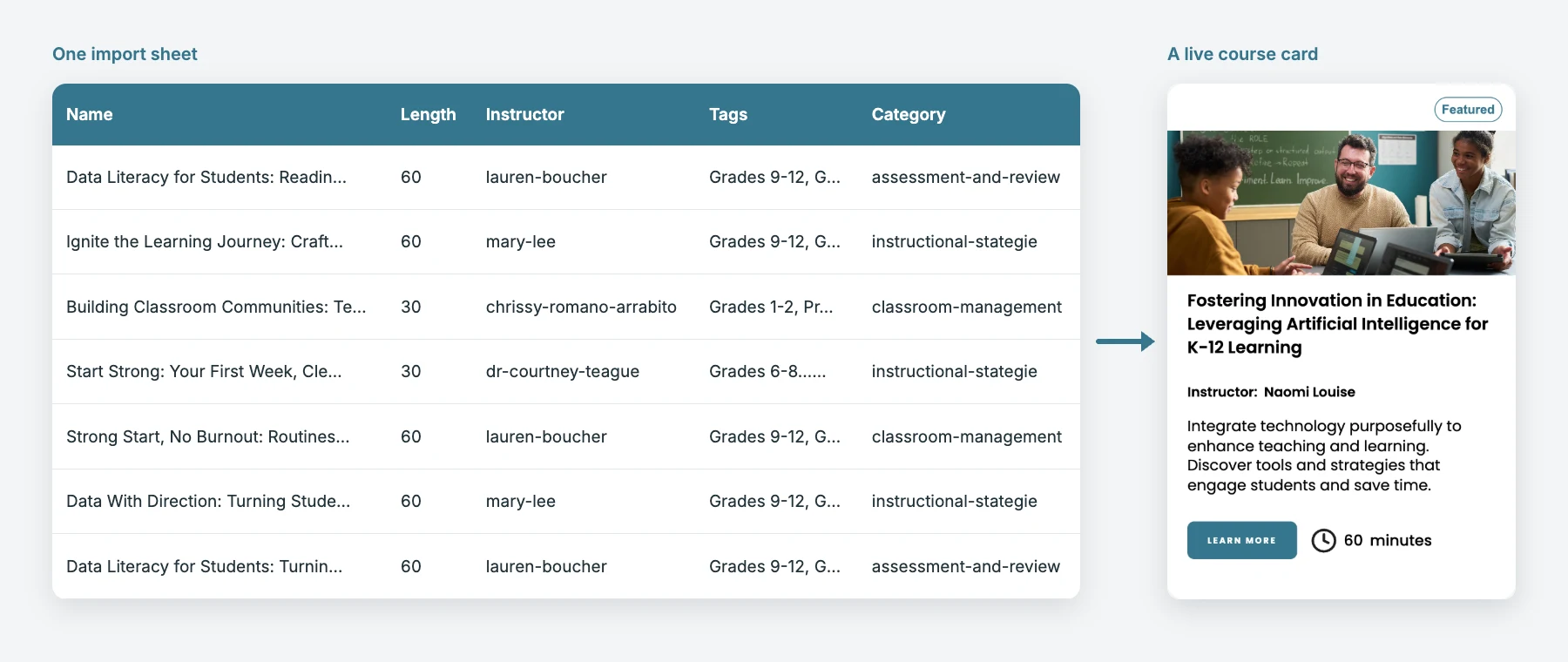
Courses live in the Webflow CMS and go in by bulk import. Each row in a sheet becomes a course page with its instructor, length, tags and categories.
Does the checkout replace the member portal?
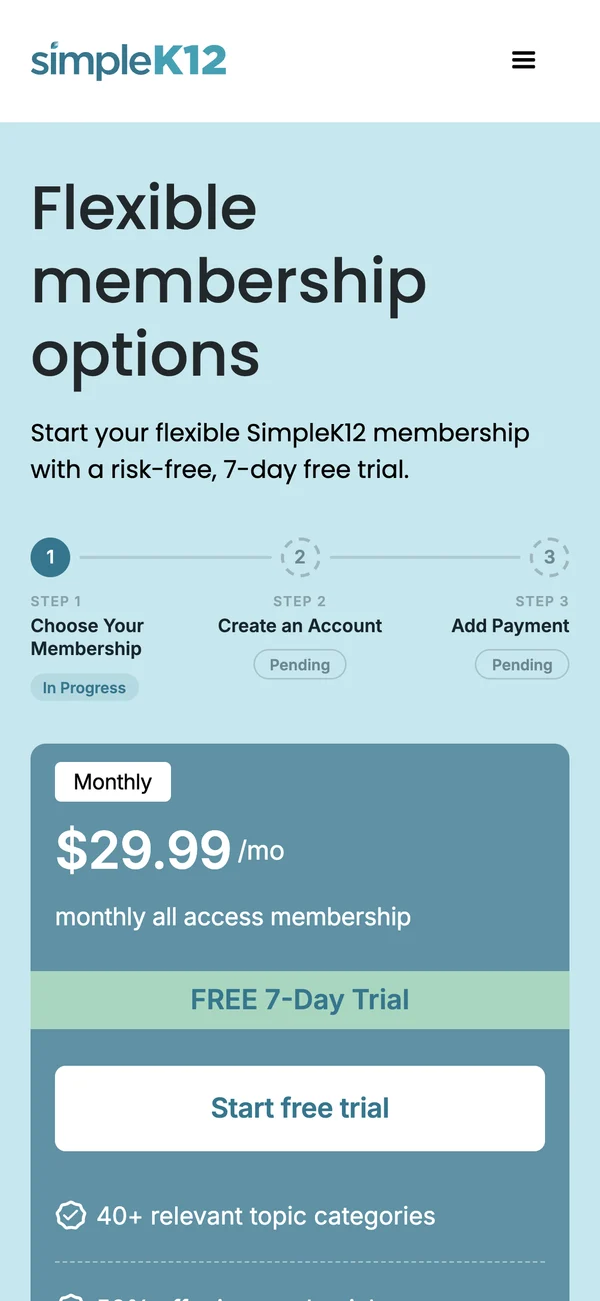
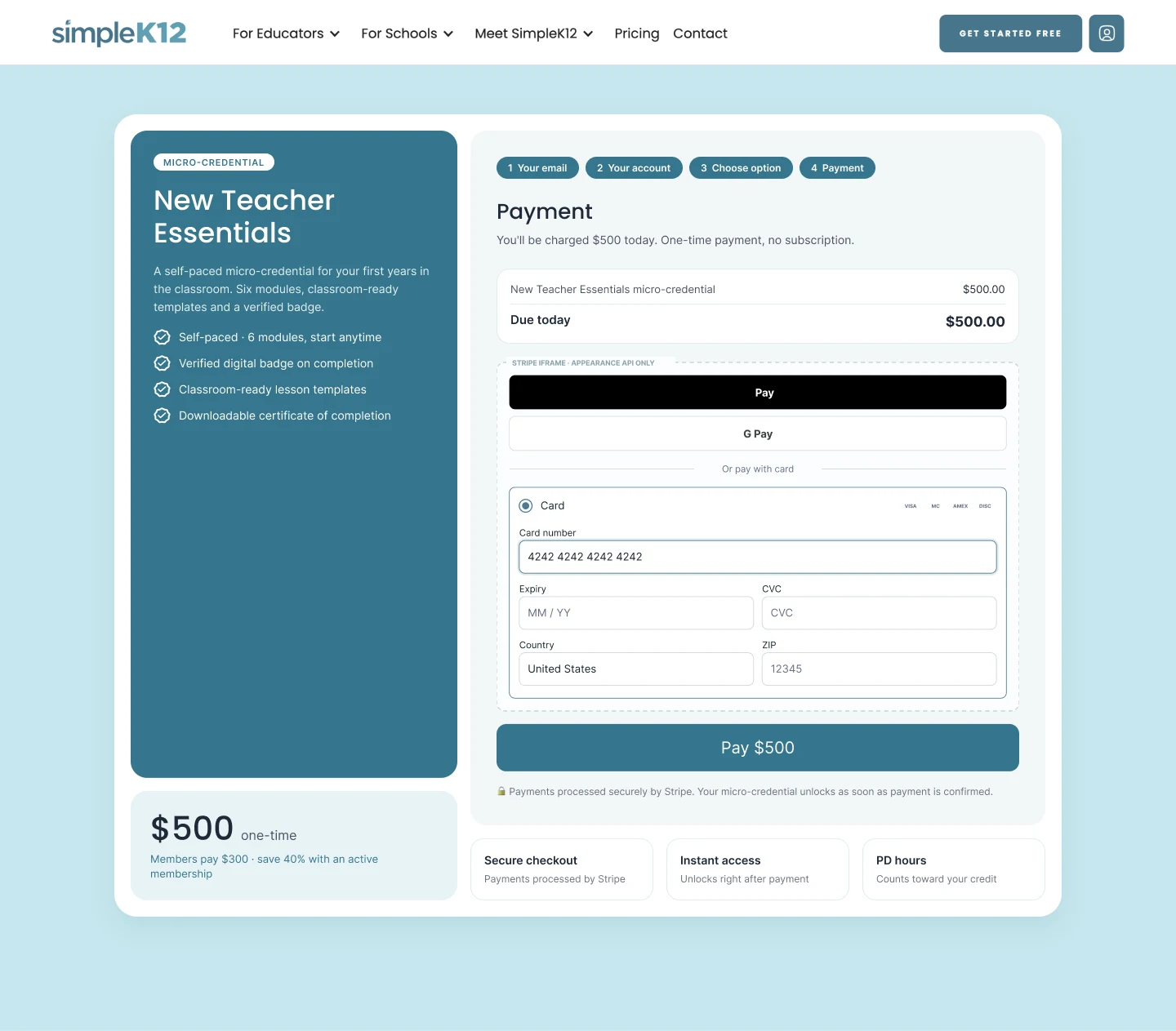
No. Plan choice, account creation and payment happen on the marketing site, then a one-time token signs the member in to the portal, which stays the home for courses.
What happens when an existing member buys a product?
The page checks the email first. Existing members skip account creation and see their member price, and anyone who already owns the product gets a sign-in link instead.
Is Gleam still working with SimpleK12?
Yes. We support the site on an ongoing basis, including course batches, state pages, new checkouts and site audits.
The Problem


- A Build That Slowed the Team: The old Webflow project was hard to extend. Styles had piled up, so a new page meant copying an old one and cleaning it up.
- Courses Stuck on the Portal: Course links sent visitors to the member portal's catalogue, so courses had no pages of their own on the marketing site.
- Signup Off the Site: Every membership button left the marketing site for a portal registration page, right at the most important step.
- Only One Way to Buy: The site was set up to sell memberships. A new product like a micro-credential had no checkout of its own.
Asking the right questions
Building a checkout on an API that was still moving
The Partner API, Stripe account and portal belong to a separate team, and the contract changed as we built, including a move to a new payment session model. Webflow also caps each code embed at 50,000 characters. So we kept every change small and provable, tested on a development environment that switches on by hostname, and held launch a day until server-side promo validation was ready. For per-product checkout we added a demo mode, so the whole flow could be reviewed before the new endpoints were live.
The GamePlan
Audit the old build
Find what was slowing the team, from styles to page structure.
Build the component library
Set up a clean Webflow project with shared styles and reusable sections.
Rebuild the key pages
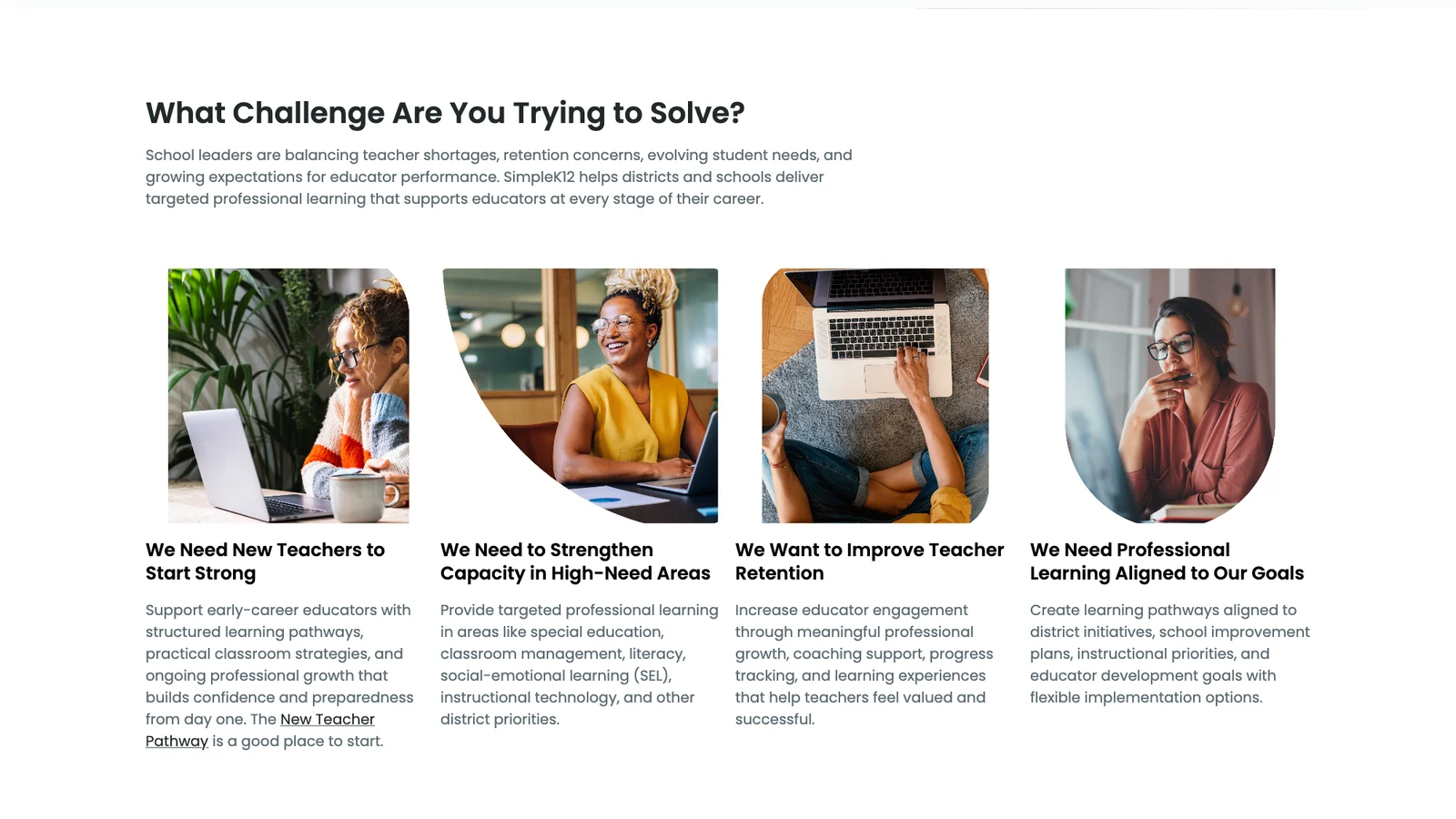
Recreate the site from components, for educators and for schools.
Protect search traffic
Map old URLs to new ones with redirects, so moving pages didn't lose visitors.

Design the course architecture
Connect courses, instructors, categories and pathways in the CMS, then import them in bulk.
Connect checkout to the portal
Design the flow in Figma, build it on the Partner API and test on development first.
Add per-product checkout
Sell a single micro-credential inside its own card, on top of the membership flow.

Stay on for support
Add courses and state pages and fix issues as the team needs them.
The Solution
We gave SimpleK12's team one clean system to build from, then used it to bring courses and checkout onto the site.
A Clean Webflow Build on a Component Library
The old project was hard to extend, so every new page took longer than it should.
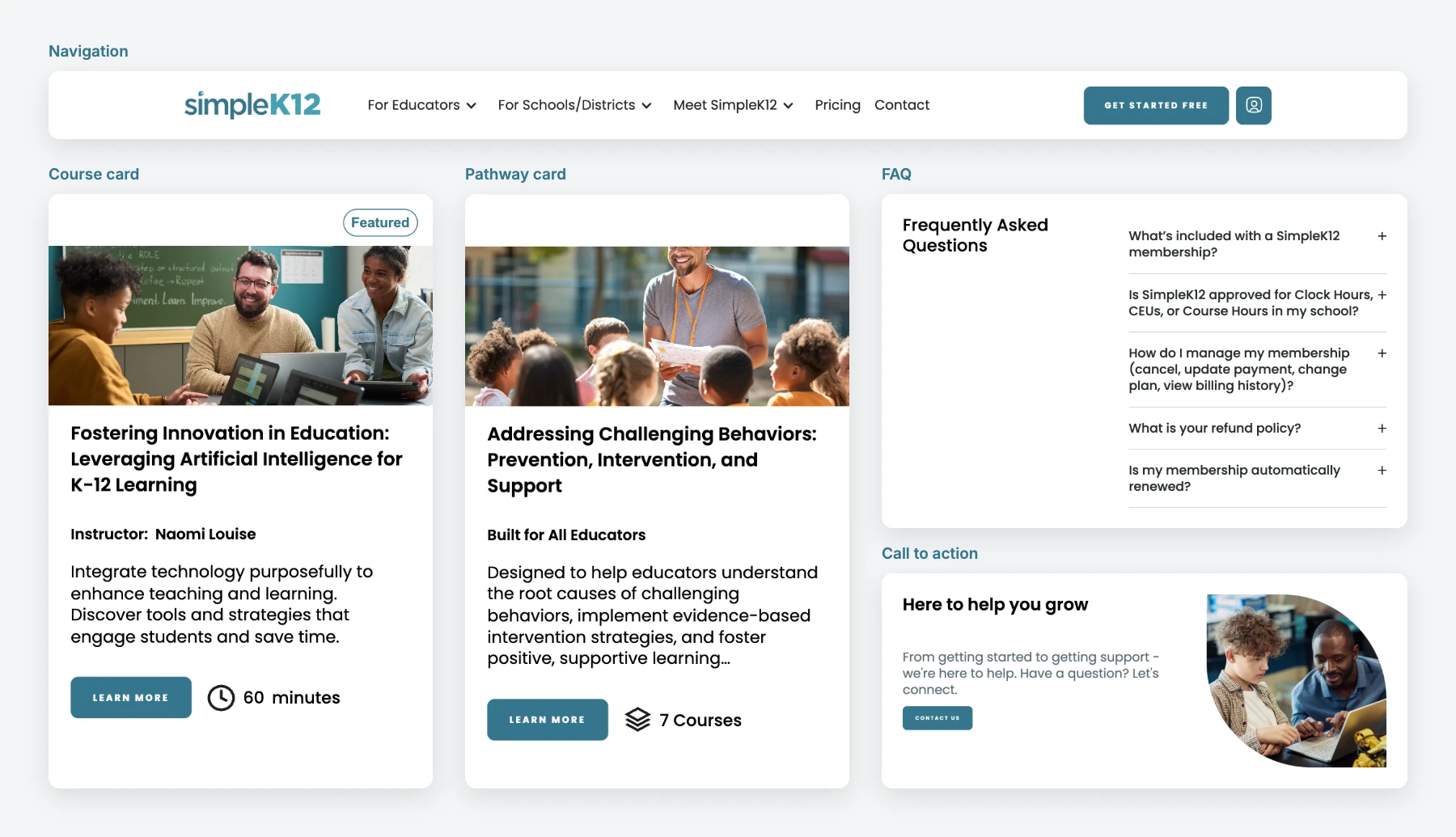
We rebuilt the site in a new Webflow project with shared styles and reusable parts: navigation, cards, FAQs and calls to action. The team can now build a page from parts that already exist.
One Set of Parts, Many Pages
Educators and school leaders need different messages, not different systems.
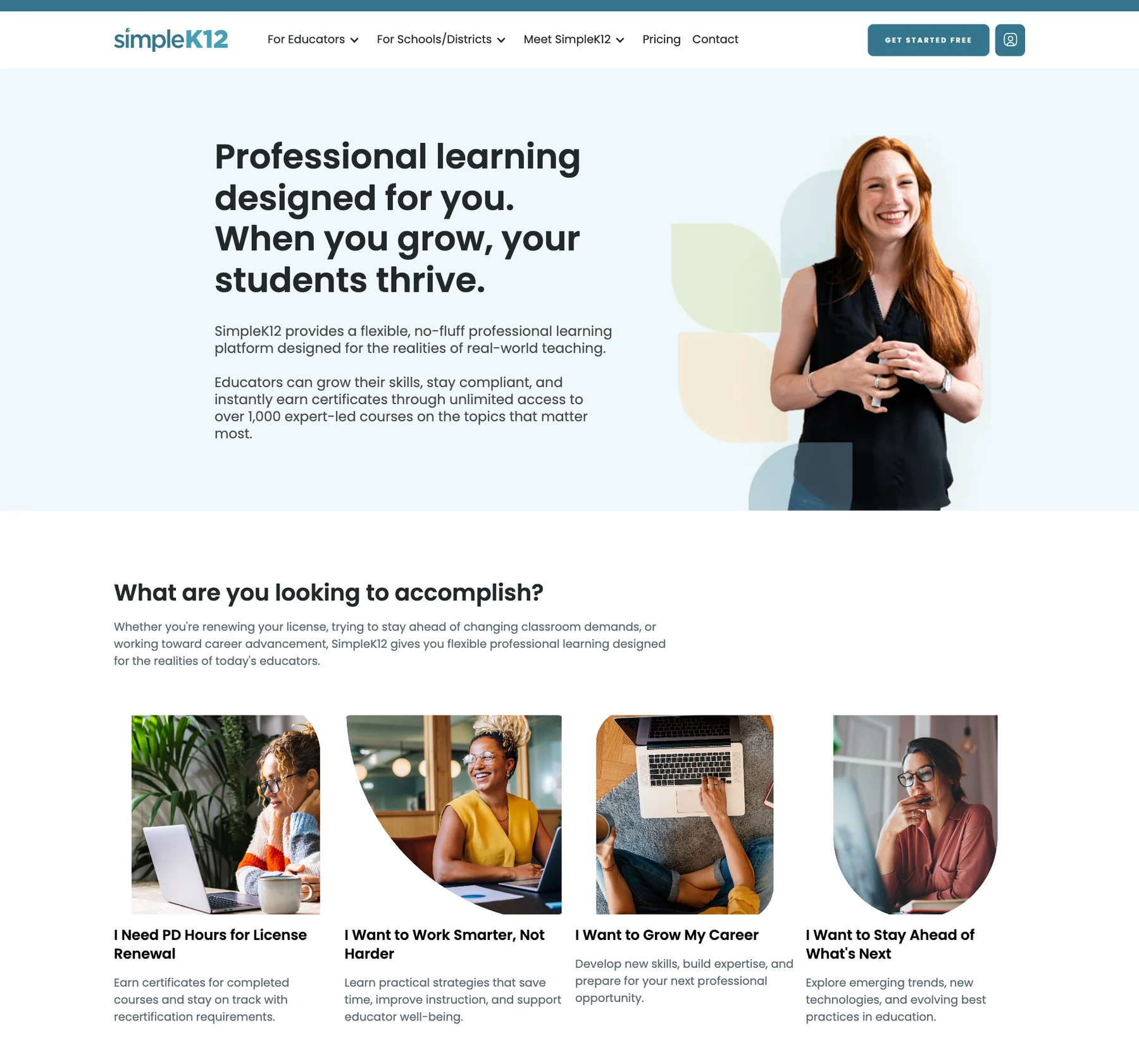
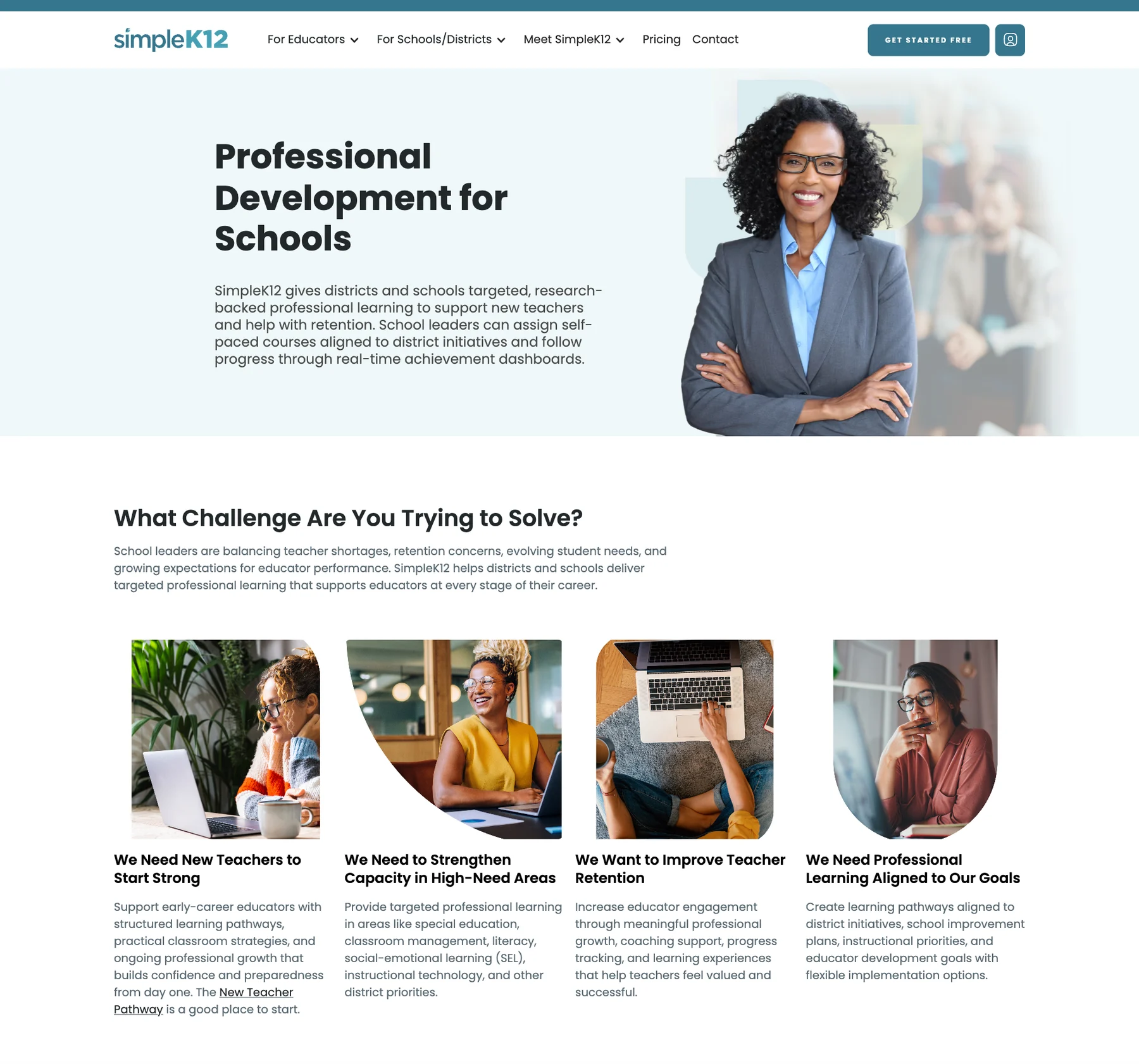
Educator and school pages use the same sections with different words and images, so a new audience page is assembly, not a rebuild.
1,000+ Courses With Their Own Home
Course links sent visitors out to the member portal.
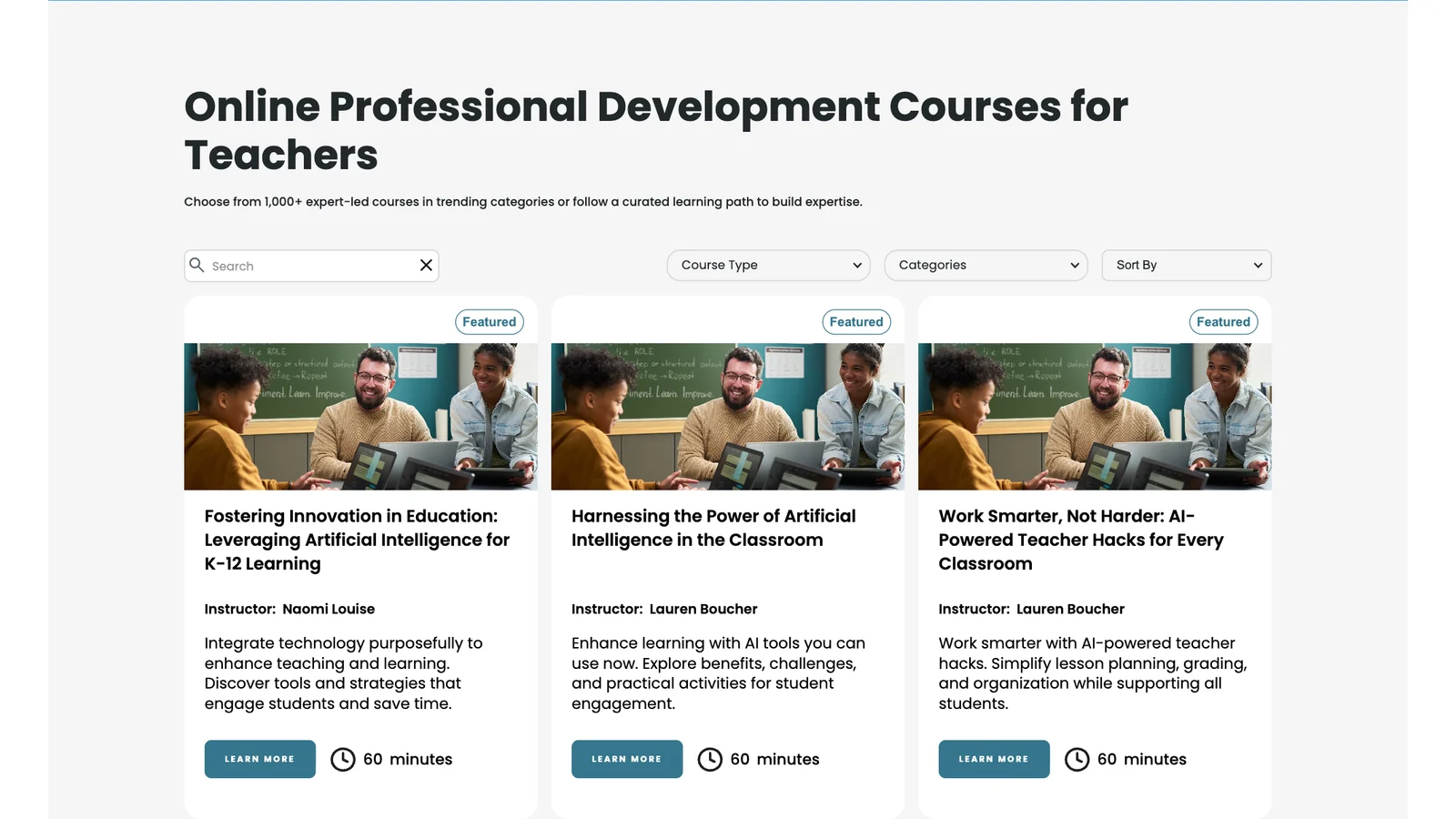
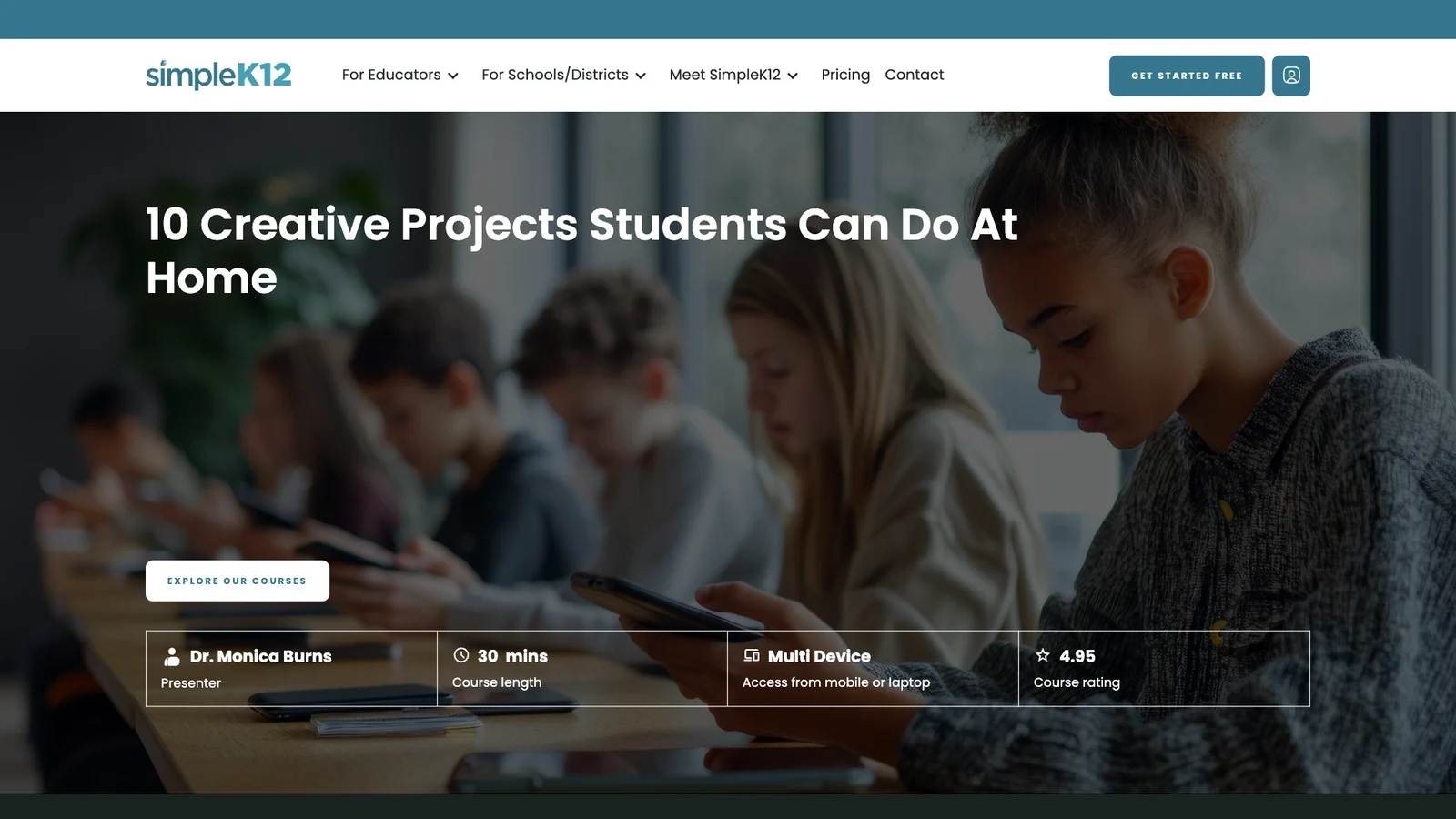
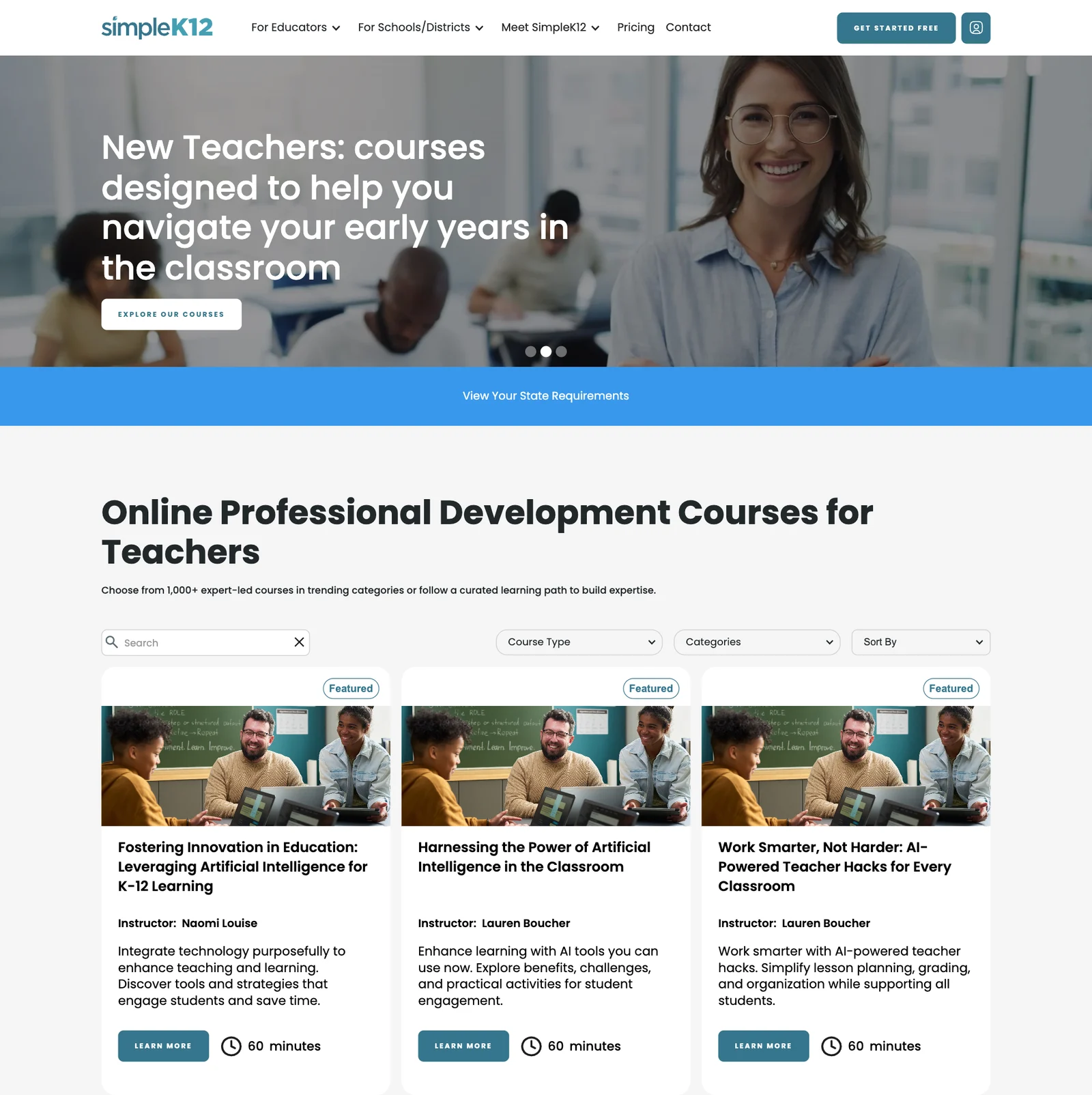
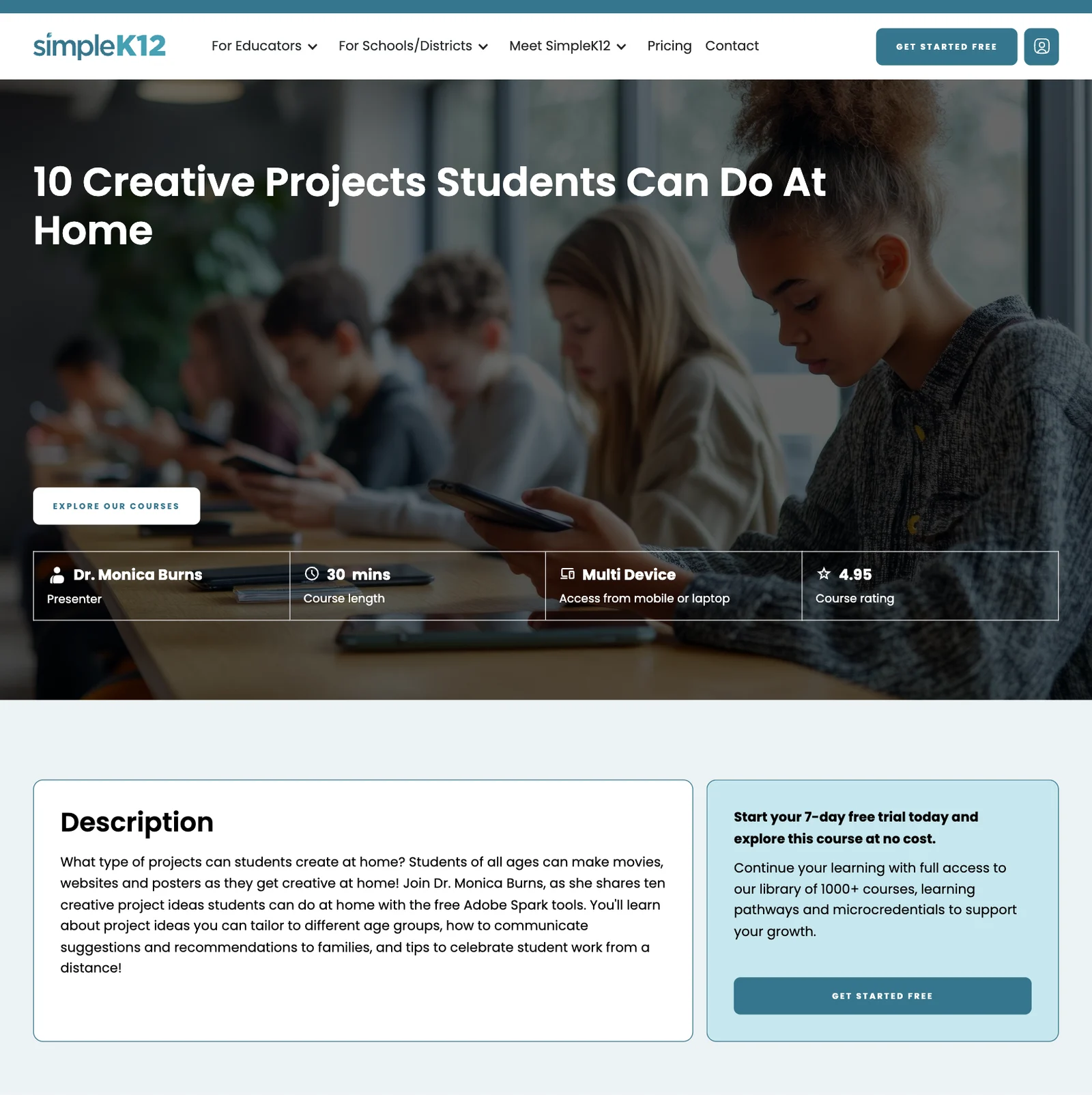
Every course now has its own page on the site. A catalogue with search and filters leads to course pages with the instructor, length and a clear next step.
Bulk Imports Instead of Data Entry
A catalogue this size can't be kept up to date one course at a time.
We designed the CMS around a single import sheet, so each row becomes a course with its instructor, length, tags and categories. New batches go in the same way.
Pathways and State Pages
Teachers need to know what to take next and what counts in their state.
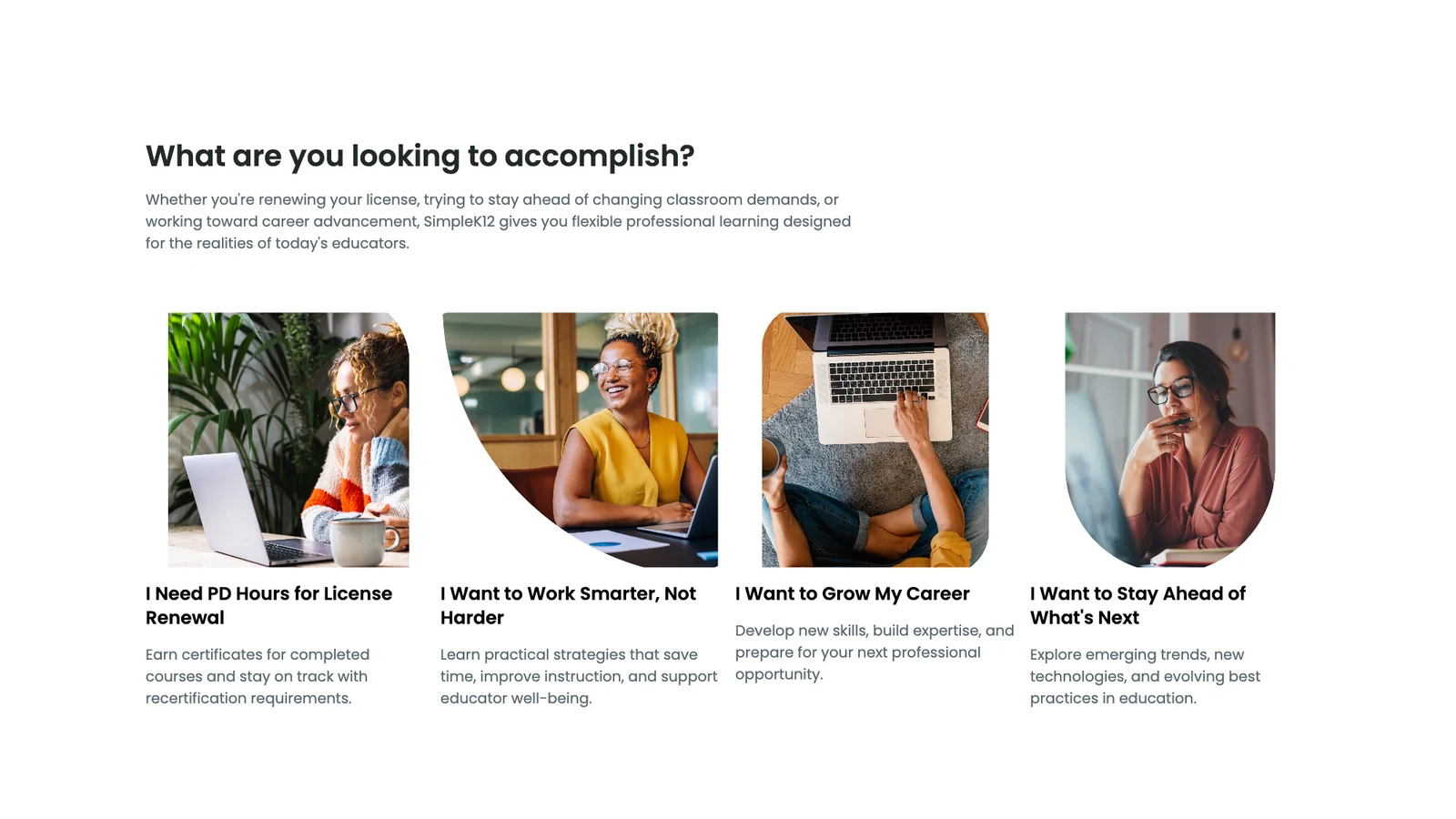
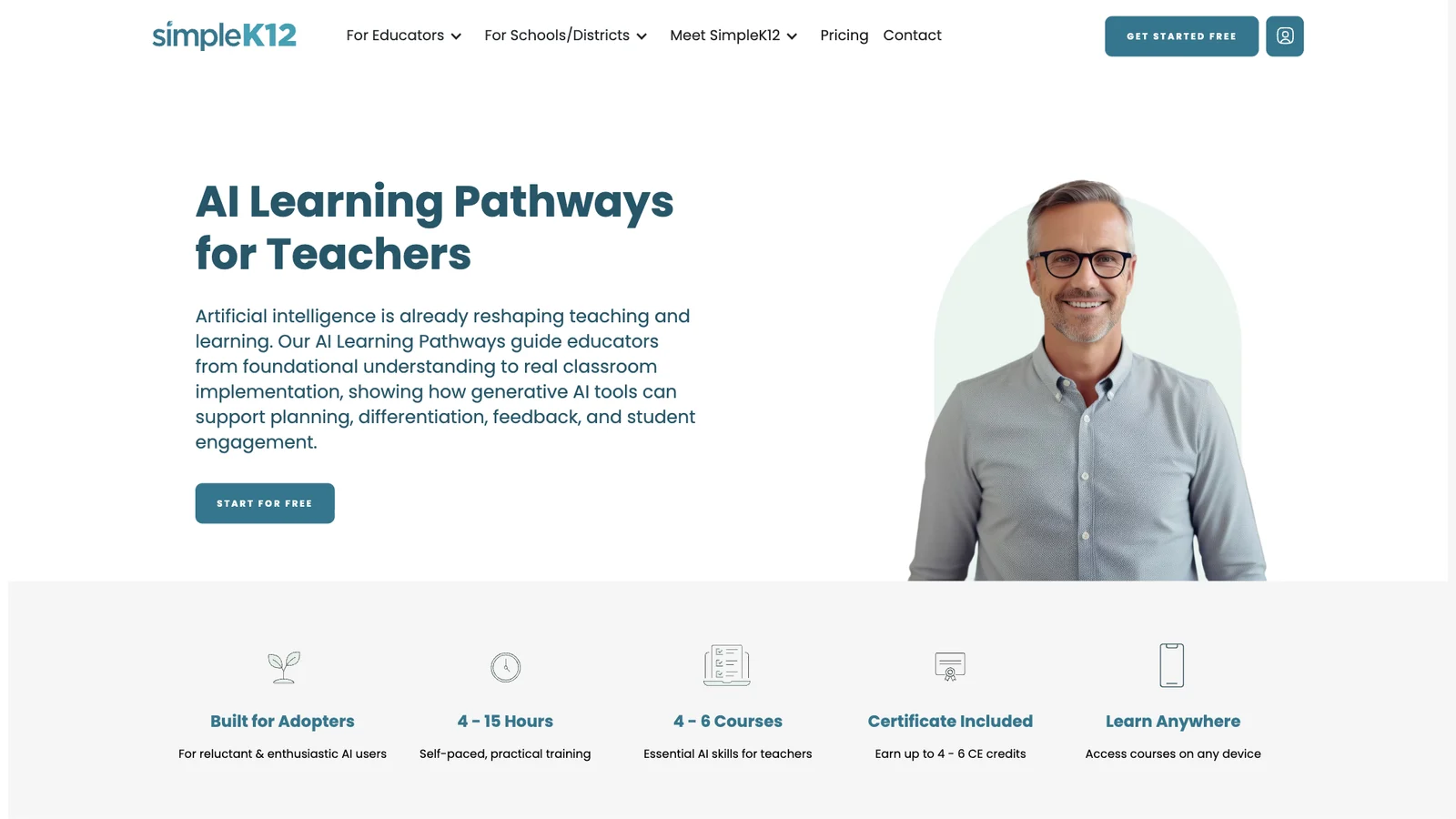
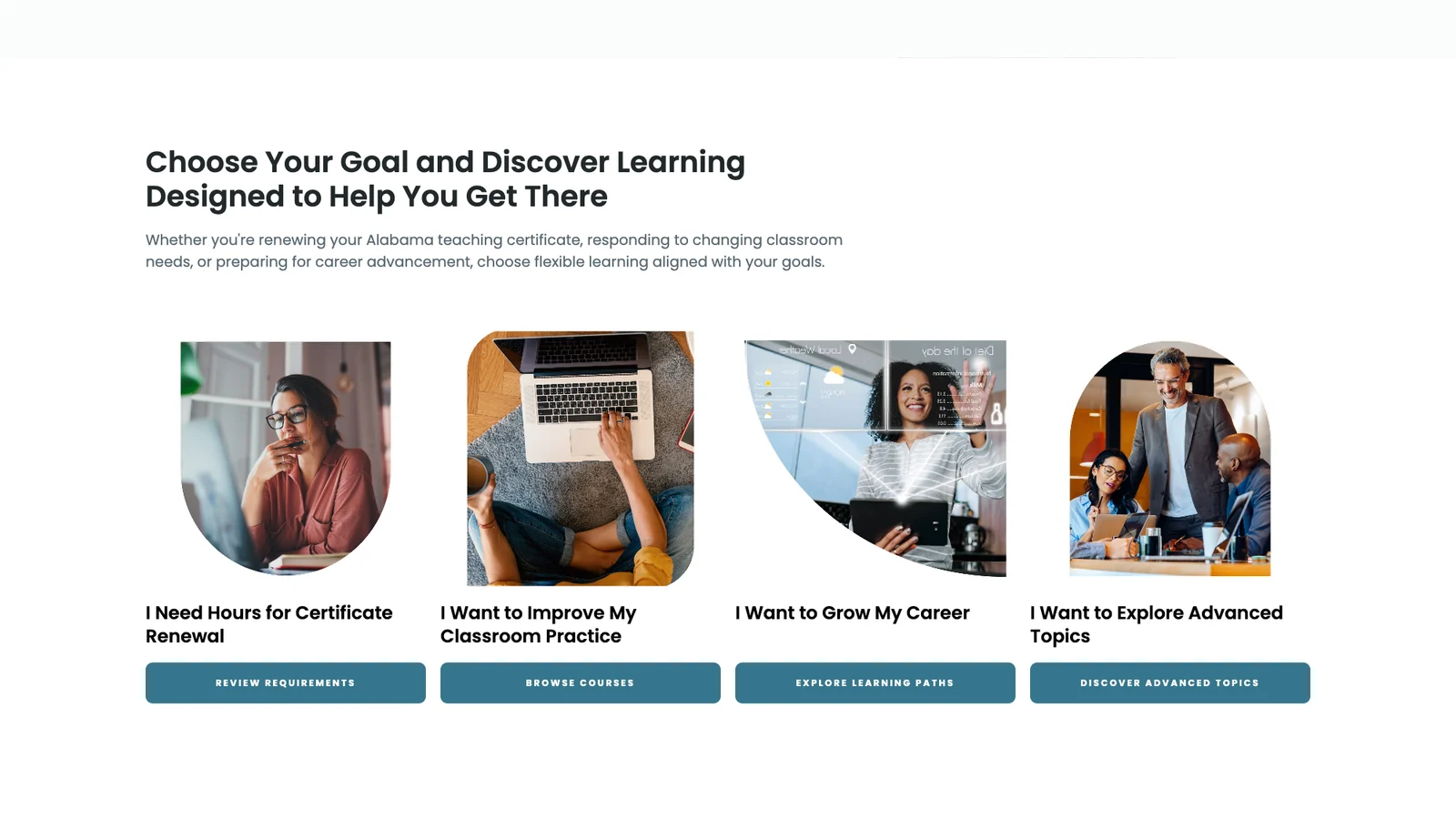
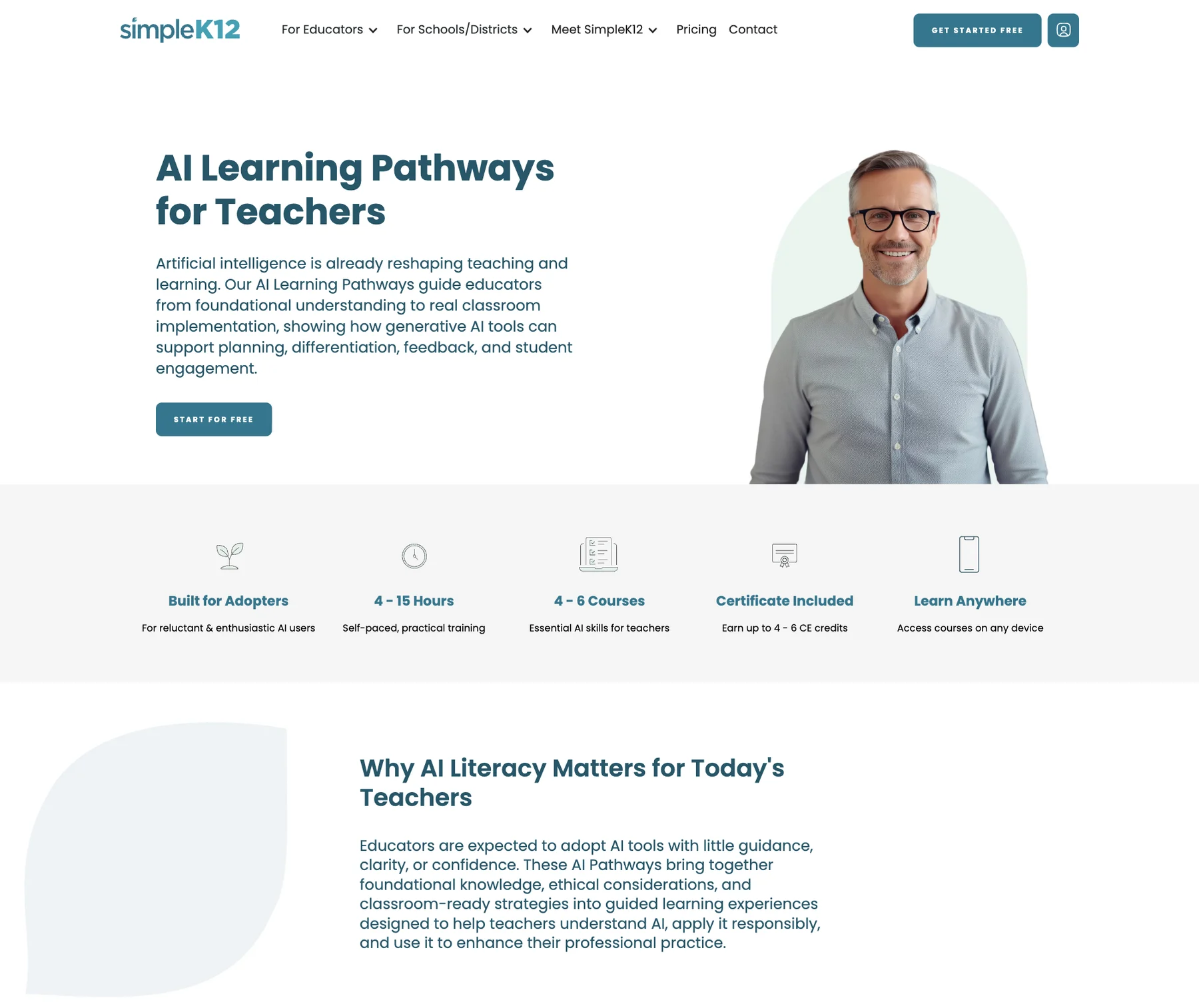
Learning pathways group courses in order. State pages explain renewal requirements, with courses picked for that state's educators.
A Checkout on the Site, Connected to the Portal
Every membership button left the site for a portal registration page.
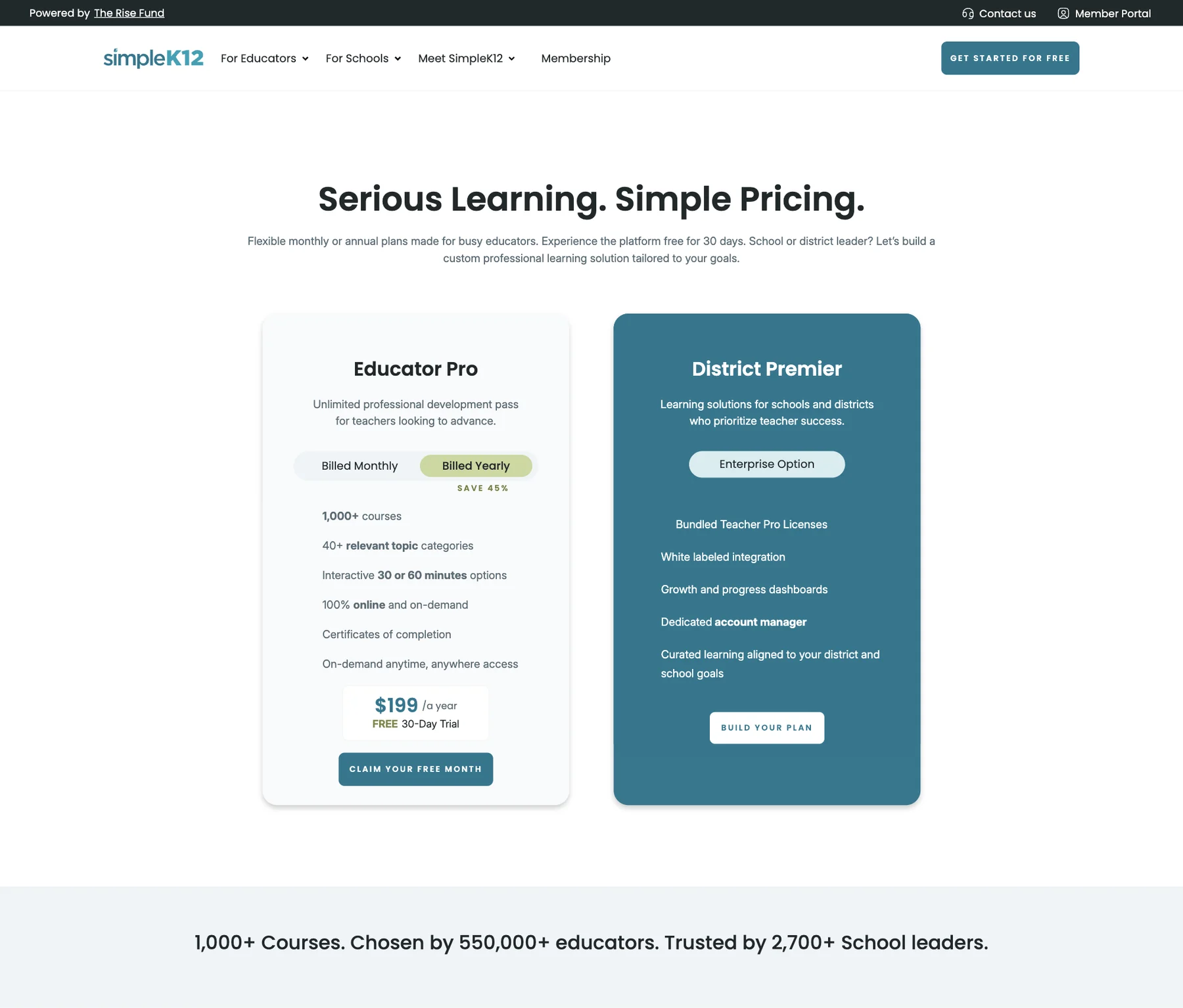
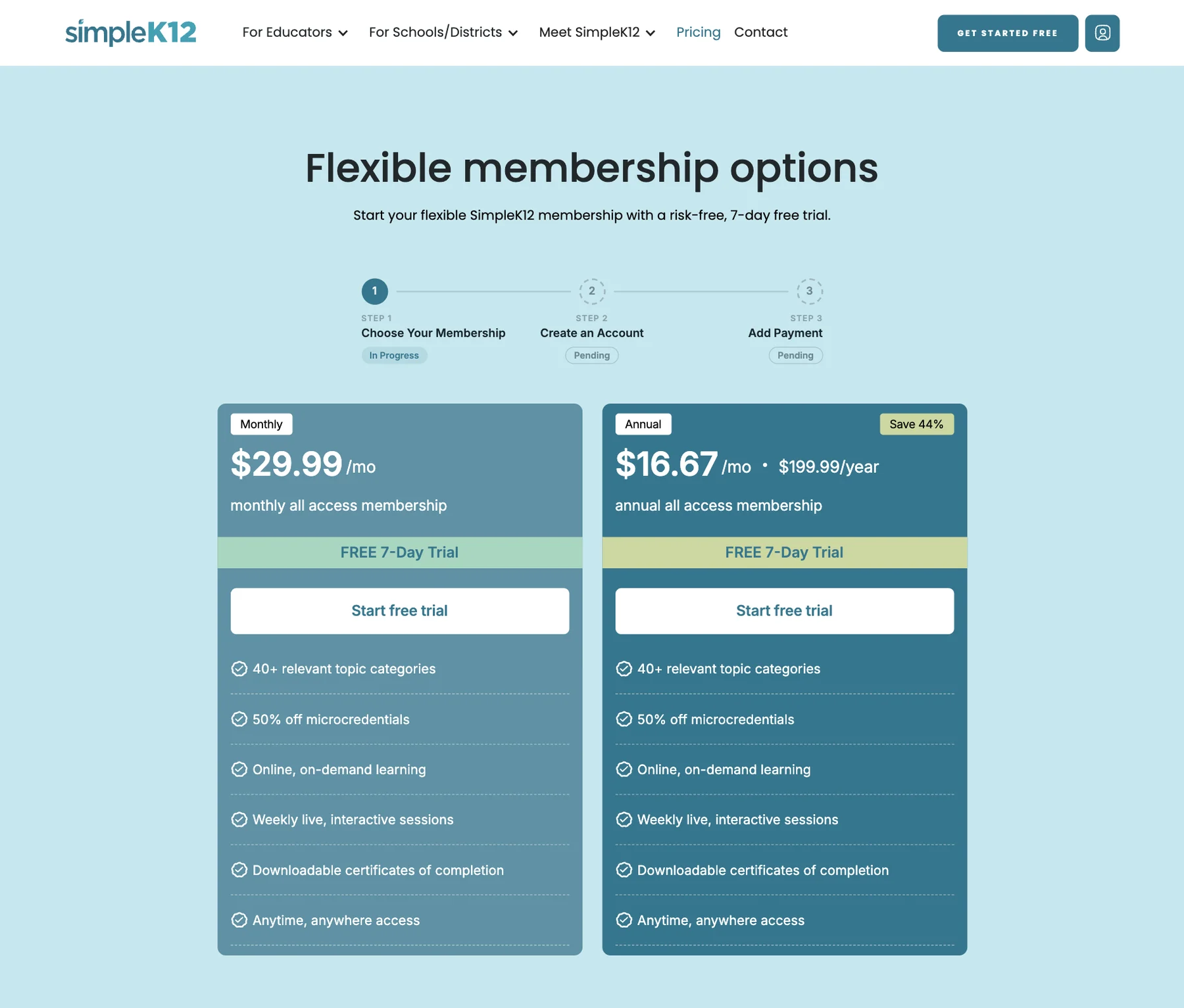
Plan choice, account creation and Stripe payment now happen on one page. When payment clears, a one-time token signs the new member in to the portal.
Per-Product Checkout, Inside the Product Card
The membership checkout wasn't built to sell one product.
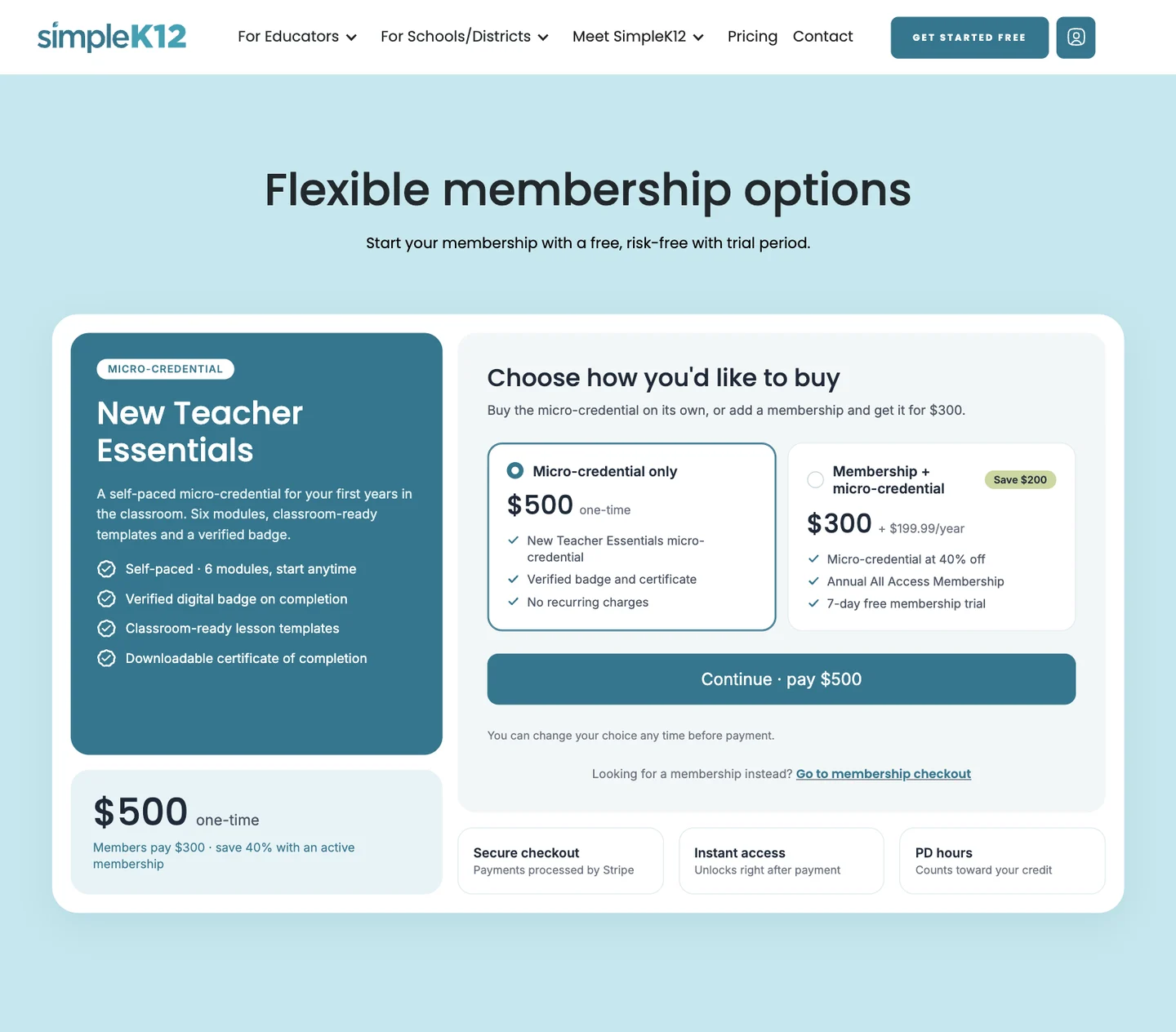
A new checkout sells a micro-credential on its own or with a membership, all inside one card. It checks the email first, so existing members see their price and owners get a sign-in link.
Ongoing Support
A site this size never stops changing.
We stay on with the team, adding course batches and state pages, fixing issues and auditing the site so the system stays clean.
The Results
Frequently Asked Questions
How long will it take to get my website live?

Once we receive your completed questionnaire and all necessary steps, our streamlined process allows us to typically get your new website live within 1-3 months We prioritize both quality and speed to get you online quickly.
What do you need from me to get started?
Less than you think! We know that writing content can be the hardest part, so we handle the professional copywriting for you. All you need to do is fill out our simple questionnaire with details about your business. We'll then craft the copy for your pages and send it to you for approval. Of course, if you already have your own text written, you are welcome to provide that instead.
Can you explain the domain, hosting, and maintenance?
Domain: This is your website address (yourbusiness.com). We include the first year for FREE.
Hosting & Maintenance Plan: Think of this as your all-in-one technical team. This single plan includes both your premium, high-speed hosting and our complete 'worry-free' maintenance service (security, backups, updates, etc.). For a business to handle this in-house, they would typically need to hire a dedicated employee. Our affordable monthly plan provides all the benefits for a fraction of that cost.
What platform will my website be built on?
We don't believe in a one-size-fits-all solution. We build our websites on the best platform for the job, primarily using two industry leaders: WordPress and Webflow. Based on your specific goals, we'll choose the platform that offers the perfect combination of performance, design, and scalability for your project, ensuring you have the best foundation for growth.
What is the cancellation policy for the maintenance plan?
You can cancel your monthly maintenance plan at any time, no questions asked. There are no long-term contracts. You paid for the design and build of your website, so you own it forever. If you choose to cancel the maintenance service, we will provide a full backup of your site files for you to keep and host wherever you wish.